

Send a Gmail email each time a NeetoCal meeting outcome is updated
Whenever a meeting outcome is set or changed in NeetoCal, FlowMattic sends an email from your Gmail account, so the result of each call reaches a colleague, a manager or the person you met.
 NeetoCal
 Gmail
Gmail2 steps Setup ~5 min Used on 2.1k sites Free to import
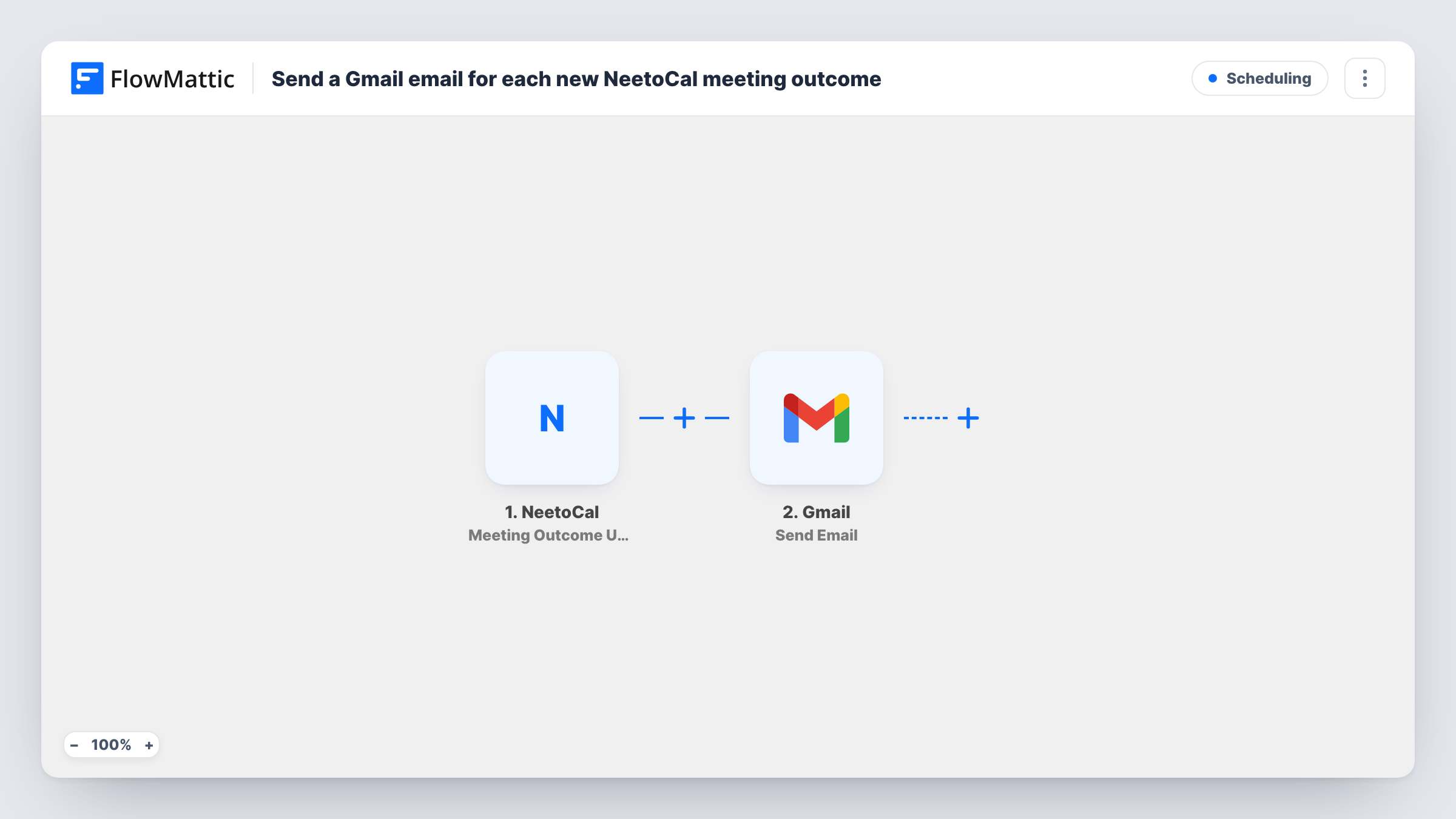
What this workflow does
After a sales call, interview or consultation, the outcome you record in NeetoCal is often what someone else needs next: a manager tracking deals, a colleague who handles the follow-up, or the attendee waiting to hear back. This workflow turns each outcome update into an email, sent from your own Gmail address.
The NeetoCal trigger fires when a meeting outcome is updated. Each later change to the outcome fires it again, so one meeting can send more than one email; set an outcome on a test meeting to see when yours fire. The booking's details, such as the attendee's name and email and the outcome, are passed on; a test run lists the exact field names.
The Gmail step sends an email to the recipient you set. It ships unmapped, so after import you connect your Gmail account, choose who receives it, and write the subject and body, mapping in the outcome and meeting details from NeetoCal.
Decide early who the email is for. Sending to your team works for every outcome; sending to the attendee means writing text that suits every outcome they might get, or putting a Filter between the NeetoCal trigger and the Gmail step so only some outcomes email them.
Sales manager sees each call result
A sales rep records won, lost or follow-up as the NeetoCal outcome, and the manager gets a Gmail email with the prospect's name and the result.
Next steps for a coaching client
A coach marks a session's outcome in NeetoCal and the client receives an email from the coach's Gmail with what was agreed.
Hiring panel updates
A recruiter sets the interview outcome in NeetoCal, and the hiring manager gets an email naming the candidate and the decision.
How this workflow runs
What happens at each step once the workflow is on, and what you need before you import it.
 NeetoCal Meeting Outcome Updated
Fires when the outcome of a NeetoCal meeting is updated. The meeting and attendee details and the outcome value are available to map into the email.
- Gmail Send Email
Delivers the message through the Gmail account you connect. Nothing is filled in: set the recipient, then write the subject and message, mapping in the NeetoCal outcome and meeting details.
What you need
- FlowMatticCore
- NeetoCal AccountAccount
- Gmail AccountAccount
After importing, map your own data. To keep the template universal, not every step is pre-filled. Open each step in the builder and connect your accounts and fields (channels, lists, sheets, recipients) before you switch the workflow on.
Make it yours
Changes worth making after you import it.
- To email only for one outcome, such as a booked follow-up, put a Filter between the NeetoCal trigger and the Gmail step that checks the outcome value. Use your own outcome names as the value.
- Map the attendee's name and the meeting date into the subject line, so recipients can tell the emails apart in their inbox.
- If both your team and the attendee should hear about it, add a second Gmail Send Email step after the first with its own recipient and wording.
Questions about this workflow
Does changing a NeetoCal outcome send another Gmail email?
Yes. The trigger fires each time a meeting outcome is updated, so correcting or changing an outcome sends a new email with the latest value.
Who receives the email from this workflow?
Whoever you set in the Gmail step after import. You can type a fixed address, such as your manager's, or map the attendee's email from the NeetoCal booking.
Do bookings without an outcome send anything?
No. The workflow starts only when an outcome is updated. New bookings, reschedules and cancellations have their own NeetoCal triggers, which you could use in separate workflows.
More Scheduling workflows
Other ready-to-import templates from the same category.







Import this workflow into your WordPress site
Download the JSON, import it from the Workflows screen and connect your accounts. Every run stays on your server, with no per-task fees.
30-day money-back guarantee Unlimited workflows and runs Self-hosted