

Send a Slack alert to the dev team when a CircleCI workflow completes
When a CircleCI workflow reaches a final state, this workflow posts a message to your dev team’s Slack channel, so build results show up where developers already talk.
 Circleci
 Slack
2 steps Setup ~5 min Used on 3.4k sites Free to import
What this workflow does
Developers push code and move on to the next task. Watching the CircleCI dashboard for a result breaks that focus, and a broken build can sit unnoticed for a while. This workflow posts the outcome of each CircleCI workflow to Slack instead.
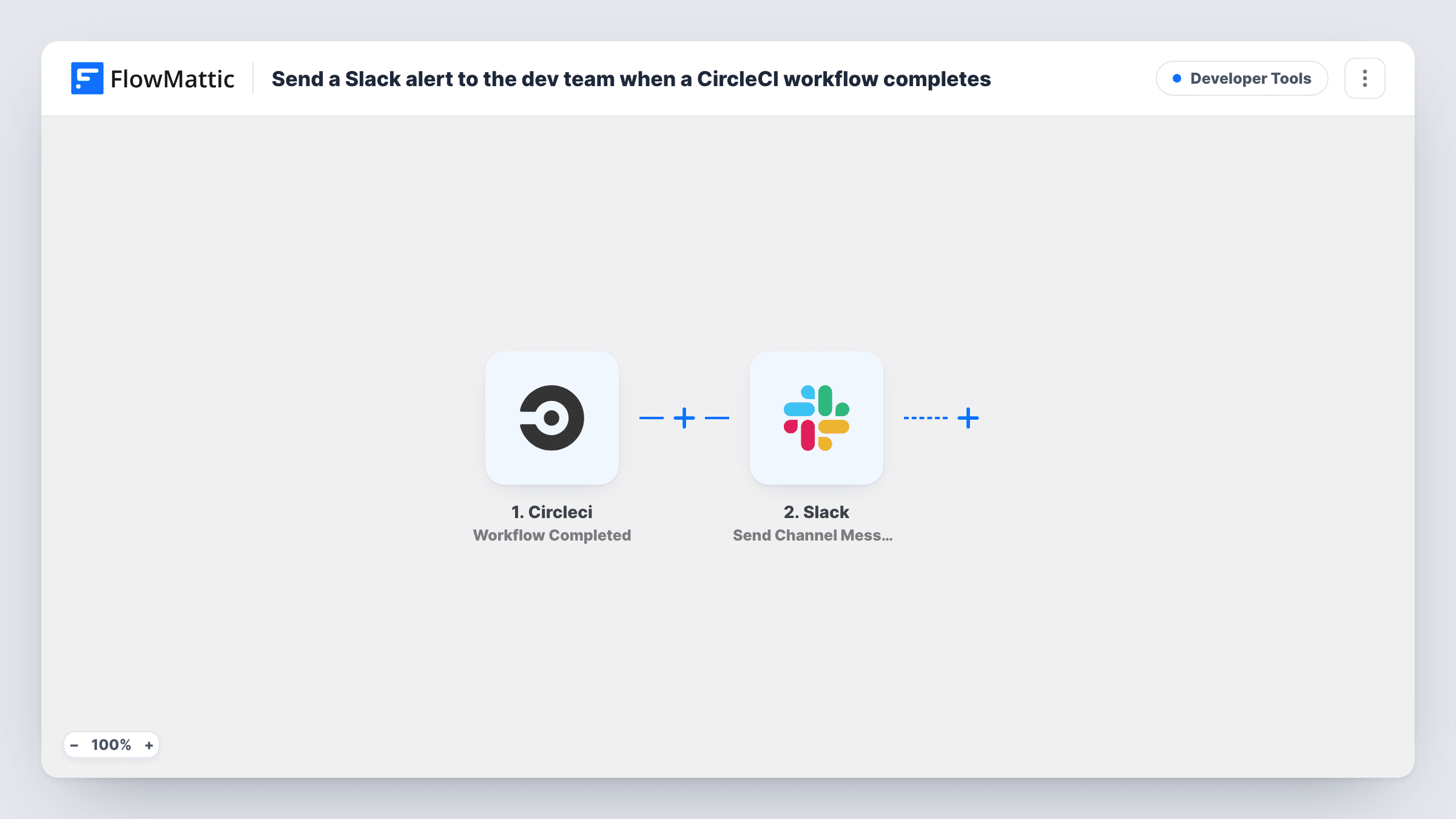
The CircleCI trigger is Workflow Completed. It fires when a workflow reaches a terminal state, so finished runs start it whatever their outcome, passed or failed. FlowMattic sends the event data to Slack, where Send Channel Message posts your text to the channel you pick. Check a test event to see what CircleCI sends, then map in the details your team needs.
As imported, there is no Filter, so every completed CircleCI workflow produces a message. On a busy project that can be a lot. The tips show how to keep only failures, or route them to a different channel.
Small team without a release manager
Everyone sees in #dev when the main pipeline finishes, so whoever merged last knows to check the result instead of assuming it passed.
Deploy pipelines
A CircleCI workflow that deploys to staging posts to Slack when it ends, letting QA know when there is something new to test.
Agency watching client projects
Several client repos build on CircleCI. One Slack channel collects the completion messages, with the project name mapped into each one.
How this workflow runs
What happens at each step once the workflow is on, and what you need before you import it.
 Circleci Workflow Completed
Fires when a CircleCI workflow reaches a terminal state, whether it succeeded or not. The workflow's data from CircleCI becomes available to map into the Slack message.
- Slack Send Channel Message
Posts your message to the Slack channel you choose. Connect your workspace, pick the channel and build the text from the CircleCI event data, for example a status and a project name if the event carries them.
What you need
- FlowMatticCore
- CircleCI AccountAccount
- Slack AccountAccount
After importing, map your own data. To keep the template universal, not every step is pre-filled. Open each step in the builder and connect your accounts and fields (channels, lists, sheets, recipients) before you switch the workflow on.
Make it yours
Changes worth making after you import it.
- Add a Filter after the trigger that continues only when the status from CircleCI is a failure value, so the channel hears only about builds that need attention.
- Use a Router whose routes check distinct status values, sending failures to an alerts channel and successes to a quieter one. Each run follows the route its status matches.
- CircleCI also has a Job Completed trigger in FlowMattic. Use it instead if your team wants a message per job rather than per workflow.
Questions about this workflow
Does the Slack message fire for failed CircleCI workflows as well as successful ones?
Yes. Workflow Completed fires on any terminal state, so passed, failed and other end states all send a message unless you add a Filter.
Does this CircleCI to Slack workflow report results of older builds?
No. Only workflows that finish after you turn it on start a run. Earlier results stay in CircleCI.
Can different CircleCI projects post to different Slack channels?
Not as imported; one Slack step posts to one channel. Add a Router with a route per project name and a Slack step on each route.
More Developer Tools workflows
Other ready-to-import templates from the same category.







Import this workflow into your WordPress site
Download the JSON, import it from the Workflows screen and connect your accounts. Every run stays on your server, with no per-task fees.
30-day money-back guarantee Unlimited workflows and runs Self-hosted