

When your plugin fires an action hook, create a new product in WooCommerce
When the WordPress or plugin action hook you enter fires, FlowMattic creates a new WooCommerce product from the data that hook passes, so a custom event on your site becomes a store listing.
 Plugin Actions
 WooCommerce
2 steps Setup ~5 min Used on 3.4k sites Free to import
What this workflow does
Sometimes the thing you want to sell is created somewhere else on your site first: a course in a custom plugin, a listing added through a form, an item imported by a script. If that code fires an action hook, this workflow can turn each event into a WooCommerce product without copying details by hand.
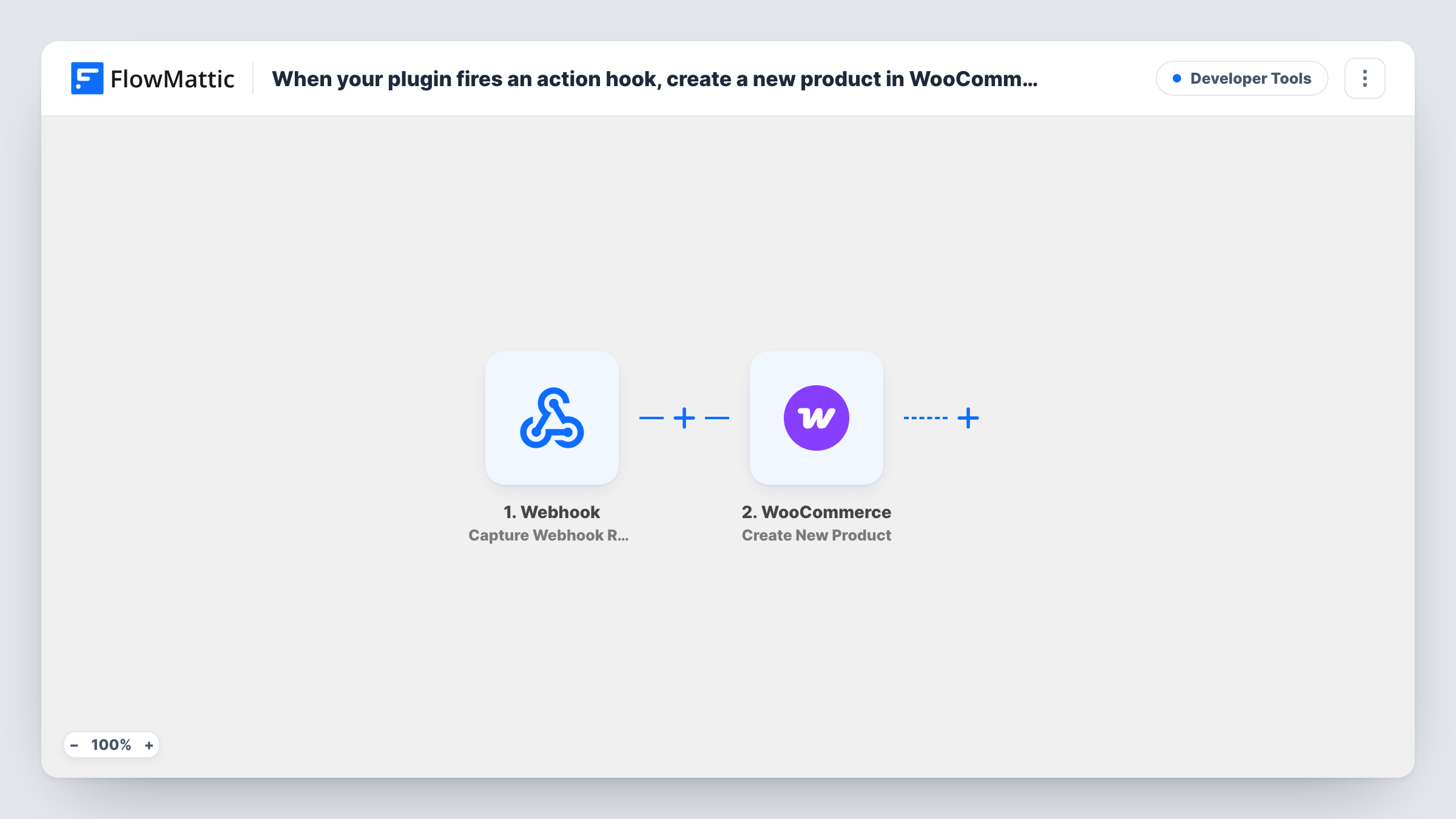
The Plugin Actions trigger runs when the action hook you enter is fired by WordPress or by your plugin. After import you type the hook name and capture a test, which shows the values the hook passes. Those values are all the workflow has to build the product from, so the hook needs to carry at least a name and a price.
The WooCommerce Create New Product step ships unmapped. Map the hook's values into the product details you want, such as the product name, price and description. Then run the hook once and open the new product in WooCommerce to check it looks right.
A run starts every time the hook fires. If the hook can fire more than once for the same item, each firing creates another product. Task History shows the hook data and WooCommerce's response for every run.
Courses from a custom LMS plugin
A training site's own course plugin fires a hook when a course is published, and a matching WooCommerce product is created so it can be sold.
Listings submitted by vendors
A marketplace's custom submission form fires a hook on approval, which adds the vendor's item to the WooCommerce catalogue.
Products from an import script
A developer's import routine fires a hook for each record it reads, and FlowMattic creates the product in WooCommerce from that record.
How this workflow runs
What happens at each step once the workflow is on, and what you need before you import it.
 Plugin Actions Plugin or WP action triggered
Runs whenever WordPress or your plugin fires the action hook you enter. Add the hook name after import and capture a test so the values it passes are available to map.
- WooCommerce Create New Product
Adds a product to your WooCommerce store. Nothing is mapped in this template: map the hook's values into the product details, such as name, price and description, and check the product after a test.
What you need
- FlowMatticCore
- WooCommerce PluginPlugin
After importing, map your own data. To keep the template universal, not every step is pre-filled. Open each step in the builder and connect your accounts and fields (channels, lists, sheets, recipients) before you switch the workflow on.
Make it yours
Changes worth making after you import it.
- Pick a hook that fires once per item, such as an approval or publish hook, so repeated saves don't create duplicate WooCommerce products.
- Put a Filter between the Plugin Actions trigger and the Create New Product step that continues only when the hook's price value is not empty, so items without a price don't become products.
- Fire the hook on a staging copy of your site first, so you can check the products the step creates before any reach your live shop.
Questions about this workflow
Does the WooCommerce product get created as soon as the hook fires?
Yes. Each time the hook fires, a run starts and the Create New Product step makes a product from the data you mapped.
What data can I use for the WooCommerce product?
Only what the action hook passes. Capture a test after entering the hook name to see the values, then map them into the product step.
Will this update an existing WooCommerce product?
No. The step only creates new products. If the hook fires again for the same item, you get another product, so choose a hook that fires once.
More Developer Tools workflows
Other ready-to-import templates from the same category.








Import this workflow into your WordPress site
Download the JSON, import it from the Workflows screen and connect your accounts. Every run stays on your server, with no per-task fees.
30-day money-back guarantee Unlimited workflows and runs Self-hosted