

Send a Slack alert to the rep when a RevenueHero meeting is booked
Each time a meeting is booked through RevenueHero, this workflow posts a message to the Slack channel you choose with the booking details, so the rep and the rest of the sales team see it where they already talk.
 RevenueHero
 Slack
2 steps Setup ~5 min Used on 1.8k sites Free to import
What this workflow does
RevenueHero routes prospects to a rep and books the meeting, but the rep still has to notice it. If your sales team lives in Slack, a message there is harder to miss than a calendar invite buried among others. This workflow posts the booking to a Slack channel as soon as RevenueHero reports it.
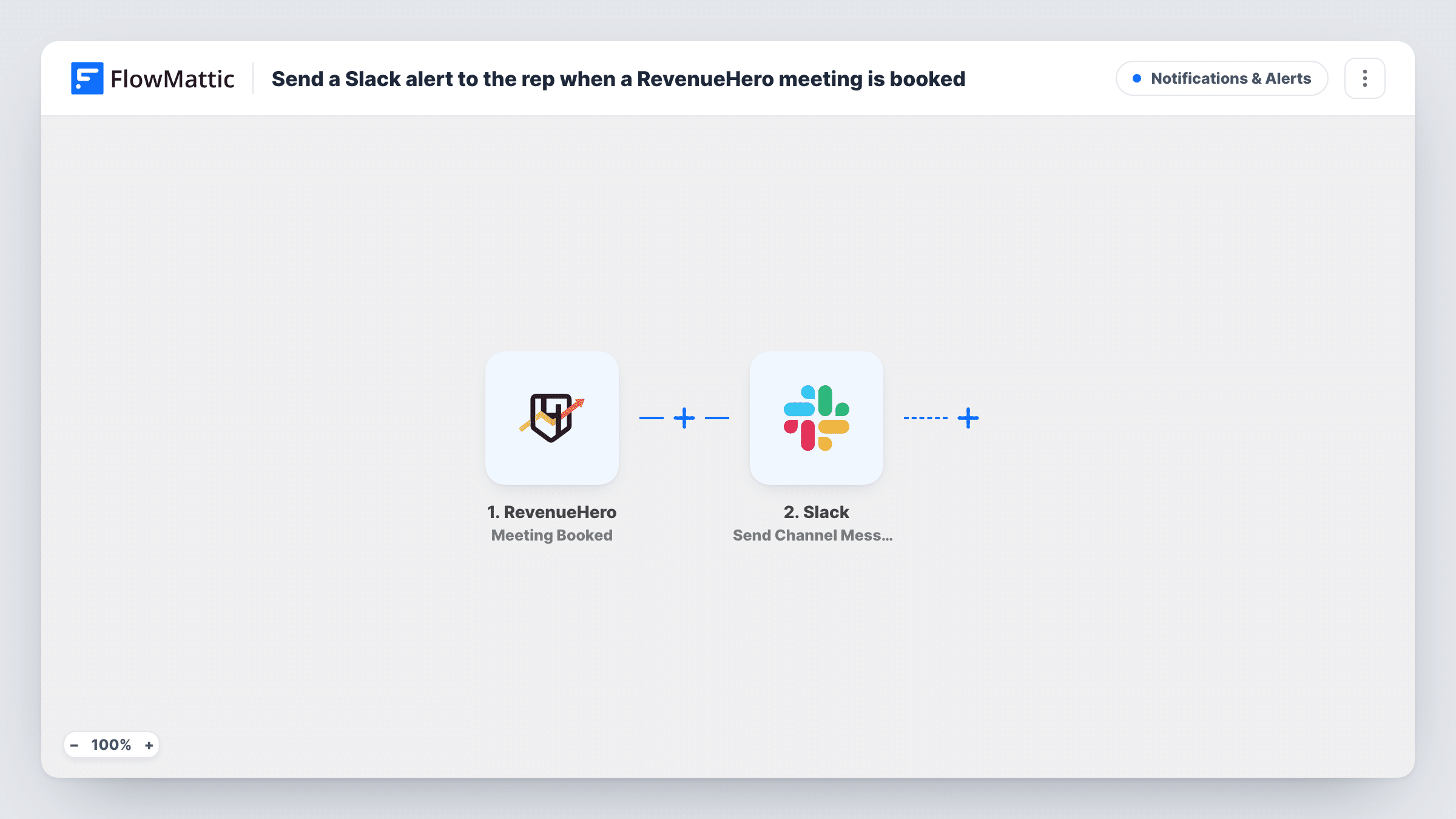
The RevenueHero trigger fires when a meeting is booked, and FlowMattic receives the booking data RevenueHero sends. The Slack step then runs Send Channel Message, posting to the one channel you pick. You write the message and place booking details in it, such as the prospect's name, company and meeting time, when they are in the trigger data.
The message goes to a channel, not to one person. The assigned rep sees it if they are in that channel, and so does everyone else there. If you want each rep alerted privately, see the tips for switching the Slack action.
A shared #sales-bookings channel
Every RevenueHero booking appears in one channel, so reps spot their own meetings and the sales manager sees the day's pipeline at a glance.
Demo prep for small teams
A three-person team posts each booked demo to Slack. Whoever owns the meeting can reply in the thread with questions before the call.
Keeping marketing in the loop
Marketing joins the booking channel to see which campaigns produce meetings, without needing a RevenueHero login.
How this workflow runs
What happens at each step once the workflow is on, and what you need before you import it.
 RevenueHero Meeting Booked
Fires when a meeting is booked through RevenueHero. The booking data RevenueHero sends, such as prospect and meeting details, becomes available to map into the Slack message.
- Slack Send Channel Message
Drops a booking alert into one Slack channel of your choosing. Write the text and insert booking fields, such as the prospect's name and the meeting time, so the rep knows what was booked.
What you need
- FlowMatticCore
- RevenueHero AccountAccount
- Slack AccountAccount
After importing, map your own data. To keep the template universal, not every step is pre-filled. Open each step in the builder and connect your accounts and fields (channels, lists, sheets, recipients) before you switch the workflow on.
Make it yours
Changes worth making after you import it.
- To alert the rep privately instead of in a channel, switch the Slack step to Send Direct Message. You'll need the rep's Slack user, which RevenueHero's data may not carry, so check a test run first.
- Book a test meeting in RevenueHero after import so FlowMattic captures the booking fields, then build the Slack message from them before turning the workflow on.
- Pick a public channel for the alerts. Send Channel Message isn't the action for private channels; Slack's Send Private Channel Message action covers those.
Questions about this workflow
Does the RevenueHero rep get a personal Slack notification?
Not as imported. The message posts to a channel. The rep sees it there if they are a member, and anyone else in the channel sees it too.
Can the Slack message include the assigned rep's name?
Only if RevenueHero includes the rep in its booking data. Book a test meeting and look at the trigger data in FlowMattic to see which fields arrive.
Will cancelled or rescheduled RevenueHero meetings post to Slack?
No. This trigger only covers new bookings. RevenueHero has separate Meeting Canceled and Meeting is Rescheduled triggers if you want alerts for those too.
Can different reps' bookings go to different Slack channels?
Add a Router after the trigger with one route per rep and its own Slack step, if RevenueHero sends a field that tells the reps apart. Give each route a condition on a distinct value so a booking matches only one.
More Notifications & Alerts workflows
Other ready-to-import templates from the same category.





Import this workflow into your WordPress site
Download the JSON, import it from the Workflows screen and connect your accounts. Every run stays on your server, with no per-task fees.
30-day money-back guarantee Unlimited workflows and runs Self-hosted