

Send a Slack alert to the sales team when a MyOperator call comes in
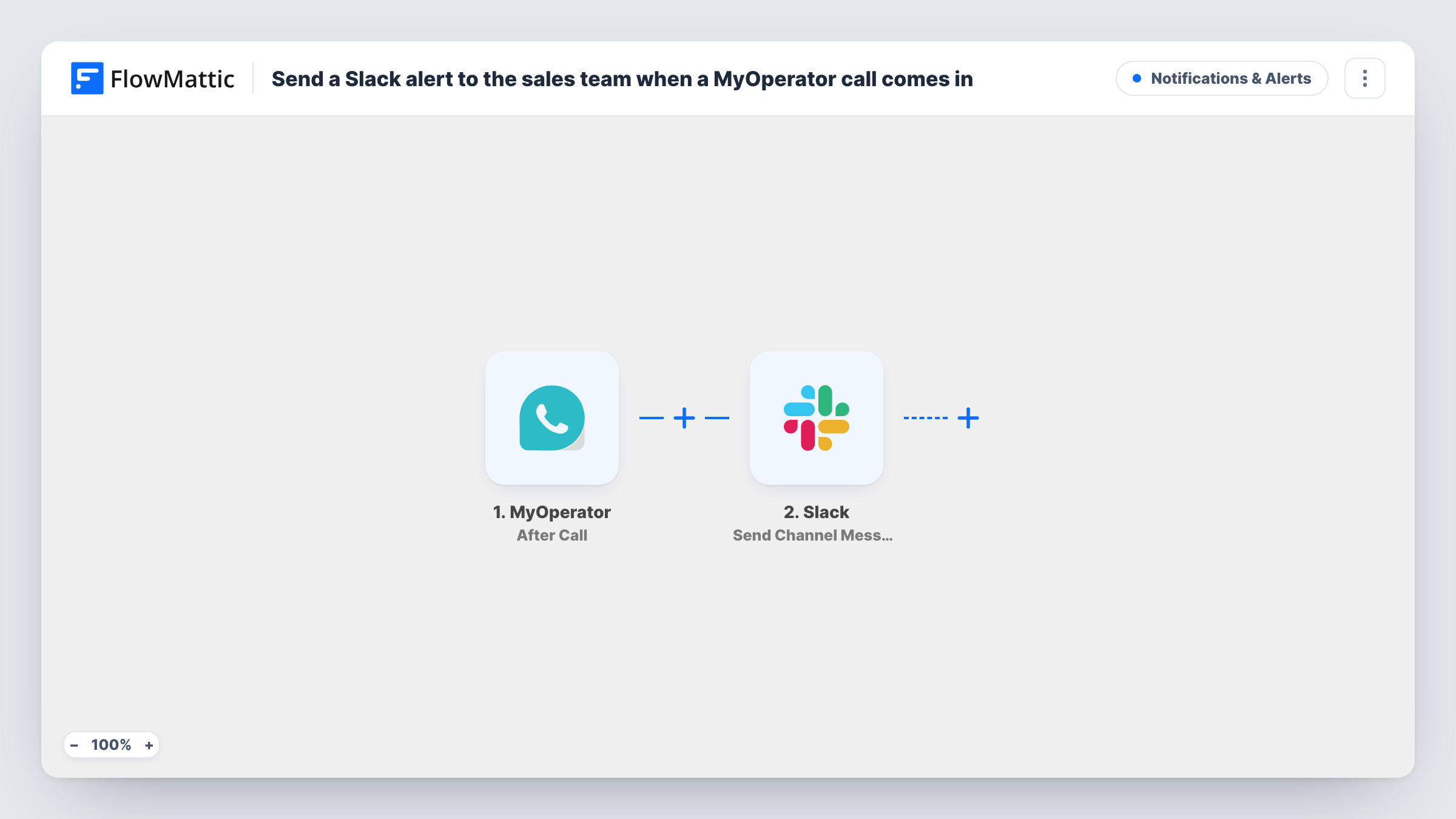
While a MyOperator call is in progress, FlowMattic posts a message in your sales team’s Slack channel with the call details you map, so colleagues know who is on the line.
 MyOperator
 Slack
Slack2 steps Setup ~5 min Used on 2.3k sites Free to import
What this workflow does
Sales teams on a shared phone line often don't know who is calling until someone picks up and asks. A Slack message during the call lets the rest of the team look up the caller, pull up their account or step in if the call needs a second person.
The MyOperator In Call trigger delivers real-time information about calls while they are ongoing. FlowMattic receives the call data MyOperator sends, which can include the caller's number and the agent or department handling it. It fires during a live call, not after it ends; MyOperator has a separate After Call trigger for that. If your team also places outbound calls, run a test to see whether those arrive too and how many events one call sends.
On the Slack side, the Send Channel Message step has no channel or text yet. After import you connect Slack, pick your sales channel and write the message, mapping in the MyOperator fields you want people to see. Make a test call and check Task History for the exact field names.
Shared line for a small sales team
A sales team of four sees each live call in Slack, so a colleague can check the CRM for the caller's history while the call is still going.
Manager visibility on busy days
During a launch, the sales manager watches the Slack channel to see call volume and who is answering, without opening the MyOperator panel.
Hand-off to a specialist
When a caller asks about a technical product, the specialist who sees the Slack alert is ready when the agent transfers the call.
How this workflow runs
What happens at each step once the workflow is on, and what you need before you import it.
 MyOperator In Call
Fires with real-time details of an ongoing MyOperator call. The call data, such as caller number and agent, is passed to Slack. Check a test call for the exact fields.
- Slack Send Channel Message
Posts a message to the public Slack channel you pick for your sales team. Nothing is written in the template, so compose the text after import and map in the caller's number and other call details.
What you need
- FlowMatticCore
- MyOperator AccountAccount
- Slack AccountAccount
After importing, map your own data. To keep the template universal, not every step is pre-filled. Open each step in the builder and connect your accounts and fields (channels, lists, sheets, recipients) before you switch the workflow on.
Make it yours
Changes worth making after you import it.
- If one call sends several In Call events, put a Filter between the MyOperator trigger and the Slack step on a field that marks the call stage, if your test run shows one, so only that stage posts.
- For a summary after each call instead of during it, build a similar workflow on MyOperator's After Call trigger.
- If your sales team works in a private Slack channel, swap in the Send Private Channel Message action, which Slack offers for those.
Questions about this workflow
Does the Slack message arrive before the call is answered?
The In Call trigger delivers information during an ongoing call. Make a test call to see at which point MyOperator sends it for your setup.
Will outbound MyOperator calls also post to Slack?
That depends on what MyOperator sends for your account. Place a test outbound call; if it arrives and you don't want it, add a Filter on the call direction between the trigger and the Slack step.
Can I see the caller's name in the Slack alert?
Only if MyOperator includes it in the call data. Otherwise map the caller's number, or add a CRM lookup by phone number between the MyOperator trigger and the Slack step and map the name it finds.
More Notifications & Alerts workflows
Other ready-to-import templates from the same category.





Import this workflow into your WordPress site
Download the JSON, import it from the Workflows screen and connect your accounts. Every run stays on your server, with no per-task fees.
30-day money-back guarantee Unlimited workflows and runs Self-hosted