

Send a Slack alert to the team for each new Senseily user registration
Every time someone creates an account in your Senseily school, this workflow posts a message to a Slack channel, so your team knows about each new registration as it happens.
 Senseily
 Slack
2 steps Setup ~5 min Used on 2.0k sites Free to import
What this workflow does
New sign-ups to an online school are easy to overlook when they only appear in the Senseily dashboard. Teams that welcome students, answer early questions or track growth want to see each one without checking in. This workflow tells them in Slack.
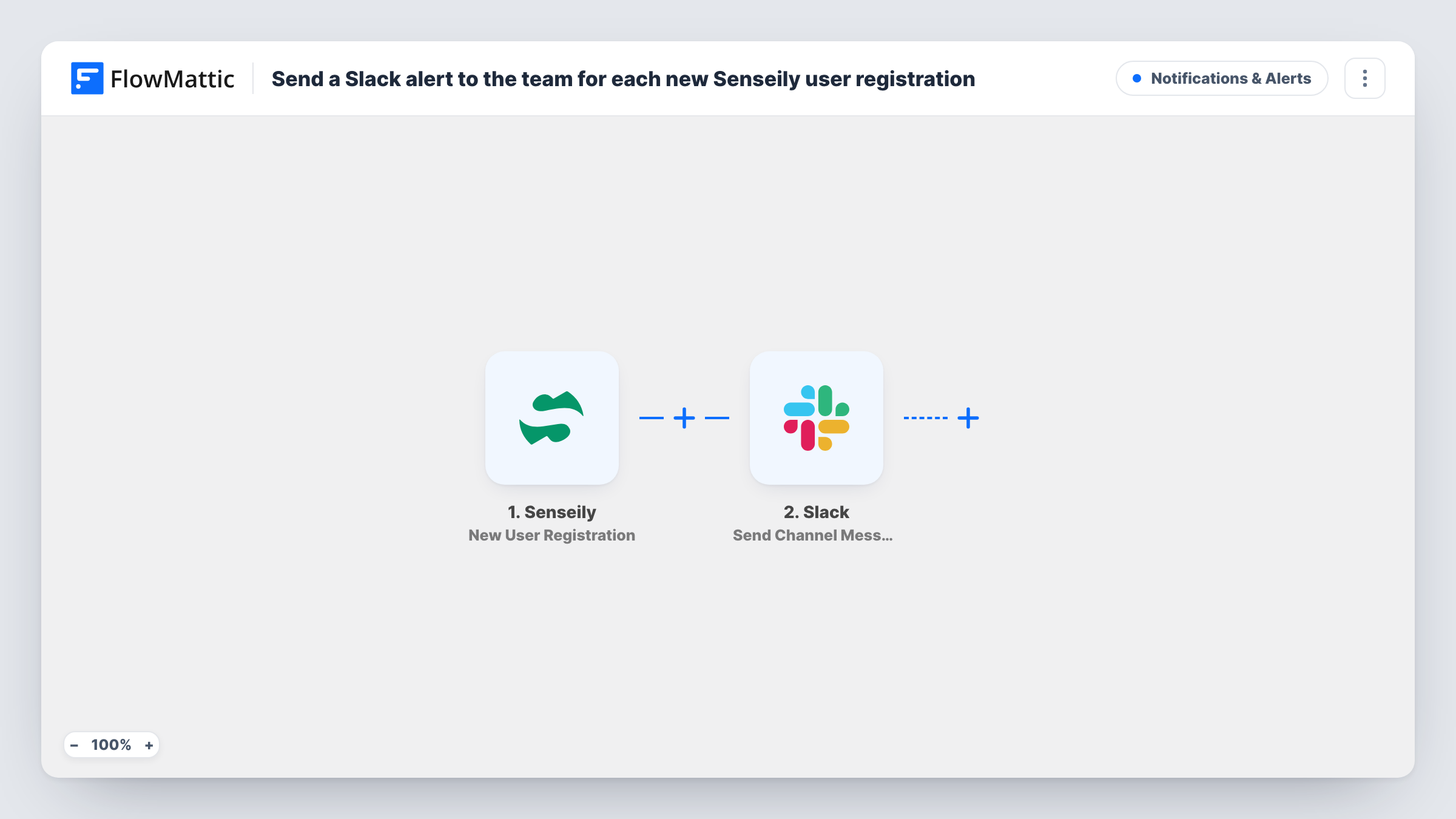
The Senseily trigger, New User Registration, fires when a user creates an account in your school. FlowMattic receives the registration data Senseily sends. The Slack step, Send Channel Message, then posts in the channel you select. You write the text and map in the new user's details from the registration.
Registration is not the same as enrolment. This workflow reacts to new accounts, whether or not the person goes on to join a course. Every registration produces one message, because nothing filters them. Task History records each run with the data received and Slack's response.
Personal welcome from an instructor
A coach running a small Senseily school sees each new account in Slack and sends the student a short welcome message the same day.
Launch-day sign-up feed
During a course launch, the team watches a #signups channel fill up with each registration instead of refreshing the dashboard.
Spotting spam accounts
Seeing every new registration in one channel makes it easier to notice a burst of fake accounts and remove them in Senseily.
How this workflow runs
What happens at each step once the workflow is on, and what you need before you import it.
 Senseily New User Registration
Fires when a user creates an account in your Senseily school. The registration data is passed to the Slack step so you can put it in the message.
- Slack Send Channel Message
Sends a message about the new account to one Slack channel. Write the text with the Senseily user details mapped in, and connect your Slack workspace on import.
What you need
- FlowMatticCore
- Senseily AccountAccount
- Slack AccountAccount
After importing, map your own data. To keep the template universal, not every step is pre-filled. Open each step in the builder and connect your accounts and fields (channels, lists, sheets, recipients) before you switch the workflow on.
Make it yours
Changes worth making after you import it.
- Register a test account in your Senseily school after import so FlowMattic captures the user fields, then map the ones you want into the Slack message.
- If you also want to hear when people join a course, build a second workflow on Senseily's New Course Enrollment trigger and send it to the same channel.
- To keep the alerts private, swap in Slack's Send Private Channel Message action, or Send Direct Message to notify one person.
Questions about this workflow
Does a Senseily course enrolment also post to Slack?
No. The trigger is New User Registration, which fires when an account is created. Senseily has a separate New Course Enrollment trigger you can use in another workflow.
Which Senseily user details can appear in the Slack message?
Any field the registration data includes. Create a test account first, then choose the details you want from the captured data in the Slack step.
Will users who registered on Senseily earlier be posted?
No. The trigger reacts to Senseily accounts made once the workflow is active. Earlier registrations aren't sent to Slack.
Can the new Senseily student see the Slack message?
No. The message goes to your Slack workspace only. The student isn't notified by this workflow.
More Notifications & Alerts workflows
Other ready-to-import templates from the same category.





Import this workflow into your WordPress site
Download the JSON, import it from the Workflows screen and connect your accounts. Every run stays on your server, with no per-task fees.
30-day money-back guarantee Unlimited workflows and runs Self-hosted