

Send a Slack alert when a Assembly contract is signed
When a client signs a contract in Assembly, this workflow posts a message to a Slack channel you pick, so your team hears about the signature without checking the Assembly dashboard.
 Assembly
 Slack
2 steps Setup ~5 min Used on 3.4k sites Free to import
What this workflow does
A signed contract is usually the signal to start work: book the kickoff call, set up the project, send the first invoice. If that signature only shows up inside Assembly, someone has to keep looking for it. This workflow puts the news where your team already talks.
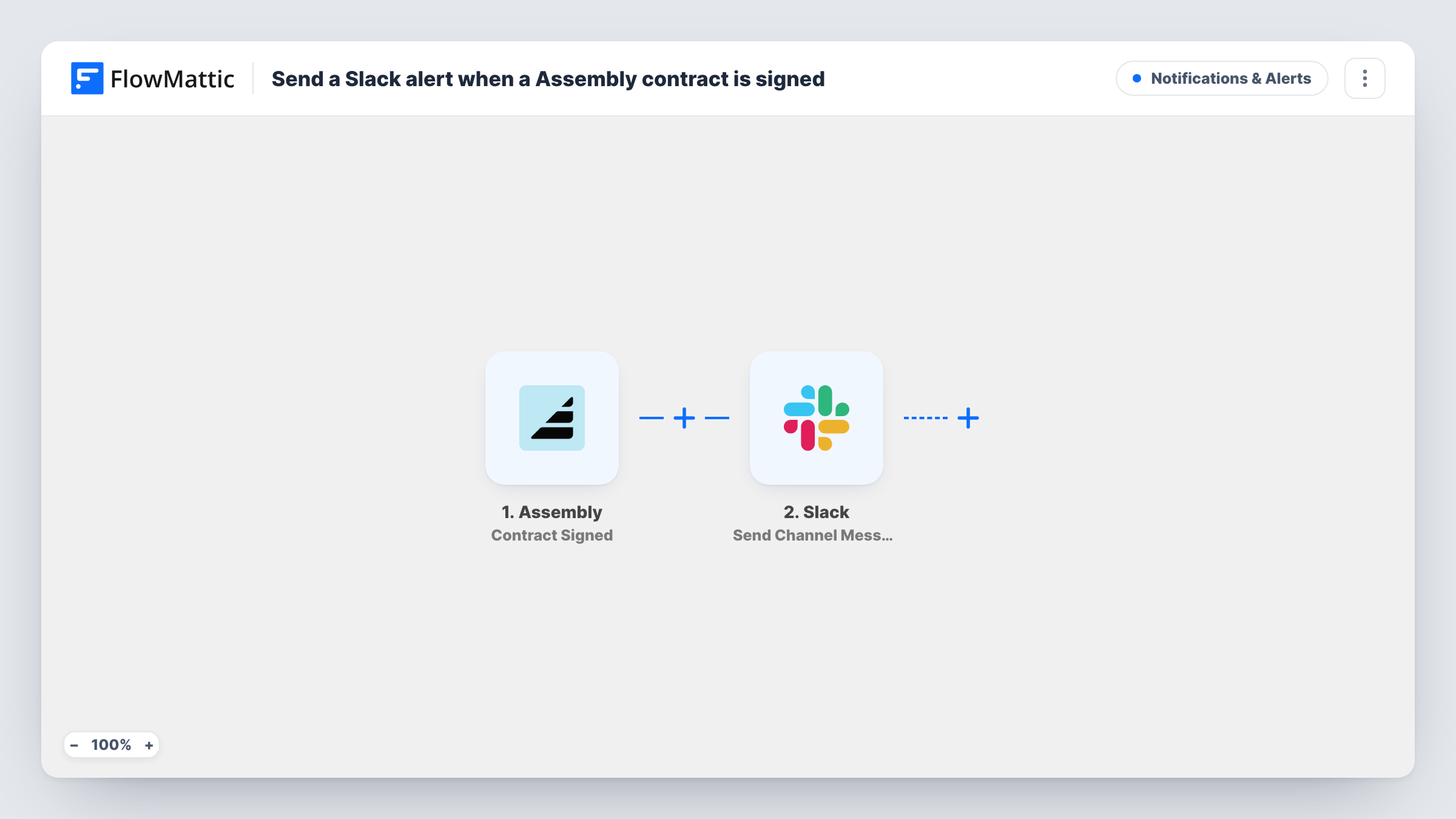
The Assembly trigger fires when a client signs a contract. FlowMattic takes the data Assembly sends about that contract and hands it to Slack, where the Send Channel Message action posts to the channel you choose. You write the message yourself and drop in values from the contract event, such as the client or contract name, wherever they help.
Nothing in Assembly changes. The workflow only reads the signing event and posts one Slack message per signature. Each run appears in Task History, so you can see what Assembly sent and what went to Slack.
Kick off onboarding in an agency channel
Your account team watches a #new-clients channel. Each signed Assembly contract posts there, and whoever is on onboarding duty picks it up.
Let finance know a contract is ready to bill
Post signed contracts to a #billing channel so the person who raises invoices sees each one as it is signed.
Share wins with a small team
A consultancy posts every signature to its general channel, so everyone sees which client has come on board.
How this workflow runs
What happens at each step once the workflow is on, and what you need before you import it.
 Assembly Contract Signed
Runs each time a client signs a contract in your Assembly workspace. The details Assembly sends about that contract are passed on for the Slack message.
- Slack Send Channel Message
Sends the signing alert to whichever Slack channel you set in this step. Write the text and map contract details from the Assembly step into it, then connect your Slack workspace.
What you need
- FlowMatticCore
- Assembly AccountAccount
- Slack AccountAccount
After importing, map your own data. To keep the template universal, not every step is pre-filled. Open each step in the builder and connect your accounts and fields (channels, lists, sheets, recipients) before you switch the workflow on.
Make it yours
Changes worth making after you import it.
- Run a test signature after import and look at what the Assembly step returns, then map the fields you want into the Slack message text.
- For a private channel, switch the action to Slack's Send Private Channel Message. If only the account owner needs the alert, Send Direct Message reaches that one person.
- To keep a running log of signatures too, add a Google Sheets Add New Row step after Slack to log each signed contract in a spreadsheet.
Questions about this workflow
Which Assembly event starts this workflow?
Assembly's Contract Signed trigger, which fires when a client signs a contract. Contracts that are only requested or still waiting for a signature don't start a run.
Can the Assembly signing alert post in a private Slack channel?
Swap the step to Slack's Send Private Channel Message action for a private one. As imported, the step is Send Channel Message, which posts to the channel you choose in the step.
Will contracts signed before I turn the workflow on be posted?
No. Only signatures that happen while the workflow is on reach Slack.
Can I change what the Slack message says?
Yes. The message text is yours to write. Add plain text and map any contract details the Assembly trigger returns.
More Notifications & Alerts workflows
Other ready-to-import templates from the same category.




Import this workflow into your WordPress site
Download the JSON, import it from the Workflows screen and connect your accounts. Every run stays on your server, with no per-task fees.
30-day money-back guarantee Unlimited workflows and runs Self-hosted