

Send a Slack alert when a contact hard bounces
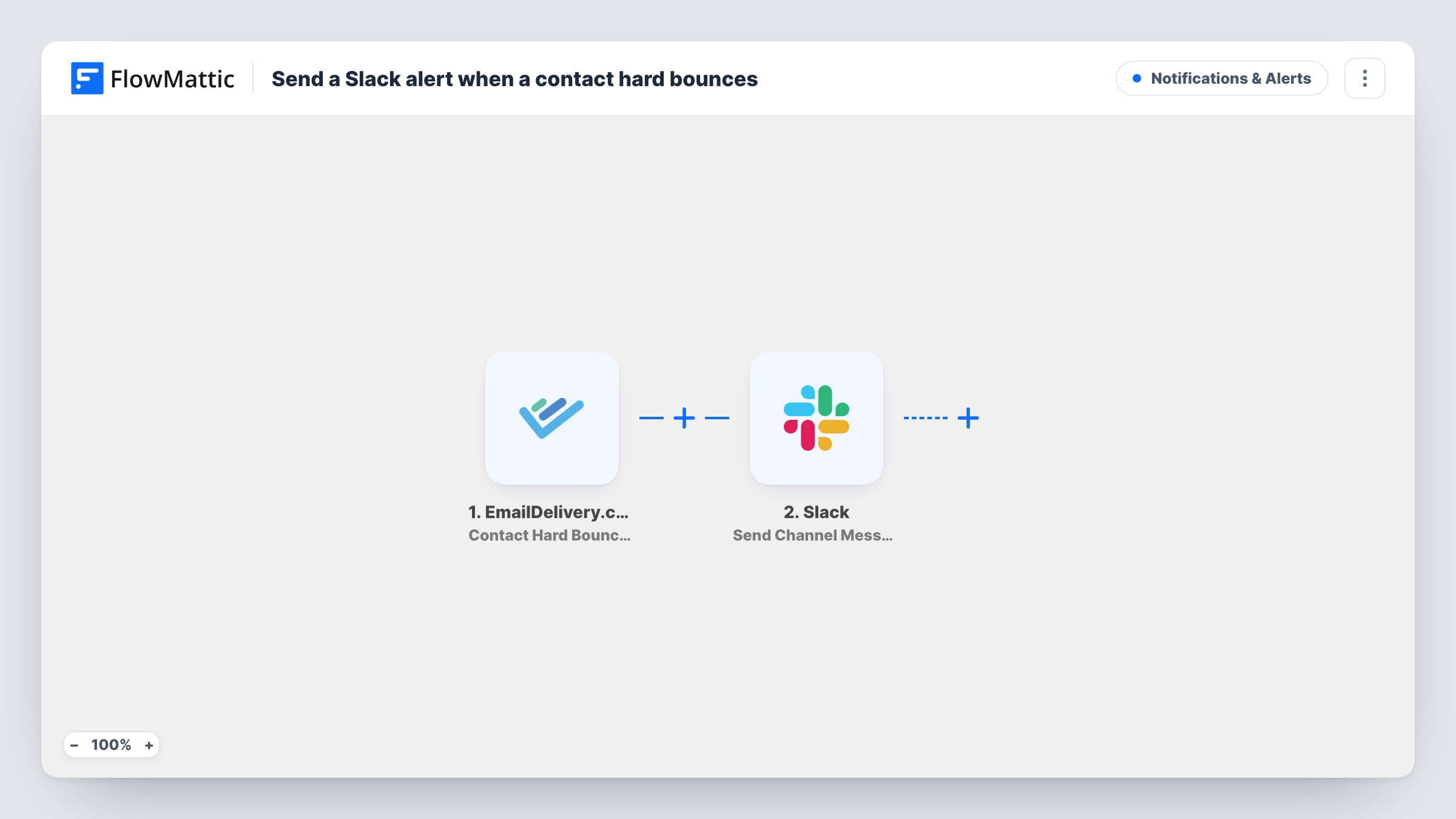
When EmailDelivery.com gives up on delivering to a contact and records a hard bounce, this workflow posts a message in a Slack channel so your team can review that address.
 EmailDelivery.com
 Slack
2 steps Setup ~5 min Used on 3.3k sites Free to import
What this workflow does
A hard bounce means mail to that address isn't getting through, even after retries. Those contacts sit quietly in your EmailDelivery.com account unless someone goes looking. This workflow puts each one in front of your team in Slack, where someone can decide what to do with the address.
The EmailDelivery.com trigger is Contact Hard Bounced, which fires when retrying delivery to a contact does not succeed. FlowMattic takes the data from that event and hands it to Slack. The Send Channel Message action posts your text to the channel you choose, and you can map details such as the bounced address into it.
The workflow only reports bounces. It doesn't remove, unsubscribe or change the contact in EmailDelivery.com, so the clean-up stays with your team. Soft bounces, which are temporary, don't start a run. Each alert is logged in Task History.
Sales contacts with dead addresses
A hard bounce on a prospect's address shows up in the sales channel, so the account owner can find a new contact at that company.
Customer records that need fixing
Support sees each hard bounce in Slack and checks whether the customer mistyped the address at sign-up, then corrects it in your systems.
Watching list health after an import
After importing an old list into EmailDelivery.com, a run of hard-bounce alerts in Slack shows how many of those addresses no longer work.
How this workflow runs
What happens at each step once the workflow is on, and what you need before you import it.
 EmailDelivery.com Contact Hard Bounced
Runs when EmailDelivery.com records a hard bounce, meaning retried delivery to the contact did not succeed. The event's data is passed to the Slack step.
- Slack Send Channel Message
Sends the bounce alert into a Slack channel of your choosing. Connect your workspace, write the alert text, and map details from the bounce event, such as the contact's address, into it.
What you need
- FlowMatticCore
- EmailDelivery.com AccountAccount
- Slack AccountAccount
After importing, map your own data. To keep the template universal, not every step is pre-filled. Open each step in the builder and connect your accounts and fields (channels, lists, sheets, recipients) before you switch the workflow on.
Make it yours
Changes worth making after you import it.
- Send the alerts to a dedicated channel such as #email-bounces so they don't bury other conversations.
- Bounce alerts meant for a private channel need Slack's Send Private Channel Message action, and Send Direct Message reaches a single teammate.
- Swap the trigger for Contact Soft Bounced/Hard Bounced if you want to hear about every undeliverable contact, temporary failures included.
- Add a Google Sheets Add New Row step after Slack to keep a running list of bounced addresses.
Questions about this workflow
Does a soft bounce in EmailDelivery.com send a Slack alert?
No. This trigger fires only on hard bounces. EmailDelivery.com has a separate Contact Soft Bounced trigger, and a combined one for both, if you want those too.
Will the workflow remove the bounced contact from EmailDelivery.com?
No. It only posts the Slack message. Any change to the contact is up to you.
Which bounce details can go into the Slack message?
Whatever the hard-bounce event sends. Trigger one test bounce or wait for a real one, then pick the fields you want from the captured data.
More Notifications & Alerts workflows
Other ready-to-import templates from the same category.




Import this workflow into your WordPress site
Download the JSON, import it from the Workflows screen and connect your accounts. Every run stays on your server, with no per-task fees.
30-day money-back guarantee Unlimited workflows and runs Self-hosted