

Send a Slack alert when a key MoEngage campaign event fires
When MoEngage sends one of the campaign events you set up to FlowMattic, this workflow posts an alert in a Slack channel, so your marketing team hears about it without watching the MoEngage dashboard.
 MoEngage
 Slack
Slack2 steps Setup ~5 min Used on 1.3k sites Free to import
What this workflow does
Marketing teams running campaigns in MoEngage want to know when certain things happen, but checking the dashboard all day isn't practical. This workflow sends the events you care about into Slack, where the team already works.
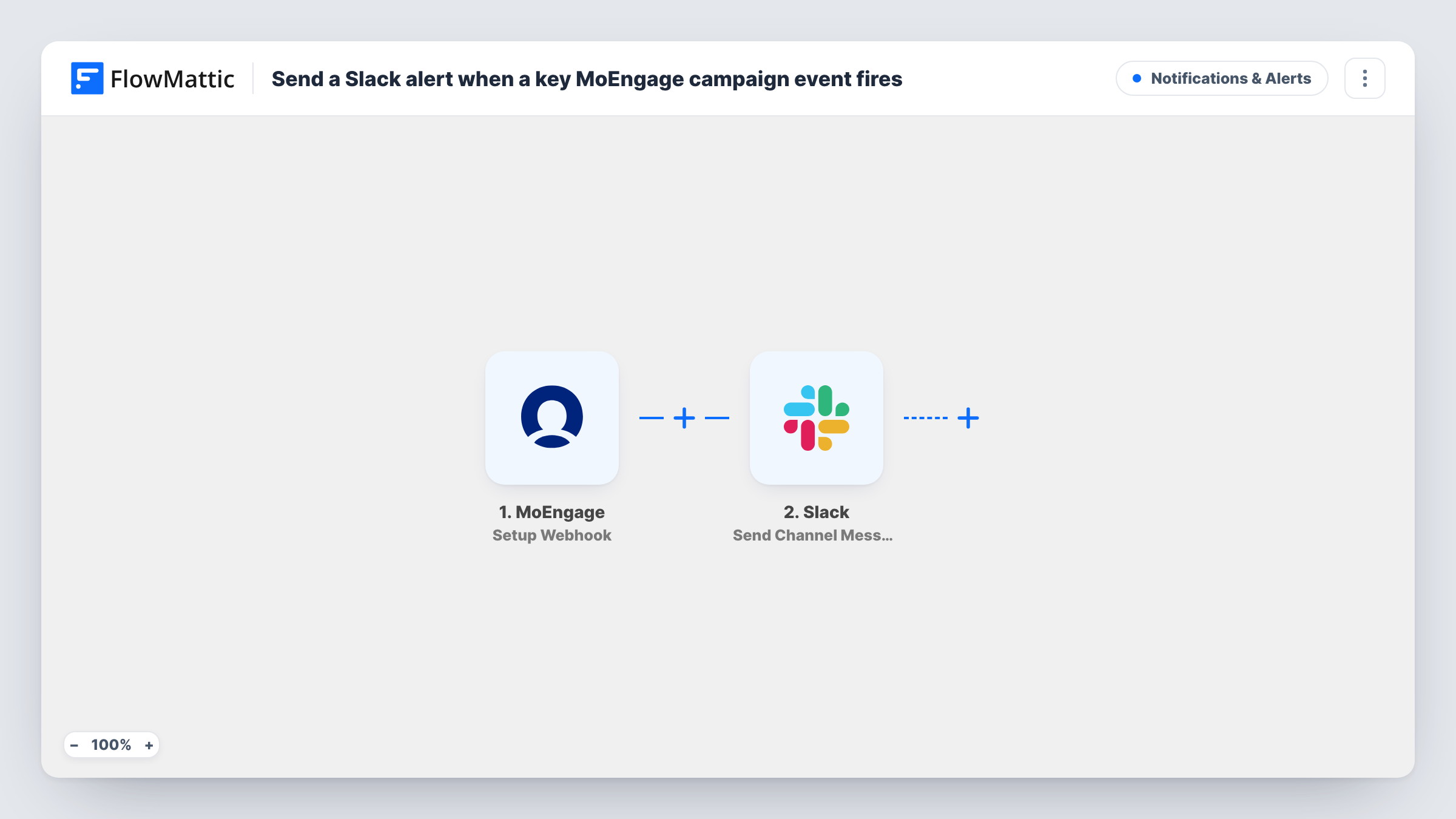
The MoEngage trigger is Setup Webhook. Per FlowMattic's catalog, it fires when an event occurs in MoEngage, and you choose which events are sent when you set up the webhook on the MoEngage side. Pick only the key campaign events, because every event that arrives produces an alert. Whatever data MoEngage includes with the event can be mapped into Slack.
Next comes Send Channel Message in Slack. You choose the channel and write the alert, mapping MoEngage values from the event so it says what happened and in which campaign. A test event after setup shows which values MoEngage includes.
Each event sent to the webhook becomes one Slack message. Choosing events that fire for every user can flood the channel, so start small.
Campaign launch check
The team gets a Slack message when the MoEngage event you picked for a campaign arrives, confirming the campaign is running.
Growth team watching conversions
A conversion event you send from MoEngage posts to a growth channel, so the team sees results as they come in during a promotion.
Agency client reporting
An agency managing a client's MoEngage account routes chosen events to a client-specific Slack channel the account team follows.
How this workflow runs
What happens at each step once the workflow is on, and what you need before you import it.
 MoEngage Setup Webhook
Fires when MoEngage sends an event to this workflow's webhook. You choose which MoEngage events are sent during setup; each one's data is passed on to Slack.
- Slack Send Channel Message
Sends the alert into a Slack channel that you select. Write the message and map in MoEngage values, such as the event name and campaign, so readers know what happened.
What you need
- FlowMatticCore
- MoEngage AccountAccount
- Slack AccountAccount
After importing, map your own data. To keep the template universal, not every step is pre-filled. Open each step in the builder and connect your accounts and fields (channels, lists, sheets, recipients) before you switch the workflow on.
Make it yours
Changes worth making after you import it.
- Send only a few important MoEngage events to this webhook. Events that fire for every user produce a Slack message each time.
- If several event types reach the workflow, add a Filter after the trigger that continues only for the event names you want in Slack.
- Private alerts channel? Use Slack's Send Private Channel Message action instead, since Send Channel Message isn't meant for private channels.
Questions about this workflow
Which MoEngage events trigger a Slack alert?
The ones you set MoEngage to send to the webhook. The workflow posts a message for every event it receives, so choose them with care.
Can I post MoEngage alerts to more than one Slack channel?
Yes. Add a second Send Channel Message step pointing at another channel, or use a Router with conditions on the event name to split them.
Will MoEngage events from before setup reach Slack?
No. Only events MoEngage sends after the webhook is in place and the workflow is on are posted.
What MoEngage details can the Slack alert show?
Whatever the event payload carries. Send a test event after setup and map the values you want, such as the event and campaign name.
More Notifications & Alerts workflows
Other ready-to-import templates from the same category.



Import this workflow into your WordPress site
Download the JSON, import it from the Workflows screen and connect your accounts. Every run stays on your server, with no per-task fees.
30-day money-back guarantee Unlimited workflows and runs Self-hosted