

Send a Slack alert when a PageVitals multistep test completes
When a PageVitals multistep test series finishes, this workflow posts a message to a Slack channel with the results you choose, so your team sees each completed run without opening PageVitals.
 PageVitals
 Slack
2 steps Setup ~5 min Used on 3.0k sites Free to import
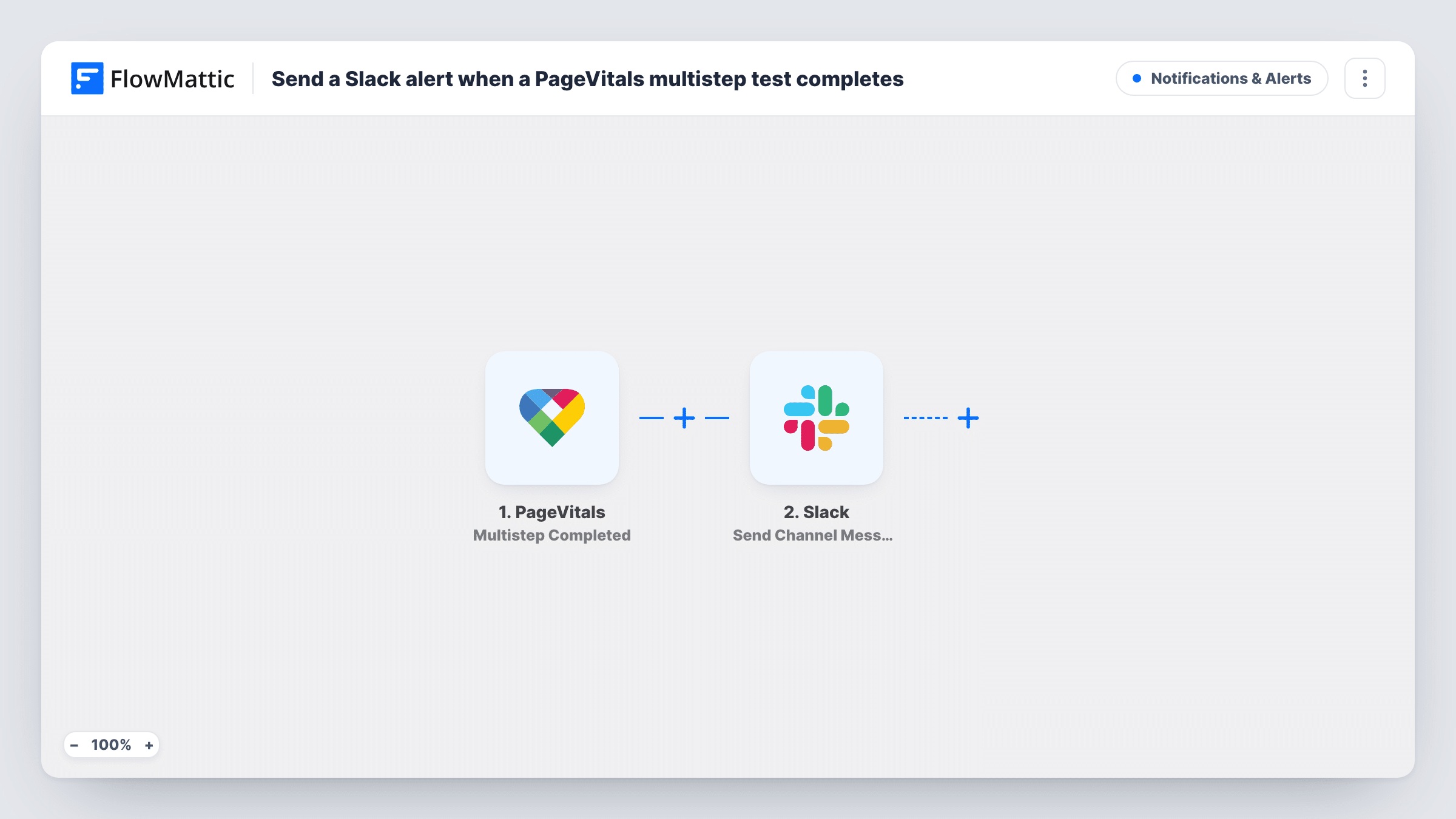
What this workflow does
Multistep tests in PageVitals walk through a sequence of pages, such as a checkout or a sign-up journey, and measure how they perform. When a series finishes, someone usually needs to look at the numbers. Posting the result in Slack puts it where developers and marketers already talk.
The PageVitals trigger is Multistep Completed, which fires when a multistep test series gets completed. FlowMattic receives the data PageVitals sends and passes it to Slack. There, Send Channel Message posts to the #channel you select, with the text you write and any PageVitals fields you place in it.
Every completed series produces a message, whatever its scores. The workflow does not compare results to a threshold unless you add a Filter. Task History records each run, so you can check what PageVitals reported against what reached Slack.
Release checks for a web team
After each deploy, a multistep test of the checkout journey runs in PageVitals, and the result lands in the #releases channel for the developers.
Agency reporting for clients
An agency posts each completed multistep test for a client site into a Slack channel shared with that client.
Tracking a sign-up funnel
A product team watches every finished multistep run of the sign-up flow in Slack and discusses changes in the thread.
How this workflow runs
What happens at each step once the workflow is on, and what you need before you import it.
 PageVitals Multistep Completed
Fires when a multistep test series in PageVitals is completed. The result data PageVitals sends becomes available to put in the Slack message. Connect your PageVitals account on import.
- Slack Send Channel Message
Posts a message to the Slack #channel you pick. Write the text and insert the PageVitals fields you want; a completed test run shows what arrives.
What you need
- FlowMatticCore
- PageVitals AccountAccount
- Slack AccountAccount
After importing, map your own data. To keep the template universal, not every step is pre-filled. Open each step in the builder and connect your accounts and fields (channels, lists, sheets, recipients) before you switch the workflow on.
Make it yours
Changes worth making after you import it.
- Add a Filter after the trigger that continues only when a score field crosses the level you care about, so Slack hears only about runs worth a look. The Filter compares whole numbers, so a score of 2.9 is checked as 2.
- PageVitals also has a Series Completed trigger. Duplicate this workflow and swap the trigger if you want single test series reported too.
- For a private Slack channel, replace this step with Send Private Channel Message. To alert one person, use Send Direct Message.
Questions about this workflow
Does every completed PageVitals multistep test send a Slack message?
Yes, as imported. Each completed series starts one run and posts one message. Add a Filter if you want only some results posted.
Are regular PageVitals test series covered?
No. This template uses Multistep Completed. PageVitals has a separate Series Completed trigger for those.
What PageVitals data can go into the Slack text?
The fields PageVitals includes when the series completes. Let one multistep run finish after import and pick from the captured data.
Can I post PageVitals results to a private Slack channel?
Not with this step as imported. Swap in Slack's Send Private Channel Message action for a private channel.
More Notifications & Alerts workflows
Other ready-to-import templates from the same category.




Import this workflow into your WordPress site
Download the JSON, import it from the Workflows screen and connect your accounts. Every run stays on your server, with no per-task fees.
30-day money-back guarantee Unlimited workflows and runs Self-hosted