

Send a Slack alert when LoneScale surfaces a new intent signal
When a LoneScale workflow captures results, such as a new buyer-intent signal, this workflow posts a message about it to a Slack channel so your sales team sees each signal where they already work.
 LoneScale
 Slack
2 steps Setup ~5 min Used on 2.9k sites Free to import
What this workflow does
Intent signals are time-sensitive. A prospect who just changed jobs or whose company started hiring may be open to a conversation now, not in a month. If those signals only live inside LoneScale, reps have to remember to check. This workflow pushes each one into a Slack channel your team reads during the day.
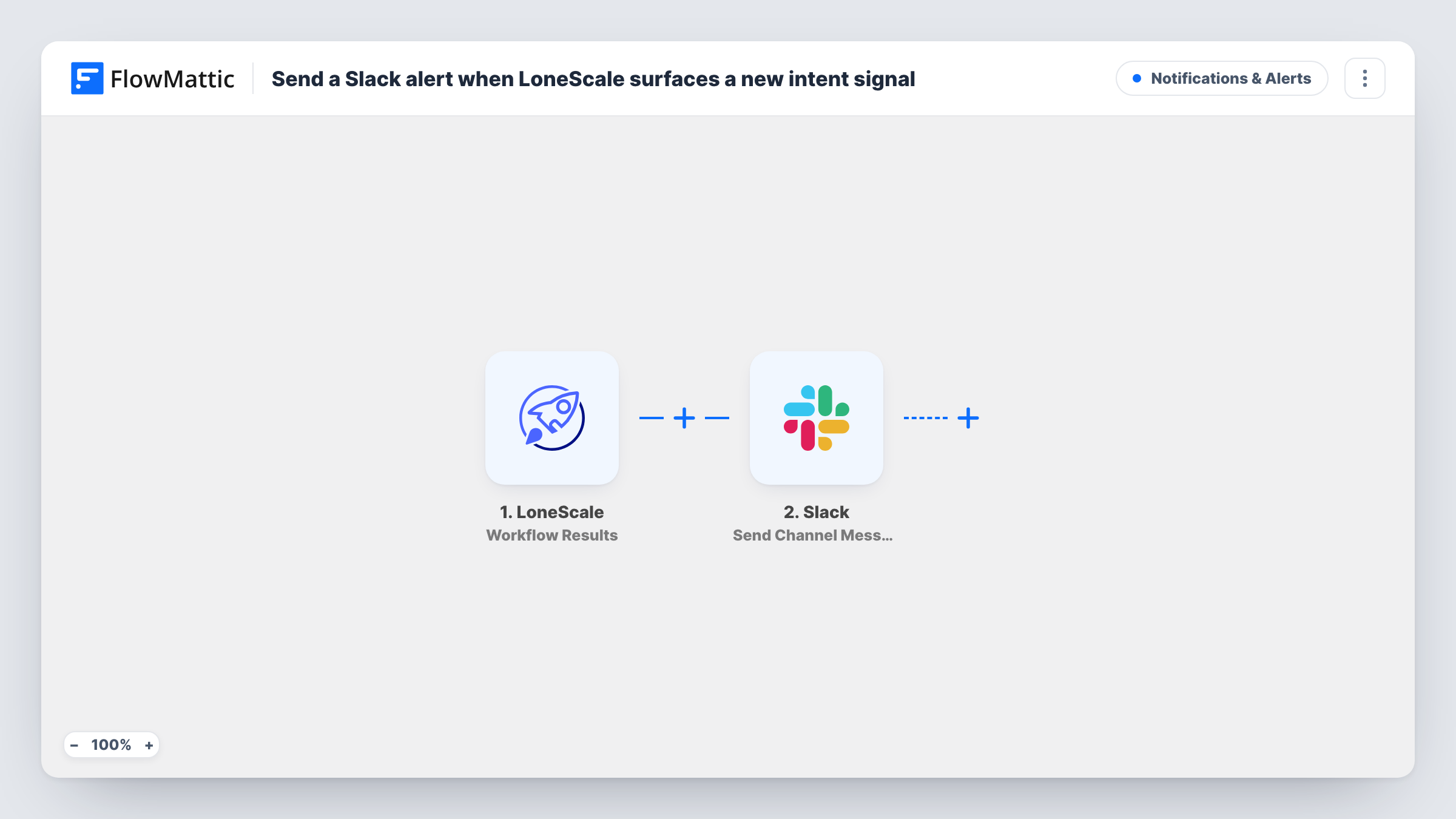
The LoneScale trigger fires when the results of a LoneScale workflow are captured, which is how LoneScale delivers the signals it finds. FlowMattic passes the result data to Slack, where the Send Channel Message action posts to the #channel you choose. You write the message and drop in result values, such as the company or contact, wherever they fit.
Every captured result posts once, so a busy LoneScale workflow can fill a channel quickly. A Filter or a dedicated channel keeps it manageable. Task History logs each run, showing what was sent to Slack and the response it gave.
Job-change alerts for account executives
LoneScale spots a past customer joining a new company, and the alert in the sales channel lets the account owner reach out to them in their new role.
Hiring signals for a recruiting agency
Results showing a target company hiring for roles you fill land in the business development channel, where the team decides who makes contact.
One channel per territory
If the LoneScale results carry a region or country, copy the workflow per region and add a Filter on that value, so each copy posts to its own region's channel.
How this workflow runs
What happens at each step once the workflow is on, and what you need before you import it.
 LoneScale Workflow Results
Fires when the results of a LoneScale workflow are captured, passing the signal data on so you can place it in the Slack message.
- Slack Send Channel Message
Posts your message to the Slack #channel you select, with LoneScale result values inserted. Connect your Slack workspace and write the text so reps can see what the signal is about at a glance.
What you need
- FlowMatticCore
- LoneScale AccountAccount
- Slack AccountAccount
After importing, map your own data. To keep the template universal, not every step is pre-filled. Open each step in the builder and connect your accounts and fields (channels, lists, sheets, recipients) before you switch the workflow on.
Make it yours
Changes worth making after you import it.
- Add a Filter after the trigger that continues only when a LoneScale value matches what your team acts on, such as a particular signal type or country, if the result data carries it.
- For a private sales channel, change the action to Slack's Send Private Channel Message so the alert can reach it.
- Want each signal stored as well? Add a Google Sheets Add New Row step after Slack to keep a log of every result.
Questions about this workflow
What counts as a new intent signal for this Slack alert?
The template fires on LoneScale's Workflow Results trigger, so every result your LoneScale workflow captures posts to Slack. Which signals that covers depends on how the LoneScale workflow is set up.
Can the LoneScale alert go to one rep instead of a channel?
Yes. Swap in Slack's Send Direct Message action and pick the rep. To pick a different rep per account, you would need a step that looks up the owner first.
Does this need a LoneScale workflow already running?
Yes. The trigger listens for results from LoneScale workflows, so set one up in LoneScale and let it capture a result to test the Slack message.
More Notifications & Alerts workflows
Other ready-to-import templates from the same category.




Import this workflow into your WordPress site
Download the JSON, import it from the Workflows screen and connect your accounts. Every run stays on your server, with no per-task fees.
30-day money-back guarantee Unlimited workflows and runs Self-hosted