

Send a Slack update to the team when a Timely forecast is updated
When a forecast is updated in Timely, FlowMattic posts a message to your chosen Slack channel with the details you map, so the team sees changes to planned work without opening Timely.
 Timely
 Slack
Slack2 steps Setup ~5 min Used on 2.6k sites Free to import
What this workflow does
Forecasts in Timely hold the work you have planned for people and projects. When someone changes one, the people affected often learn about it late. This workflow posts every forecast update to Slack so the change is visible where the team already talks.
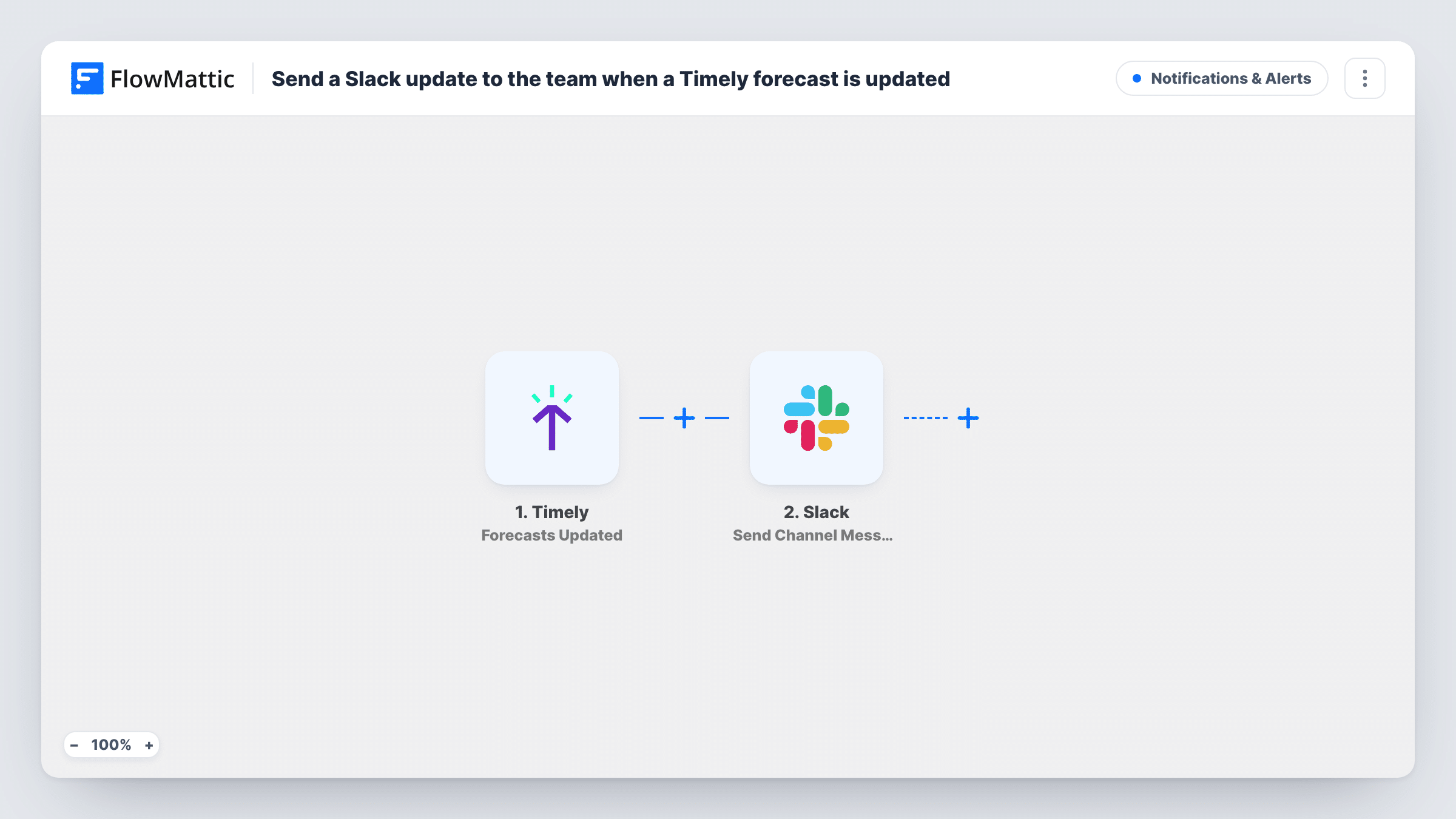
The trigger fires whenever a forecast is updated in your Timely account. The forecast's details come through as data you can map. Next, FlowMattic writes a post into one Slack channel of your choosing. You write the message and place the forecast values in it, for example the project, the person and the planned time, if the trigger provides them.
Each update sends its own post, so a forecast edited three times in an afternoon produces three messages. Creating or deleting a forecast does not trigger this workflow, since it listens only for updates. Task History shows every run and the message that went to Slack.
Keep a delivery team aware of planning changes
A project manager moves a forecast to a later week in Timely. The delivery channel in Slack gets a post naming the project and the new plan.
Resource planning in an agency
Forecasts shift as client work changes. A dedicated Slack channel becomes a running feed of every forecast update for the people who plan capacity.
Updates for a client-facing team
Account managers follow a Slack channel that shows each forecast change, so they can warn clients early when planned work moves.
How this workflow runs
What happens at each step once the workflow is on, and what you need before you import it.
 Timely Forecasts Updated
Fires when a forecast is updated in Timely. The updated forecast's details are passed on, ready to place in the Slack message.
- Slack Send Channel Message
Puts a new post in the team's Slack channel for each forecast change. Write the text and map in forecast details from Timely so readers can see what changed without leaving Slack.
What you need
- FlowMatticCore
- Timely AccountAccount
- Slack AccountAccount
After importing, map your own data. To keep the template universal, not every step is pre-filled. Open each step in the builder and connect your accounts and fields (channels, lists, sheets, recipients) before you switch the workflow on.
Make it yours
Changes worth making after you import it.
- Add a Filter after the Timely trigger so only forecasts for certain projects post to Slack, using a value the trigger returns.
- Build a second workflow with the Forecasts Created trigger and the same Slack step if your team also wants to hear about new forecasts.
- Update a test forecast after import so FlowMattic captures Timely's data, then map those values into the Slack message before turning it on.
Questions about this workflow
Does creating a new Timely forecast post to Slack?
No. The trigger is Forecasts Updated. Timely also has Forecasts Created and Forecasts Deleted triggers in FlowMattic if you want those changes in Slack too.
Will several edits to one Timely forecast send several Slack posts?
Yes. Each update starts its own run, so each one posts a message to the channel.
Can the Slack update go to a person instead of a channel?
This template uses Send Channel Message, which posts to a channel. Swap it for Slack's Send Direct Message action if one person should get the update instead.
Do I need admin access to Timely or Slack?
You need a Timely account that can connect to FlowMattic and a Slack account that can post in the channel you choose. Connect both on import.
More Notifications & Alerts workflows
Other ready-to-import templates from the same category.




Import this workflow into your WordPress site
Download the JSON, import it from the Workflows screen and connect your accounts. Every run stays on your server, with no per-task fees.
30-day money-back guarantee Unlimited workflows and runs Self-hosted