

Send a Slack welcome message when a new employee is added in Keka HR
When Keka HR reports a new employee to FlowMattic, this workflow posts a welcome message in a Slack channel, so the team can greet the new hire by name without waiting for an HR announcement.
 Keka HR
 Slack
2 steps Setup ~5 min Used on 606 sites Free to import
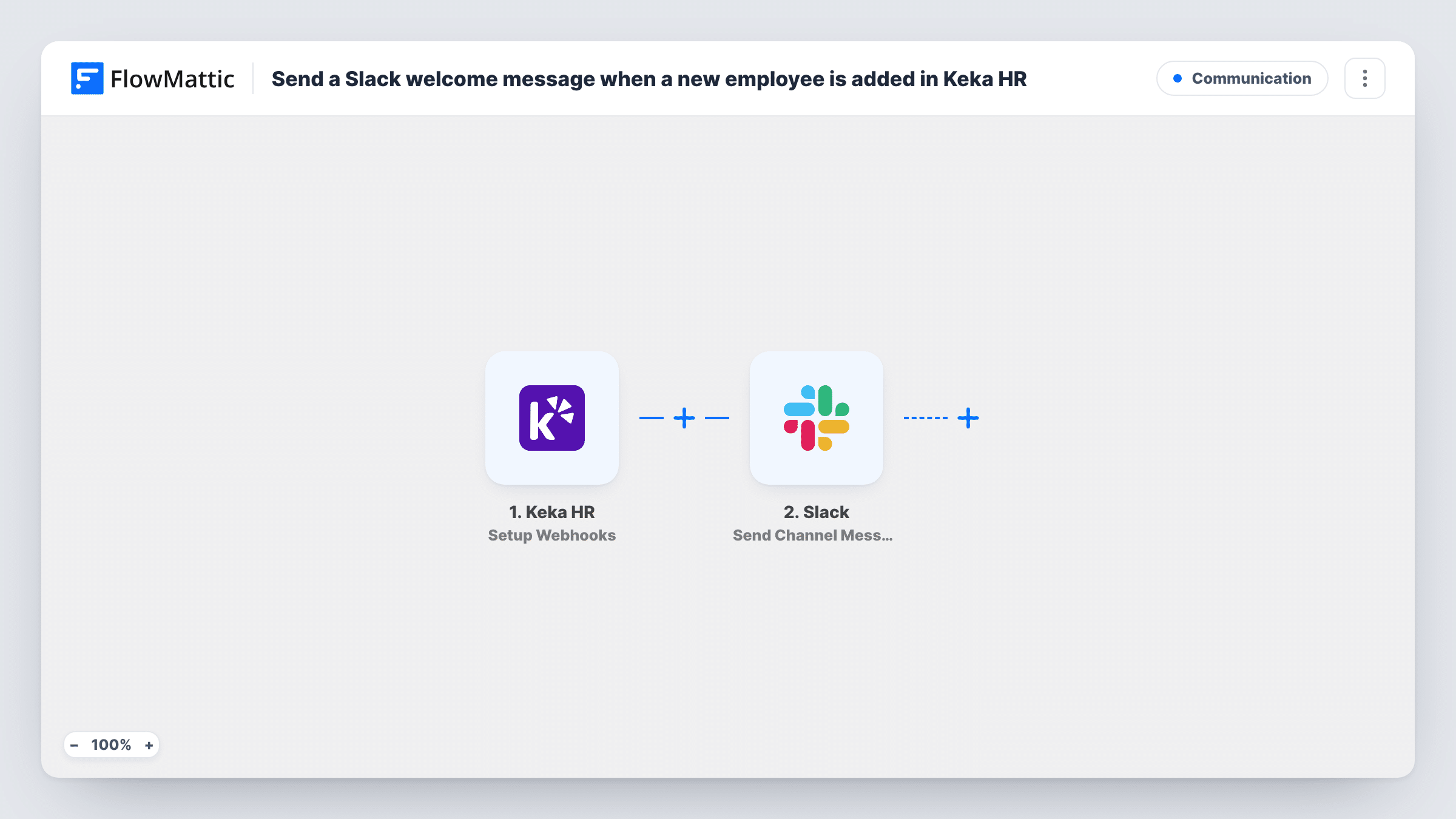
What this workflow does
New starters often appear in your HR system days before anyone else hears about them. A short welcome in Slack lets the team say hello and lets managers plan around the start date. This workflow sends that welcome from the HR data itself, so nobody has to remember to write it.
The Keka HR trigger gives you a webhook URL. Keka sends it the events you pick when you set up the webhook, so choose only the event for a new employee being added. Each event Keka sends starts a run, and FlowMattic passes the employee data to Slack. The Send Channel Message step posts your welcome text to the channel you choose, with details such as the person's name, role or team mapped in, where Keka includes them.
If you subscribe the webhook to other Keka events too, those would also post a welcome, because the template has no Filter. Keep the subscription to the new-employee event. Each run is listed in Task History with the data Keka sent.
Company-wide welcome channel
Every new hire added in Keka gets a short welcome in #general with their name and team, and colleagues reply in the thread to say hello.
Department heads-up for managers
A channel for engineering leads gets a post for each new engineer, so the team can plan a buddy and their first tasks.
Office setup crew
The facilities channel hears about each new employee, prompting someone to set up a desk and access card before the first day.
How this workflow runs
What happens at each step once the workflow is on, and what you need before you import it.
 Keka HR Setup Webhooks
Provides a webhook URL to add in Keka HR, where you pick the events to send. Subscribe it to the new-employee event, and each one starts a run with that person's data.
- Slack Send Channel Message
Posts your welcome to the Slack channel of your choice. Write a friendly message and map in the new hire's details from Keka, such as name and department.
What you need
- FlowMatticCore
- Keka HR AccountAccount
- Slack AccountAccount
After importing, map your own data. To keep the template universal, not every step is pre-filled. Open each step in the builder and connect your accounts and fields (channels, lists, sheets, recipients) before you switch the workflow on.
Make it yours
Changes worth making after you import it.
- Send a test employee event from Keka after import, so FlowMattic captures the real fields before you write the Slack message.
- Add a Filter after the trigger to welcome only certain departments or locations, using a value Keka sends, if your test run shows one.
- Pick a channel your whole team reads for the welcome. A private HR or team room needs Slack's Send Private Channel Message action in this step's place.
Questions about this workflow
Which Keka HR events does this workflow react to?
Whatever you subscribe the webhook to in Keka. Choose only the new-employee event; any other event you add would post a welcome message too.
Can the Slack welcome mention the new hire?
Only if you can get their Slack identity. Keka knows the employee, not their Slack account. Slack's Find User by Email step can look them up, if Keka sends the work email and their Slack account already exists.
When is the Keka new-hire welcome posted?
As soon as Keka sends the event to the webhook. Nothing in the template waits for the employee's start date, so the post can arrive well before their first day.
More Communication workflows
Other ready-to-import templates from the same category.






Import this workflow into your WordPress site
Download the JSON, import it from the Workflows screen and connect your accounts. Every run stays on your server, with no per-task fees.
30-day money-back guarantee Unlimited workflows and runs Self-hosted