

Send a Telegram message for each new Hiver assignee
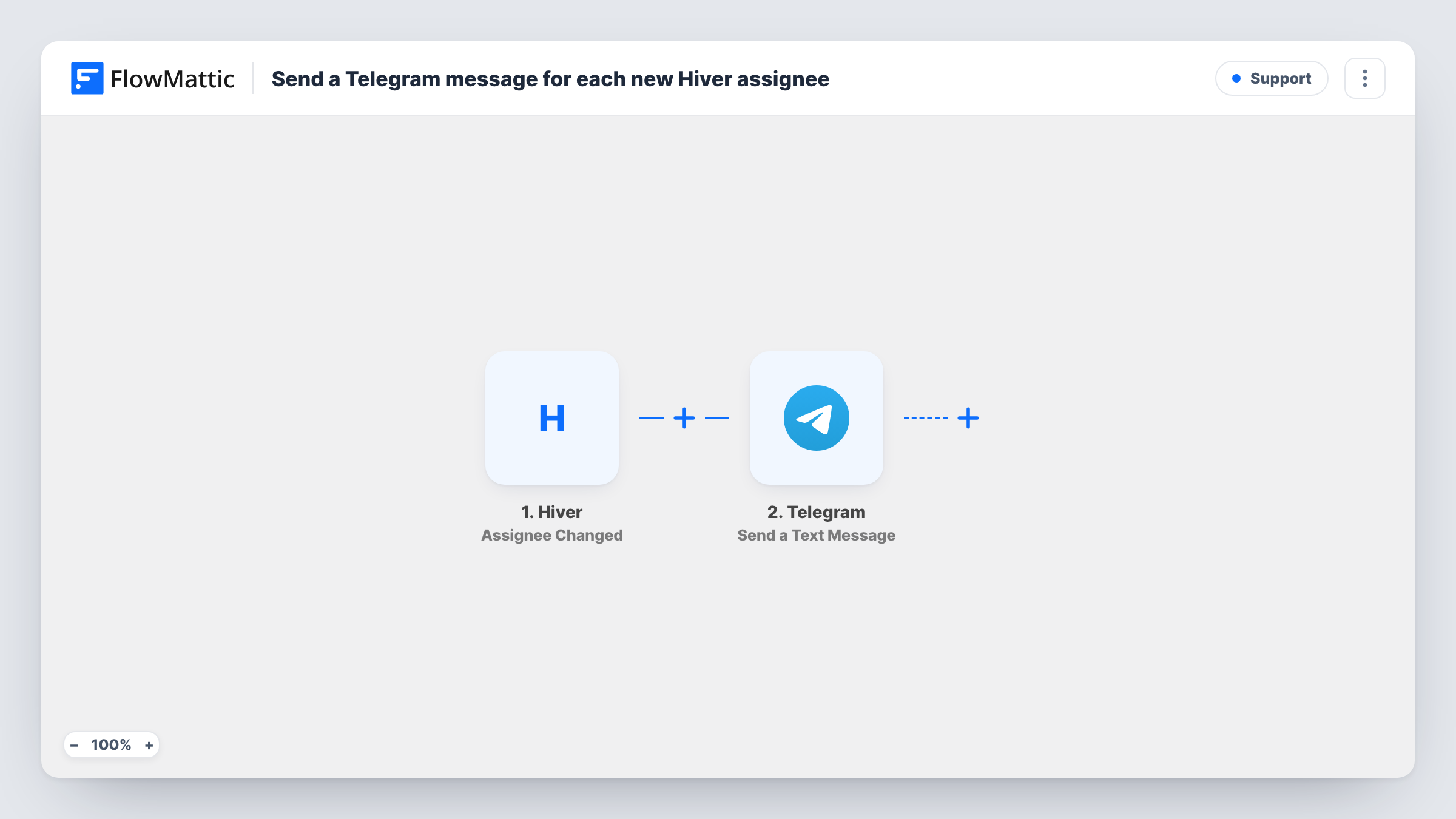
Each time the assignee of a Hiver conversation changes, FlowMattic sends a Telegram message to the chat you set up, so your team can follow who owns which email thread.
 Hiver
 Telegram
2 steps Setup ~5 min Used on 2.1k sites Free to import
What this workflow does
In a shared inbox, conversations change hands all day. A thread gets handed from first-line support to billing, or from one rep to another while someone is away. If your team coordinates in Telegram, a message for each hand-off keeps everyone aware of who owns what.
The Hiver trigger, Assignee Changed, fires when the assignee of a conversation is changed. FlowMattic then sends a message with the Send a Text Message action in Telegram. Write the text and map in details from the Hiver event, such as the conversation subject and the assignee, after a test run shows what Hiver sends.
The message goes to the one chat you configure, such as a team group. It doesn't find the new assignee's own Telegram account. Each change of assignee sends one message, so a thread that is passed around several times produces several.
Support leads tracking hand-offs
A support lead follows a Telegram group that shows every reassignment, and spots threads that bounce between agents too often.
Small teams working from phones
Field staff who check Telegram more than email see when a customer thread in the Hiver inbox is passed to them by name.
Billing escalations
When a support agent reassigns a conversation to the billing team, the Telegram group shows the hand-off so billing knows to look in Hiver.
How this workflow runs
What happens at each step once the workflow is on, and what you need before you import it.
 Hiver Assignee Changed
Fires when the assignee of a Hiver conversation is changed. The conversation and assignment details are passed on for the Telegram message.
- Telegram Send a Text Message
Posts the hand-off to your configured Telegram chat. Write the text and map in Hiver details, such as the subject, so readers know which thread changed hands.
What you need
- FlowMatticCore
- Hiver AccountAccount
- Telegram AccountAccount
After importing, map your own data. To keep the template universal, not every step is pre-filled. Open each step in the builder and connect your accounts and fields (channels, lists, sheets, recipients) before you switch the workflow on.
Make it yours
Changes worth making after you import it.
- Put the new assignee's name first in the Telegram text, so people in a busy group can see at a glance whether the thread is theirs.
- Add a Filter after the trigger so only reassignments in one shared inbox send a message, using an inbox field from a test run.
- Want an alert for status changes as well? Build another workflow on Hiver's Status Updated trigger that posts to the same Telegram chat.
Questions about this workflow
Does the newly assigned Hiver agent get the Telegram message personally?
Only if the chat you set is theirs. The workflow sends every message to one chat, so most teams use a shared group.
Does assigning a conversation for the first time count as a change?
The trigger fires when the assignee of a conversation is changed. Assign a test conversation in Hiver after import to see which assignments start a run.
How many Telegram messages does a busy Hiver inbox send?
One per assignee change. There is no Filter or grouping, so the count follows how often your team reassigns threads.
What do I connect for Hiver and Telegram?
A Hiver account that can see the shared inbox, and Telegram, which you connect to FlowMattic when you set up the message step.
More Support workflows
Other ready-to-import templates from the same category.






Import this workflow into your WordPress site
Download the JSON, import it from the Workflows screen and connect your accounts. Every run stays on your server, with no per-task fees.
30-day money-back guarantee Unlimited workflows and runs Self-hosted