

Send a Twilio SMS follow-up when a TeleCMI call is missed
When an incoming call to your TeleCMI number is missed, this workflow sends the caller a text message through Twilio, so they know you saw the call and what to do next.
 TeleCMI
 Twilio
2 steps Setup ~5 min Used on 2.2k sites Free to import
What this workflow does
A missed call is a person who wanted to reach you and didn't. Calling everyone back takes time, and some callers try a competitor instead of waiting. A short text right after the missed call tells them you noticed and how you'll follow up.
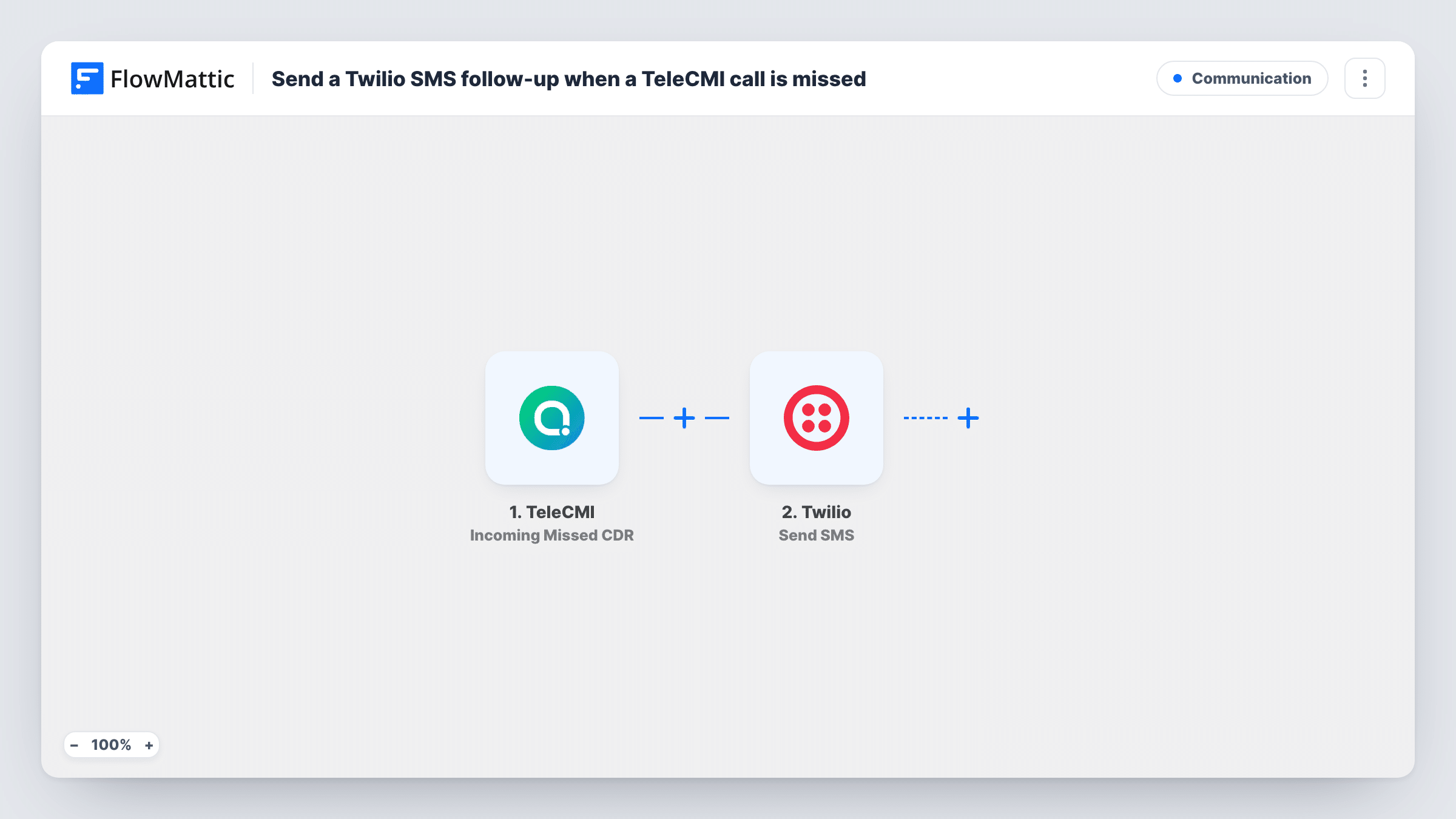
The TeleCMI trigger fires when a call record arrives for an incoming call that was missed. FlowMattic passes that record to Twilio, which sends an SMS. You map the caller's number from the TeleCMI record as the recipient and write the message, for example a note that you'll call back or a link to book a time.
Every missed incoming call sends one text, including repeat calls from the same number. Task History records each run with the call data TeleCMI sent and the Twilio result, so you can check which callers were texted.
A clinic front desk at busy times
When reception can't pick up, the patient gets a text saying the clinic will call back, along with the number for urgent cases.
Trades businesses on site
A plumber on a job misses a call. The caller receives a text with a booking link instead of hearing nothing.
After-hours calls to a sales line
Calls that arrive after the team has gone home are missed, and each caller gets your opening hours by SMS.
How this workflow runs
What happens at each step once the workflow is on, and what you need before you import it.
 TeleCMI Incoming Missed CDR
Fires when TeleCMI reports a missed incoming call. The call record, including the caller's details, becomes available to map in the Twilio step.
- Twilio Send SMS
Texts the person who called, using your Twilio account. Map the caller's number from the TeleCMI record as the recipient, write the message, and check with a test call that it arrives.
What you need
- FlowMatticCore
- TeleCMI AccountAccount
- Twilio AccountAccount
After importing, map your own data. To keep the template universal, not every step is pre-filled. Open each step in the builder and connect your accounts and fields (channels, lists, sheets, recipients) before you switch the workflow on.
Make it yours
Changes worth making after you import it.
- Add a Delay before the Twilio step if you'd rather wait a few minutes, giving your team a chance to call back first.
- Add a Filter after the trigger to skip callers with no number in the record, so Twilio isn't asked to text an empty recipient.
- Add a second action, such as a Slack message or a Google Sheets row, so your team has a list of missed callers to phone back.
Questions about this workflow
Will a caller who misses me twice on TeleCMI get two texts?
Yes, as imported. Each missed call record starts its own run. Add a check of your own, such as a lookup in a sheet, if you want one text per number.
Do I need a Twilio phone number that can send SMS?
Yes. The message is sent from your Twilio account, so you need a Twilio number able to send texts to your callers' country.
Does the workflow text missed outgoing calls too?
No. The trigger only covers missed incoming calls to your TeleCMI number.
More Communication workflows
Other ready-to-import templates from the same category.





Import this workflow into your WordPress site
Download the JSON, import it from the Workflows screen and connect your accounts. Every run stays on your server, with no per-task fees.
30-day money-back guarantee Unlimited workflows and runs Self-hosted