

When Link Clicked in Acumbamail, Send Template Message in WhatsApp Cloud API
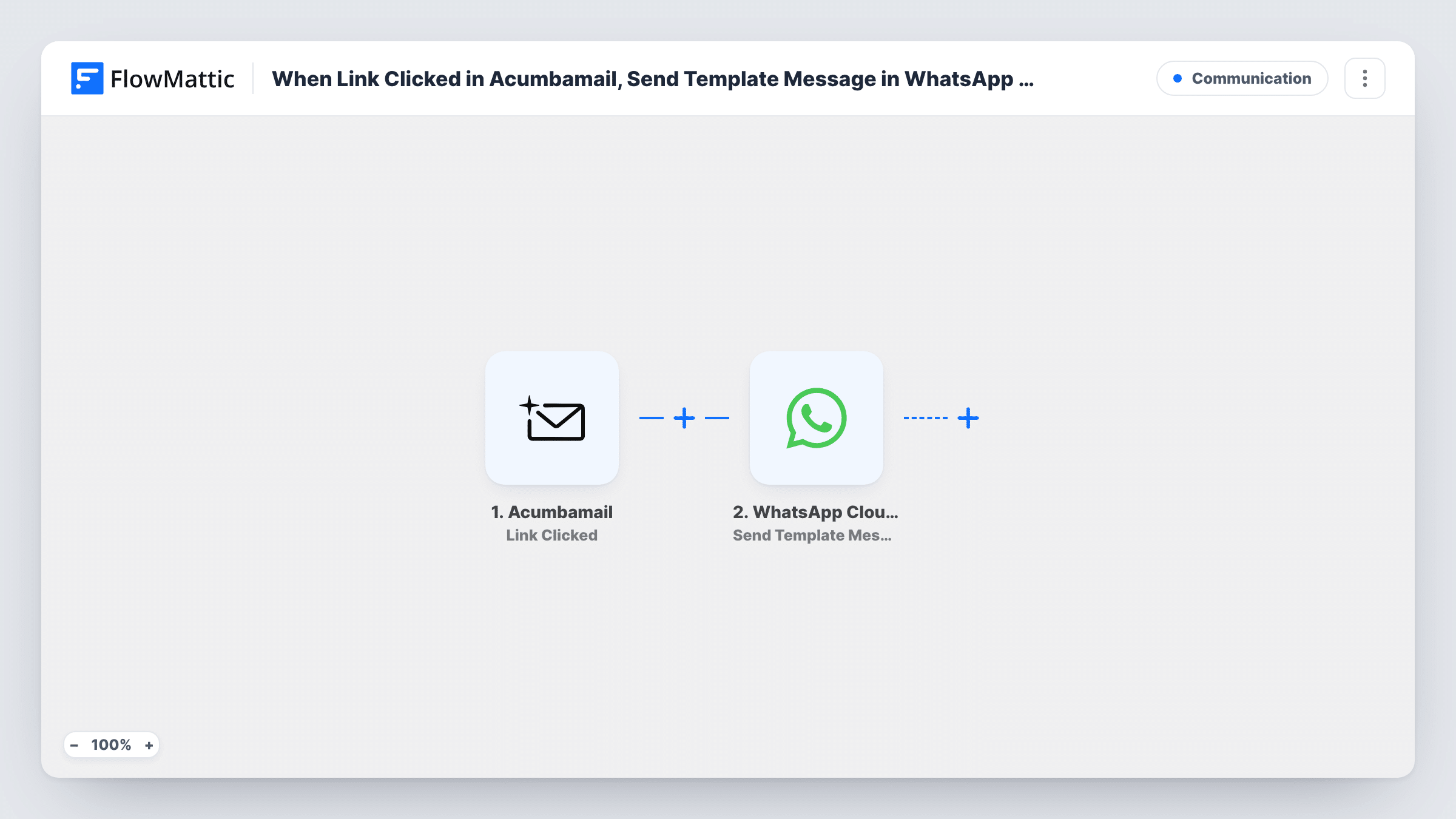
When a subscriber clicks a link in one of your Acumbamail email campaigns, FlowMattic sends them an approved WhatsApp template message through the WhatsApp Cloud API, so a click can lead to a direct follow-up.
 Acumbamail
 WhatsApp Cloud API
2 steps Setup ~5 min Used on 1.0k sites Free to import
What this workflow does
A link click is a clear sign that a subscriber read your campaign and wanted to know more. Acumbamail records that click, but following it up by hand means checking reports and messaging people one by one. This workflow reacts to each click as it is reported.
The Acumbamail trigger fires when a list subscriber clicks a link in an email marketing campaign. FlowMattic then calls the Send Template Message action of the WhatsApp Cloud API, and you map the recipient's phone number and the template into it. WhatsApp only accepts template messages that Meta has approved for your business account, so create and approve the template before you switch the workflow on.
The message needs a phone number, so the click data has to carry one. Run a test click after import and check what Acumbamail sends. If your list does not store numbers, this flow has nothing to send to. Each click starts its own run, so a subscriber who clicks several links can receive several messages. You can read WhatsApp's reply to every send in Task History.
Product launch emails
A subscriber clicks the link to your new product page. A WhatsApp template offering help with the order follows, using a template you had approved for launches.
Event invitations
Readers who click the registration link in your Acumbamail invite get a WhatsApp template with the event date and a reminder to finish signing up.
Offers for a local shop
Customers who click the offer link in your monthly campaign receive a WhatsApp template with the shop's address and opening hours.
How this workflow runs
What happens at each step once the workflow is on, and what you need before you import it.
 Acumbamail Link Clicked
Fires when a subscriber on your Acumbamail list clicks a link in an email marketing campaign. The click data becomes available to map in the WhatsApp step.
- WhatsApp Cloud API Send Template Message
Delivers a pre-approved template from the business number you connected. Map the subscriber's phone number as the recipient and choose your template, then fill any template variables with click data.
What you need
- FlowMatticCore
- Acumbamail AccountAccount
- WhatsApp Cloud API AccountAccount
After importing, map your own data. To keep the template universal, not every step is pre-filled. Open each step in the builder and connect your accounts and fields (channels, lists, sheets, recipients) before you switch the workflow on.
Make it yours
Changes worth making after you import it.
- Click a link in a test campaign sent to yourself before going live. FlowMattic captures the Acumbamail data, and you can confirm a phone number is included before you map the WhatsApp step.
- Add a Filter after the trigger that continues only when the clicked URL matches one link, such as your pricing page, so other clicks in the same campaign don't send a message.
- Store subscriber numbers in Acumbamail with the country code included, since WhatsApp expects full international numbers and the template step passes on what it receives.
Questions about this workflow
Why does this use a WhatsApp template instead of a normal text message?
WhatsApp only delivers free-form text to people who messaged your business number in the last 24 hours. Most email subscribers haven't, so an approved template message is the type that can reach them.
Does Acumbamail send the subscriber's phone number with the click?
It depends on your list and what the trigger returns. Do a test click after import and look at the captured data. If no phone number appears, the WhatsApp step has no recipient to use.
Will a subscriber who clicks three Acumbamail links get three WhatsApp messages?
Yes, as imported. Every click starts a run. Add a Filter on the clicked link if you only want to react to one of them.
Which WhatsApp setup does the Acumbamail click flow need?
A WhatsApp Cloud API setup through Meta, connected in FlowMattic, and at least one message template approved for your business account.
More Communication workflows
Other ready-to-import templates from the same category.





Import this workflow into your WordPress site
Download the JSON, import it from the Workflows screen and connect your accounts. Every run stays on your server, with no per-task fees.
30-day money-back guarantee Unlimited workflows and runs Self-hosted