

Send a Twilio SMS to the customer when a Foxy.io transaction is refunded
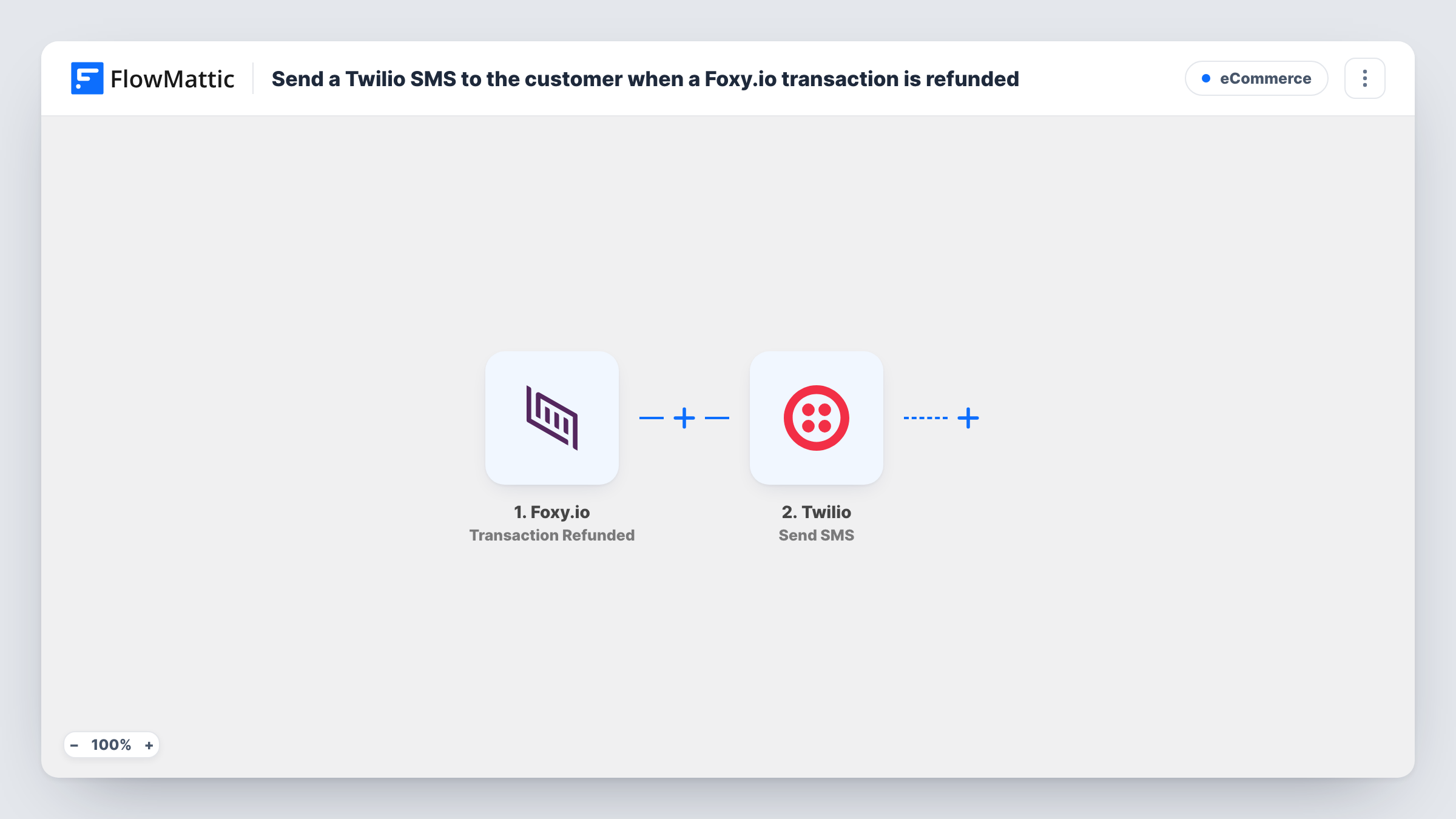
When a Foxy.io transaction is refunded, this workflow sends the customer a text message through Twilio, using the phone number from the transaction and a message you write.
 Foxy.io
 Twilio
2 steps Setup ~5 min Used on 1.4k sites Free to import
What this workflow does
Customers who get a refund often wonder whether it went through, and some write to support to ask. A short text when the refund is issued answers that question before it is asked. This workflow sends that text from your Twilio number.
The Foxy.io trigger, Transaction Refunded, fires when a transaction in your store is refunded. FlowMattic receives the transaction data, which can include the customer's details and the amounts. The Twilio Send SMS step then texts the number you map, with a message you write and fill with values such as the order reference.
The SMS can only reach customers whose phone number is in the transaction. If your checkout doesn't ask for one, or the number isn't in a format Twilio accepts, that step returns an error and Task History shows it. Every refund runs the workflow, since there is no Filter.
Refund notice for a small online shop
You refund a returned item in Foxy.io. The buyer gets a text saying the refund is on its way, with the order reference in it.
Event ticket refunds
When an event is cancelled and tickets sold through Foxy.io are refunded, each buyer receives a text confirming their refund.
Subscription box returns
A customer sends back a box and you refund that transaction. A text tells them the refund was issued, so they don't need to chase it.
How this workflow runs
What happens at each step once the workflow is on, and what you need before you import it.
 Foxy.io Transaction Refunded
Runs each time you issue a refund on a Foxy.io transaction. The transaction data, including whatever customer contact details it holds, is passed to the Twilio step.
- Twilio Send SMS
Sends a text from your Twilio number to the phone number you map from the Foxy.io transaction. Write the message and include values like the order reference or refunded amount.
What you need
- FlowMatticCore
- Foxy.io AccountAccount
- Twilio AccountAccount
After importing, map your own data. To keep the template universal, not every step is pre-filled. Open each step in the builder and connect your accounts and fields (channels, lists, sheets, recipients) before you switch the workflow on.
Make it yours
Changes worth making after you import it.
- Collect a phone number at your Foxy.io checkout if you want every refunded customer to get this text. Without a number, the Twilio step has nowhere to send.
- Add a Filter after the trigger that continues only when the phone number field is not empty, so refunds without a number end quietly instead of logging a Twilio error.
- Keep the SMS short and name your store at the start, so the customer knows who the text is from before they read the rest.
Questions about this workflow
Does Twilio text the customer on partial Foxy.io refunds too?
The trigger fires when Foxy.io reports a transaction as refunded. Run a test with a partial refund in your store to see whether Foxy.io sends that event for it.
What if the Foxy.io transaction has no phone number?
Twilio needs a number to send to, so that step returns an error for that refund. Task History shows the error, and you can add a Filter to skip transactions without a phone number.
Which Twilio number sends the Foxy.io refund text?
The text goes out from a phone number in the Twilio account you connect. That number must be able to send text messages to your customers' countries.
Can the text include the refunded amount from Foxy.io?
Yes, if Foxy.io includes it in the refund event. After a test refund, pick the amount field from the captured data when you write the message.
More E-Commerce workflows
Other ready-to-import templates from the same category.






Import this workflow into your WordPress site
Download the JSON, import it from the Workflows screen and connect your accounts. Every run stays on your server, with no per-task fees.
30-day money-back guarantee Unlimited workflows and runs Self-hosted