

Send a Twilio SMS to the customer when a MyParcel shipment status changes
Each time a MyParcel shipment changes status, FlowMattic texts the customer through Twilio with the update you write, so buyers hear about their parcel without checking a tracking page.
 MyParcel
 Twilio
2 steps Setup ~5 min Used on 3.1k sites Free to import
What this workflow does
Customers want to know where their parcel is, and many ask by email when they don't hear anything. A short text at each stage answers the question before it's asked. This workflow sends that text whenever MyParcel reports a new shipment status.
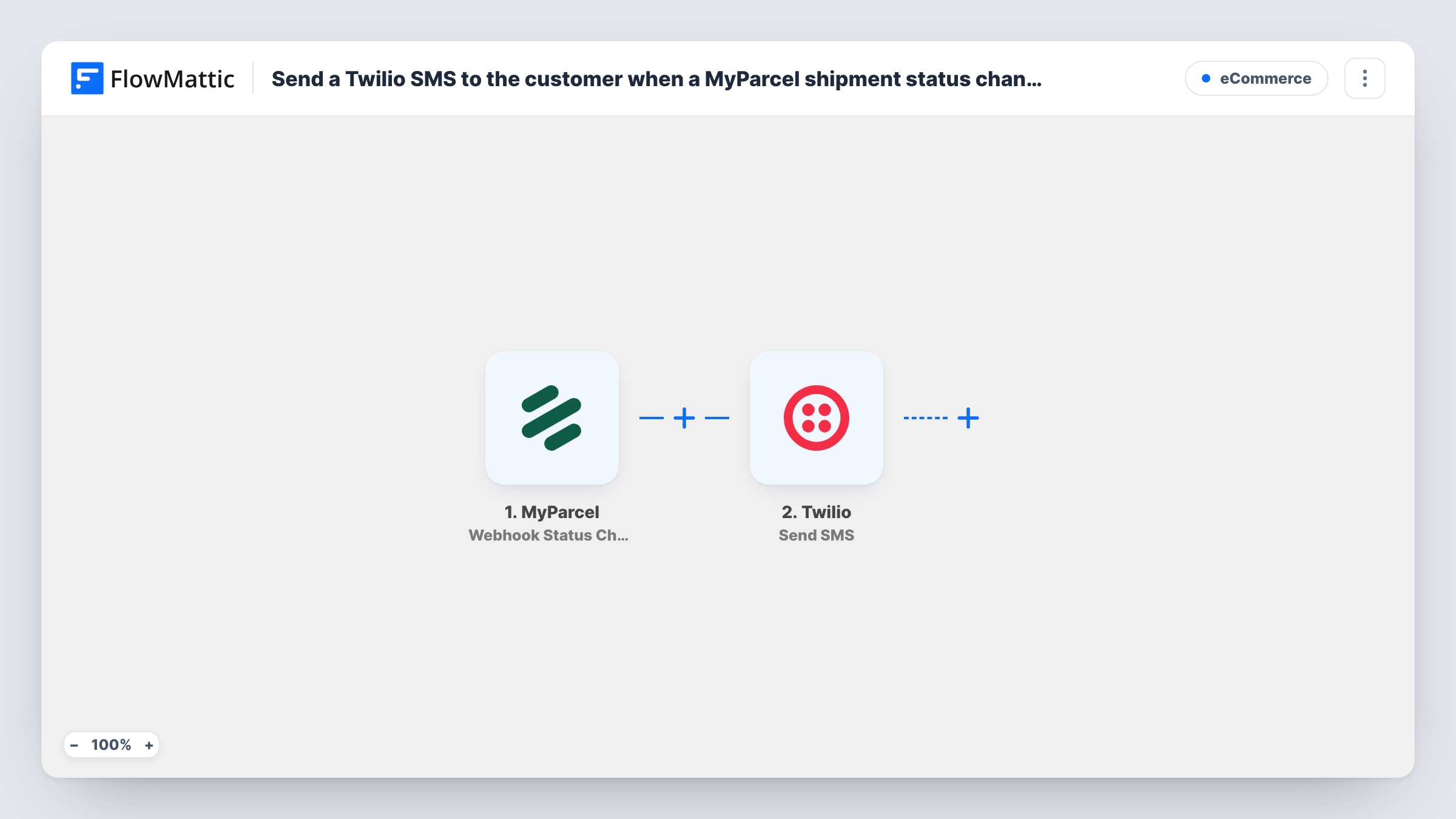
The MyParcel trigger, Webhook Status Change, fires when the status of a shipment changes. FlowMattic then runs Twilio's Send SMS action, sending a message to a number. Map the recipient's phone from the shipment data and write the text, including the new status and the tracking reference if MyParcel sends them.
Each status change means another SMS, so one shipment can produce several texts on its way. A shipment without a phone number has no one to text, and Task History shows Twilio's error for that run.
Webshop delivery updates
A small online shop ships with MyParcel and texts each buyer as the parcel moves through its statuses.
Fewer where-is-my-order emails
Customers get the status by SMS, so the support inbox sees fewer questions about delivery.
Pick-up point notices
When a shipment's status shows it is ready to collect, the text tells the customer to go and get it.
How this workflow runs
What happens at each step once the workflow is on, and what you need before you import it.
 MyParcel Webhook Status Change
Fires when the status of a MyParcel shipment changes. The shipment data, including the new status, is passed on for the SMS.
- Twilio Send SMS
Texts the customer from your Twilio number. Map the customer's phone number from the shipment as the recipient, if MyParcel includes it, and write a message with the new status.
What you need
- FlowMatticCore
- MyParcel AccountAccount
- Twilio AccountAccount
After importing, map your own data. To keep the template universal, not every step is pre-filled. Open each step in the builder and connect your accounts and fields (channels, lists, sheets, recipients) before you switch the workflow on.
Make it yours
Changes worth making after you import it.
- Change a test shipment's status after import and check that the phone number arrives in the trigger data before you map the recipient.
- Add a Filter after the trigger on the status value, so only the stages customers care about, such as delivered, send a text.
- Store phone numbers in international format with the country code, since Twilio needs a full number to deliver the SMS.
Questions about this workflow
Does every MyParcel status change send an SMS?
Yes, as imported. There is no Filter, so each change texts the customer. Add a Filter on the status to send fewer messages.
What if a MyParcel shipment has no phone number?
Twilio has no number to send to, so that step returns an error. Task History shows it for that run.
Do I need a Twilio account and number for these shipment texts?
Yes. The SMS is sent through your Twilio account from a number on it, which you connect after import.
More E-Commerce workflows
Other ready-to-import templates from the same category.






Import this workflow into your WordPress site
Download the JSON, import it from the Workflows screen and connect your accounts. Every run stays on your server, with no per-task fees.
30-day money-back guarantee Unlimited workflows and runs Self-hosted