

Send a welcome email via Gmail for each new 99Inbound submission
Each new 99Inbound form submission sends a welcome email from your Gmail account to the address the person entered, so new sign-ups and leads hear from you right after they submit.
 99Inbound
 Gmail
Gmail2 steps Setup ~5 min Used on 621 sites Free to import
What this workflow does
99Inbound collects form submissions from static sites and landing pages. It stores the entry, but the person who filled in the form hears nothing back unless you write to them. This workflow sends that first email for you, from your own Gmail address.
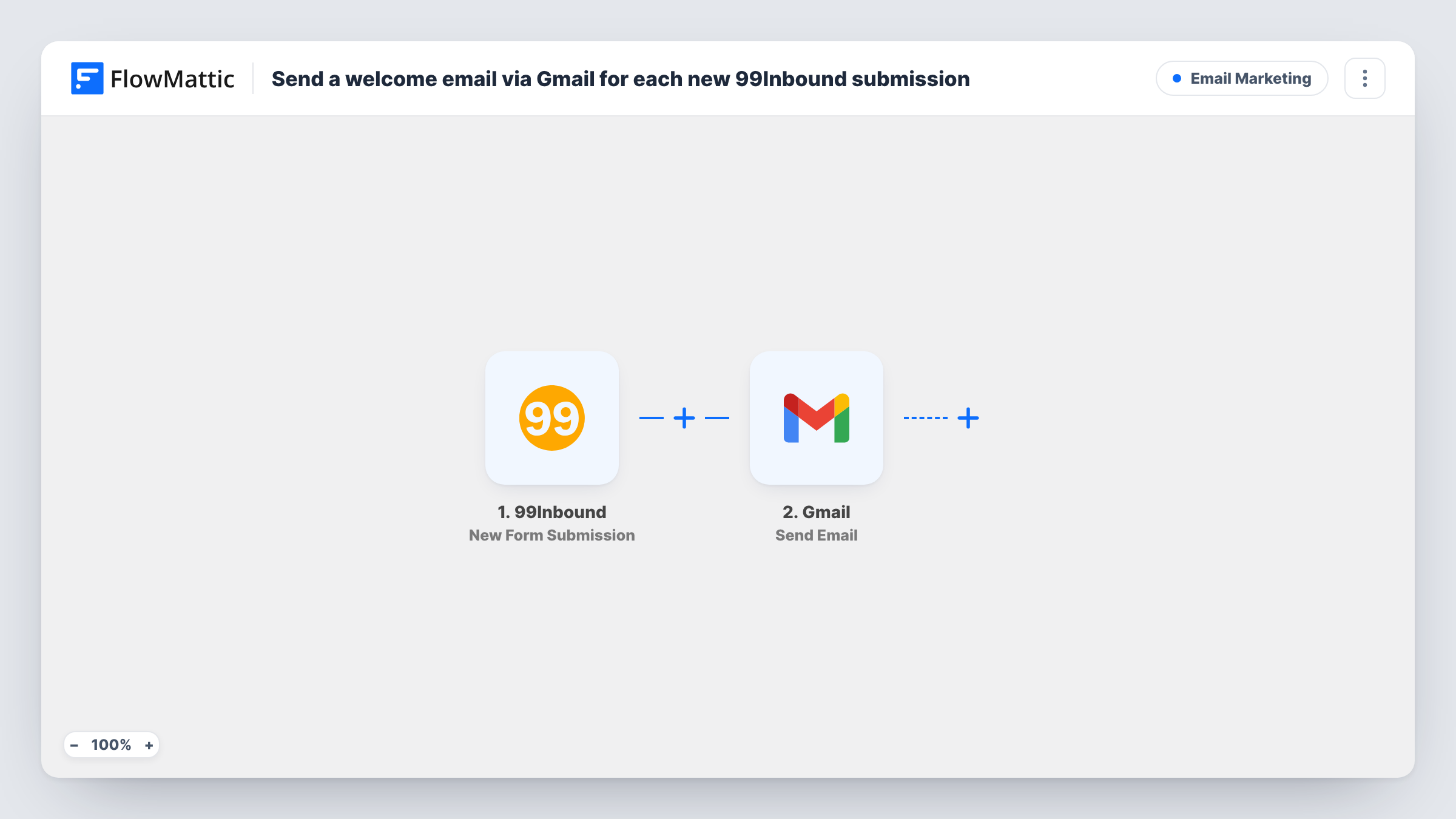
The 99Inbound trigger starts a run whenever a visitor sends your 99Inbound form. FlowMattic passes the submitted fields to Gmail, where Send Email sends a message to the recipient you map. Set the recipient to the email field from the form, write a subject and body, and insert the person's name or other answers where you want them.
The email goes out from the Gmail account you connect, so replies come back to your inbox. Every submission sends one email. The flow can only reach people whose submission includes an email address.
Newsletter sign-ups on a static site
A 99Inbound sign-up form on your Jamstack blog sends each subscriber a welcome note from your Gmail, with a link to your best posts.
Agency enquiry acknowledgement
Prospects who submit your contact form get an email saying who will reply and when, sent from the agency's Gmail account.
Beta waitlist confirmation
People joining a product waitlist through 99Inbound receive a short email confirming they are on the list and what happens next.
How this workflow runs
What happens at each step once the workflow is on, and what you need before you import it.
 99Inbound New Form Submission
Fires when 99Inbound receives a submission on the connected form. The submitted fields, including the email address the person typed, are passed to the Gmail step.
- Gmail Send Email
Emails the new sign-up through Gmail. Map the form's email field as the recipient, write the subject and message, and add submitted answers such as the person's name.
What you need
- FlowMatticCore
- 99Inbound AccountAccount
- Gmail AccountAccount
After importing, map your own data. To keep the template universal, not every step is pre-filled. Open each step in the builder and connect your accounts and fields (channels, lists, sheets, recipients) before you switch the workflow on.
Make it yours
Changes worth making after you import it.
- Mark the email input as required in the form on your site. Without an address in the submission, the Gmail step has no recipient and fails for that entry.
- Add a Filter after the trigger that continues only when a consent or newsletter checkbox is ticked, if only some people who submit should get the welcome email.
- Add a Delay before the Gmail step if you would rather the welcome arrive a few minutes after the form, not the same second.
Questions about this workflow
Which address does the 99Inbound welcome email come from?
It comes from whichever Gmail account you link when importing. Replies to the welcome email arrive in that inbox.
Does this change my 99Inbound notification settings?
No. The workflow only receives the submission, so 99Inbound's own handling of the entry stays as you have it set.
Can the Gmail welcome include the person's name?
Yes, if your form asks for it. Map the name field into the subject or body of the email after a test submission captures it.
What if someone submits the form twice?
They get a second welcome email. Each submission runs the workflow, and nothing checks whether the address has already been emailed.
More Email Marketing workflows
Other ready-to-import templates from the same category.




Import this workflow into your WordPress site
Download the JSON, import it from the Workflows screen and connect your accounts. Every run stays on your server, with no per-task fees.
30-day money-back guarantee Unlimited workflows and runs Self-hosted