

Send Albacross Workflow data to a new record in Airtalble
New leads that Albacross sends to FlowMattic are each saved as a record in an Airtable table, so identified website visitors sit in a base your team can sort, assign and annotate.
 Albacross
 Airtable
2 steps Setup ~5 min Used on 530 sites Free to import
What this workflow does
Albacross tells you which companies have been on your website. To act on that, sales and marketing need the leads somewhere they can sort, assign and add notes. An Airtable base does that well, and this workflow fills it for you as leads arrive.
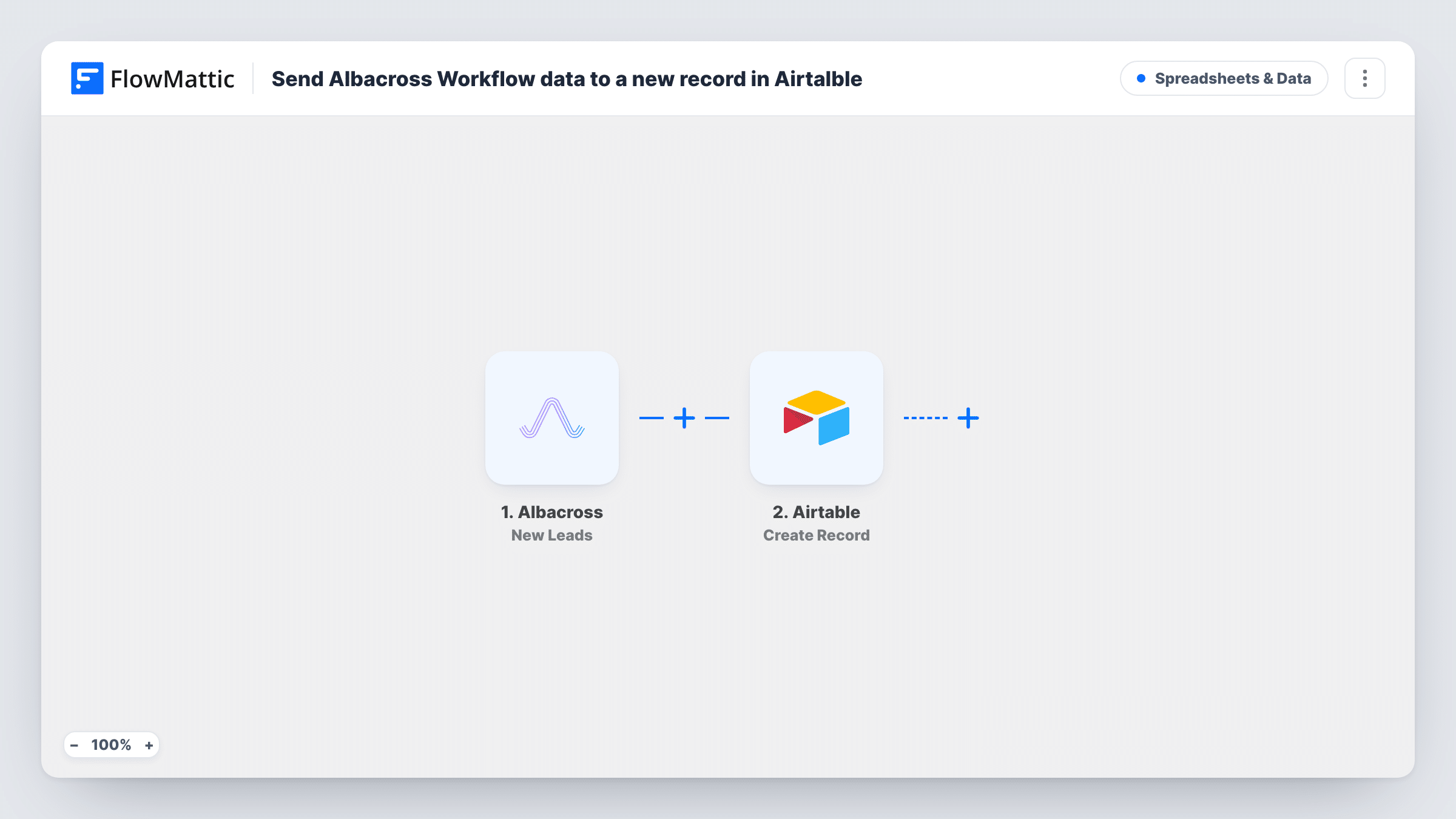
The Albacross trigger runs when new leads are received. The data for each lead becomes fields you can map. The Airtable step then creates a record in the base and table you choose, with the Albacross details placed in your columns.
Each lead the trigger receives becomes one record. Nothing in the template looks for an existing record first, so a company that Albacross reports again creates another row. After import, connect Airtable, choose the table and map the fields from a test lead. Every run, with the data sent to Airtable, is visible in Task History.
Account-based marketing list
Marketers review new Albacross leads in an Airtable grid, mark the target accounts and hand them to sales from a filtered view.
Sales lead assignment
A sales manager assigns each Airtable record to a rep with a collaborator field and tracks follow-up status in the same table.
Reporting on visiting companies
An Airtable view groups leads by industry or country, if Albacross sends those, to show which kinds of company visit the site most.
How this workflow runs
What happens at each step once the workflow is on, and what you need before you import it.
 Albacross New Leads
Runs when Albacross sends FlowMattic new leads. Each lead's details are passed on, ready for mapping into Airtable.
- Airtable Create Record
Creates one Airtable record per Albacross lead in the table you select. Map the lead details from a test run, such as the company name, to your table's columns.
What you need
- FlowMatticCore
- Albacross AccountAccount
- Airtable AccountAccount
After importing, map your own data. To keep the template universal, not every step is pre-filled. Open each step in the builder and connect your accounts and fields (channels, lists, sheets, recipients) before you switch the workflow on.
Make it yours
Changes worth making after you import it.
- Add a Status column in Airtable with a default of New, so the team can filter for leads nobody has reviewed yet.
- Add a Filter after the trigger to keep only leads that match your target market, for example a country value. A test lead shows the fields you can check.
- Add a Slack message after Airtable if a rep should hear about each lead as well as find it in the base.
Questions about this workflow
Will a company Albacross reports twice get two Airtable records?
Yes. The Create Record step always adds a new record and the template doesn't search for an existing one. Clean up duplicates in Airtable, for example with a view grouped by company name.
Which Albacross lead fields can I store in Airtable?
Any field Albacross sends with the lead. Run a test after import to see them, then map each one to a column.
Can I use Albacross' All Leads trigger instead?
Yes. FlowMattic's Albacross app has New Leads and All Leads triggers. Change the trigger, then map the lead fields into Airtable again.
Does my Airtable table need certain columns?
No fixed set. Create the columns you want before mapping, so they appear in the Create Record step.
More Spreadsheets & Data workflows
Other ready-to-import templates from the same category.




Import this workflow into your WordPress site
Download the JSON, import it from the Workflows screen and connect your accounts. Every run stays on your server, with no per-task fees.
30-day money-back guarantee Unlimited workflows and runs Self-hosted