

Send alert to Slack channel when new video is uploaded to Youtube
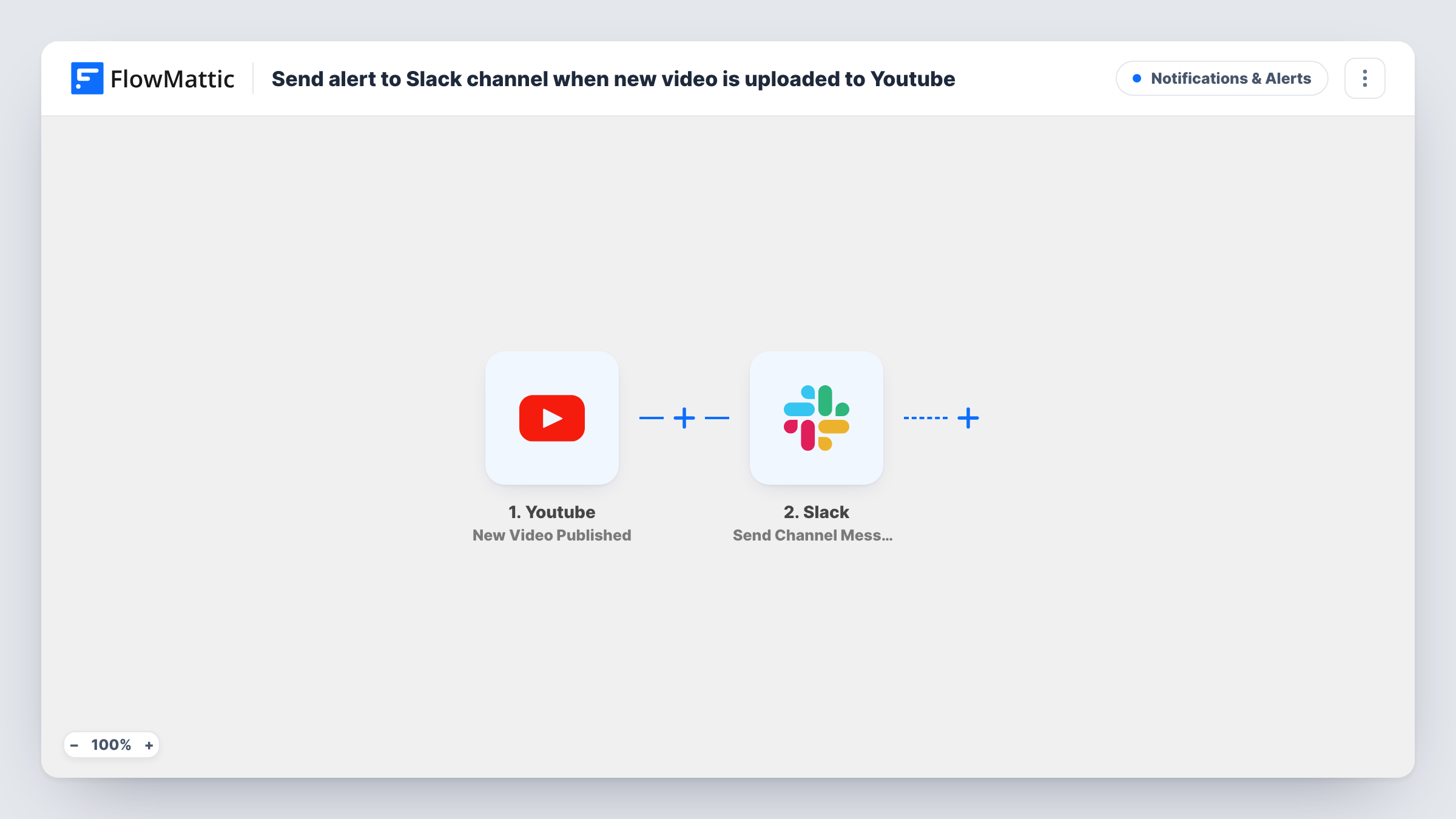
When a new video is published on the YouTube channel you specify, this workflow posts a message in a Slack channel, so your team knows it is live and can share it straight away.
 Youtube
 Slack
2 steps Setup ~5 min Used on 2.0k sites Free to import
What this workflow does
A new upload is only useful once people see it, and the team that promotes it often learns about it last. This workflow tells them in Slack as soon as YouTube shows the video as published, so nobody has to keep checking the channel.
The YouTube trigger, New Video Published, fires when a new video is published on the channel you specify. Details of the video, such as its title and link, become values you can map.
The Slack step, Send Channel Message, posts a message in the public channel you choose. You write the text and drop in the video values, for example the title with a link to watch. There is no Filter as imported, so every new video on the channel gets a post.
Marketing team ready to promote
The social team sees each new video in their Slack channel and schedules posts for it while it is fresh.
Creator and editor working together
A video editor gets a Slack post when the creator publishes, so they can check the final version and the thumbnail.
Agency reporting to a client
An agency that runs a client's YouTube channel posts each new release to a shared Slack channel, so the client sees it went out.
How this workflow runs
What happens at each step once the workflow is on, and what you need before you import it.
 Youtube New Video Published
Fires when a new video is published on the YouTube channel you set in the trigger. Connect your Google account on import, then use a test run to capture a video's title, link and other details.
- Slack Send Channel Message
Announces the new video in the Slack channel of your choice. Connect Slack, choose the channel, and write the message using the YouTube values, such as the video title and its watch link.
What you need
- FlowMatticCore
- Youtube AccountAccount
- Slack AccountAccount
After importing, map your own data. To keep the template universal, not every step is pre-filled. Open each step in the builder and connect your accounts and fields (channels, lists, sheets, recipients) before you switch the workflow on.
Make it yours
Changes worth making after you import it.
- Rather ping a single producer than a whole channel? Replace this step with Slack's Send Direct Message action and pick that teammate.
- Add a Filter after the trigger that continues only when the video title contains a word you use for one series, so only those videos are announced.
- Watch more than one YouTube channel by duplicating the workflow and setting a different channel in each trigger.
Questions about this workflow
Will my older YouTube videos be posted to Slack?
No. The workflow reacts to videos published after you turn it on. Videos already on the channel are not posted.
Can the Slack message include the video thumbnail?
It can include the thumbnail link if YouTube sends one with the video data. Check a test run to see the values you can map into the message.
Will the Slack post appear in a private channel?
Send Channel Message is set up for a channel you choose from Slack. For a private channel, swap in Slack's Send Private Channel Message action, which the Slack app in FlowMattic offers separately.
More Notifications & Alerts workflows
Other ready-to-import templates from the same category.





Import this workflow into your WordPress site
Download the JSON, import it from the Workflows screen and connect your accounts. Every run stays on your server, with no per-task fees.
30-day money-back guarantee Unlimited workflows and runs Self-hosted