

Send channel message to team on Slack when someone cancels the booking in Zeeg
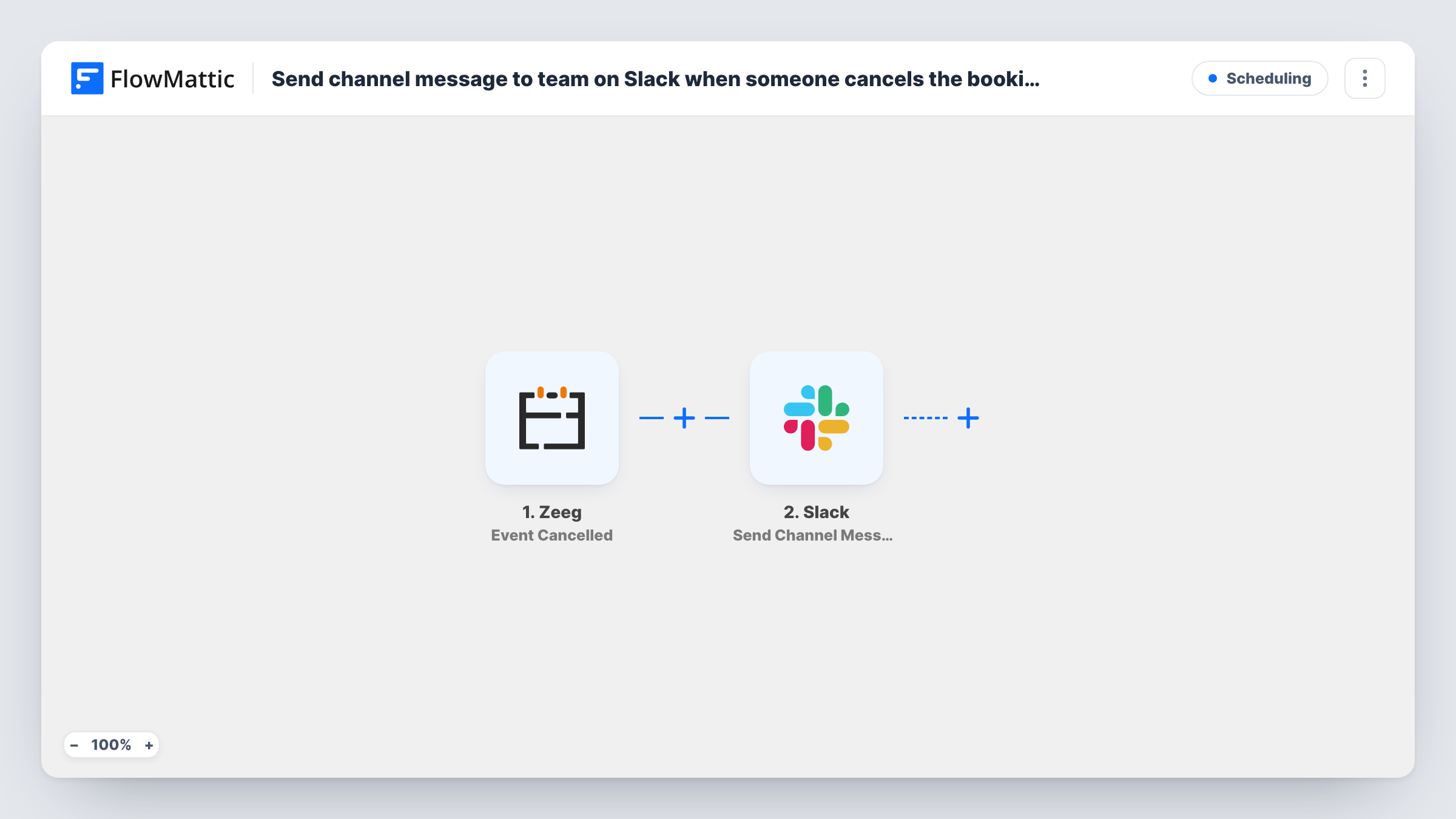
When an invitee cancels a booking in Zeeg, this workflow posts a message in your chosen Slack channel, so the team knows a slot has opened and who cancelled.
 Zeeg
 Slack
2 steps Setup ~5 min Used on 1.7k sites Free to import
What this workflow does
A cancelled meeting in Zeeg usually reaches only the host's inbox. If others prepare for those meetings, or someone handles rebooking, they find out late. This workflow tells the whole team in Slack as soon as Zeeg reports the cancellation.
The Zeeg trigger is Event Cancelled, which fires when a scheduled event is cancelled. The booking details Zeeg sends with it, such as the invitee and the event time, can be mapped into the message. FlowMattic then uses Slack to post in the channel you choose, with text you write.
Every cancellation that reaches the trigger produces one Slack post. The workflow does not rebook anyone or contact the invitee. It only tells your team, who decide what to do next. Test it by cancelling a booking you made yourself, then map the fields you see in Task History.
Sales demos with a shared calendar
When a prospect cancels a Zeeg demo, the sales channel sees it, and a colleague can offer the freed slot to another lead waiting for a call.
Clinic or studio front desk
Reception follows a Slack channel and sees each Zeeg cancellation, so they can call the next person on the waiting list.
Consultants preparing for calls
An assistant who prepares briefing notes sees cancelled sessions in Slack and stops work on them.
How this workflow runs
What happens at each step once the workflow is on, and what you need before you import it.
 Zeeg Event Cancelled
Fires when an event booked through Zeeg is cancelled. The cancellation details Zeeg sends, such as the invitee and the time, become available to map.
- Slack Send Channel Message
Posts a message to the Slack channel you pick for each cancellation. Write the alert and map in Zeeg details like the invitee's name and the cancelled time.
What you need
- FlowMatticCore
- Zeeg AccountAccount
- Slack AccountAccount
After importing, map your own data. To keep the template universal, not every step is pre-filled. Open each step in the builder and connect your accounts and fields (channels, lists, sheets, recipients) before you switch the workflow on.
Make it yours
Changes worth making after you import it.
- Add a Filter on the event type so only cancellations of one kind of meeting, such as paid consultations, are posted.
- Add a Google Sheets step after Slack to log each Zeeg cancellation, which gives you a record to review later.
- Swap the Slack step for Slack's Send Direct Message action if only the host needs to know, rather than the whole channel.
Questions about this workflow
Does the Zeeg cancellation alert include the reason the invitee gave?
Only if Zeeg sends a reason with the cancellation. Cancel a test booking and check Task History to see which fields arrive, then map them into the message.
Will rescheduled Zeeg bookings post to Slack too?
The trigger fires on cancelled events. Whether a reschedule counts as a cancellation depends on how Zeeg reports it, so test one before relying on it.
Does this workflow notify the invitee who cancelled?
No. It only posts in Slack. Zeeg handles any messages to the invitee as it normally does.
More Scheduling workflows
Other ready-to-import templates from the same category.






Import this workflow into your WordPress site
Download the JSON, import it from the Workflows screen and connect your accounts. Every run stays on your server, with no per-task fees.
30-day money-back guarantee Unlimited workflows and runs Self-hosted