

Send messages on Telegram for new JetFormBuilder submissions
Each JetFormBuilder submission sends a Telegram message to the chat you choose, carrying the form answers, so you or your team see new entries in the app you already use.
 JetFormBuilder
 Telegram
2 steps Setup ~5 min Used on 3.5k sites Free to import
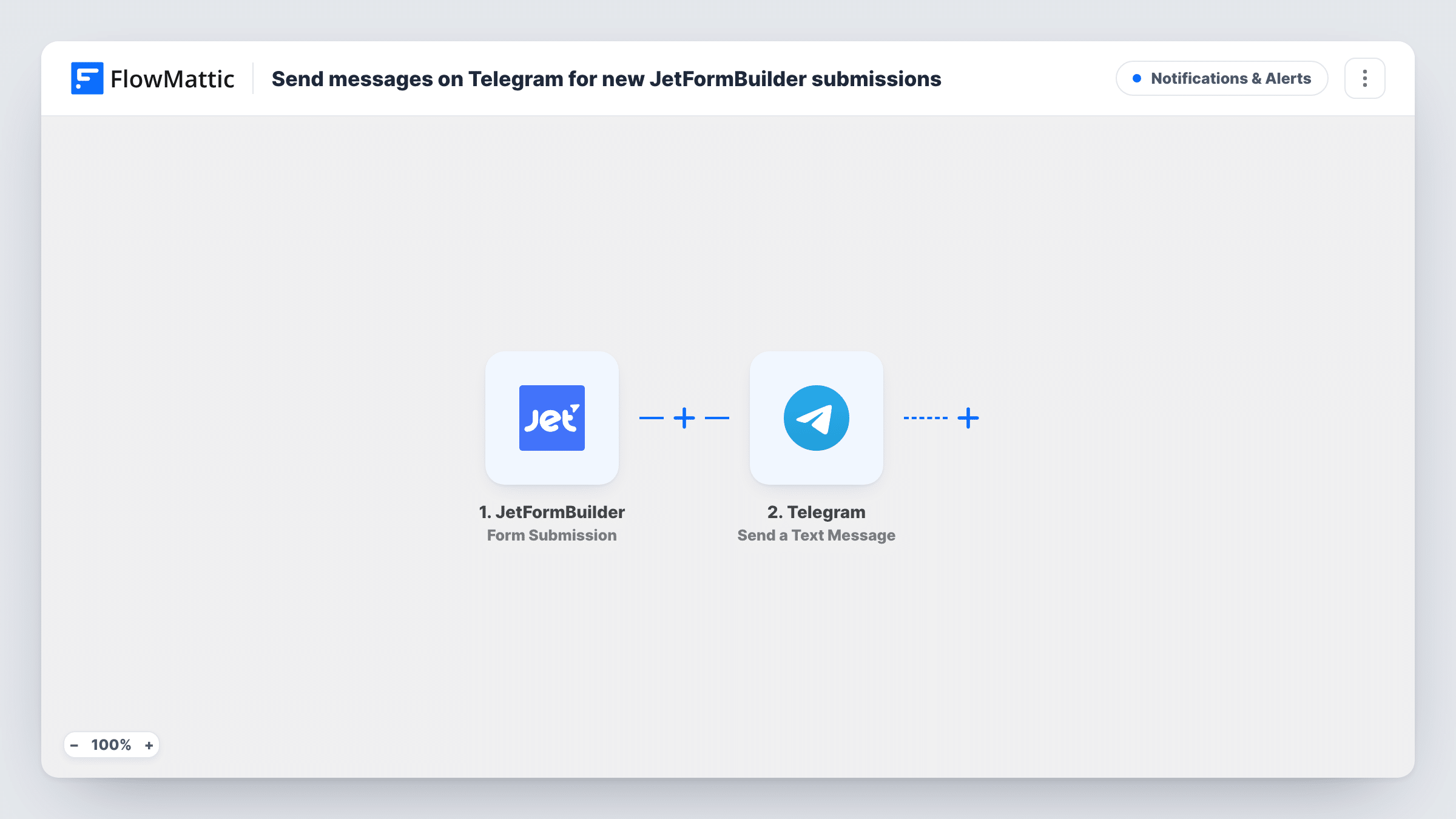
What this workflow does
If your team coordinates in Telegram, a form entry that only lands in an inbox is easy to miss. Posting it to a Telegram chat puts it where people are already talking. This workflow does that for every JetFormBuilder submission.
The JetFormBuilder trigger fires when your form is submitted on your WordPress site. The submitted answers go to Telegram, where Send a Text Message posts to the chat you set up. The action supports markup, so you can make labels bold and lay the answers out on separate lines.
One submission produces one message. A group chat works well when several people share the follow-up, and a private chat with your bot suits a solo owner. Task History lists each run with the data sent to Telegram.
Order requests for a home bakery
Custom cake orders come in through a JetFormBuilder form. The baker sees each request in Telegram, with the date and design notes, while working in the kitchen.
Volunteer sign-ups in a group chat
A charity's volunteer form posts each sign-up to the coordinators' Telegram group, so whoever is free can reply to the volunteer.
Lead alerts for a remote sales team
Quote requests appear in the team's Telegram group with the visitor's contact details, so the first available person can follow up.
How this workflow runs
What happens at each step once the workflow is on, and what you need before you import it.
 JetFormBuilder Form Submission
Starts a run for each entry sent through your JetFormBuilder form. All answers are passed to the Telegram step.
- Telegram Send a Text Message
Posts a text message to your Telegram chat with the form answers you map into it. Markup is supported, so you can format labels and line breaks. Test once to confirm the chat receives it.
What you need
- FlowMatticCore
- JetFormBuilder AccountAccount
- Telegram AccountAccount
After importing, map your own data. To keep the template universal, not every step is pre-filled. Open each step in the builder and connect your accounts and fields (channels, lists, sheets, recipients) before you switch the workflow on.
Make it yours
Changes worth making after you import it.
- Add a Filter after the trigger if only some entries matter, for example when a service field equals Emergency.
- Use bold labels in the message, such as Name and Phone, so the answers are easy to scan on a phone screen.
- To notify a second chat, add another Telegram Send a Text Message step after the first one.
Questions about this workflow
Can the JetFormBuilder alert go to a Telegram group?
Yes, as long as your Telegram bot is a member of that group and the step sends to the group's chat. Submit a test entry to confirm it arrives.
Does the visitor see the Telegram message?
No. The message goes to the chat you set up, not to the person who filled in the form.
Are uploaded files sent to Telegram?
This step sends a text message. You can include a file link if the form passes one, but the file itself is not attached.
More Notifications & Alerts workflows
Other ready-to-import templates from the same category.





Import this workflow into your WordPress site
Download the JSON, import it from the Workflows screen and connect your accounts. Every run stays on your server, with no per-task fees.
30-day money-back guarantee Unlimited workflows and runs Self-hosted