

Send new Youtube videos to Discord channel
Each time a new video is published on the YouTube channel you choose, this workflow posts it in a Discord channel, so your server’s members hear about the upload as it goes live.
 Youtube
 Discord
2 steps Setup ~5 min Used on 3.2k sites Free to import
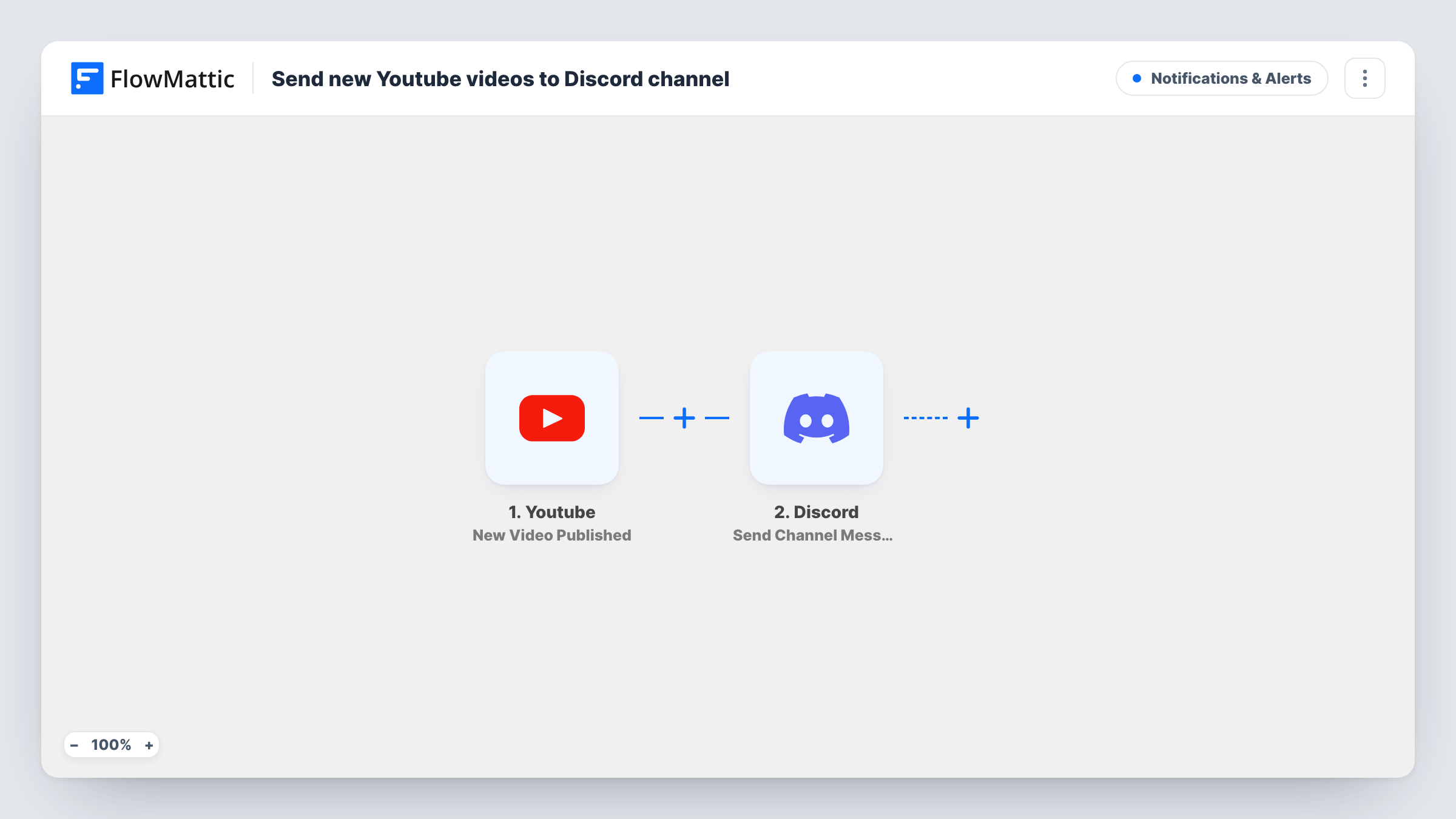
What this workflow does
Many creators run a Discord server for their audience, and members expect to hear about new uploads there. Posting the link by hand after every upload is one more job to remember. This workflow announces each new video for you.
The workflow listens with YouTube's New Video Published trigger. Per FlowMattic's catalog, it fires when a new video is published in the channel you specify, which is usually your own. The video's details, such as its title and link, become values you can map.
The Discord step is Send Channel Message, which posts a message to the channel you choose on your server. Write the announcement and map in the video title and link from the trigger. Run a test with a recent upload to see which details come through.
Every video the trigger reports for that channel gets its own Discord message. Videos published before you turn the workflow on aren't posted.
Creator community server
A gaming creator's Discord gets a message in #new-videos for each upload, so fans can jump in and watch while the comments are fresh.
Course or tutorial channel
An instructor publishing lessons on YouTube announces each one in the class Discord, where students then discuss it.
Company product updates
A software company's YouTube demos are posted in its community Discord, where users ask questions about the new features shown.
How this workflow runs
What happens at each step once the workflow is on, and what you need before you import it.
 Youtube New Video Published
Fires when a new video is published on the YouTube channel you specify. The video's title, link and other details are passed on to the Discord step.
- Discord Send Channel Message
Announces the upload in the Discord channel of your choice. Write the message and map in the YouTube video title and link so members can open it.
What you need
- FlowMatticCore
- Youtube AccountAccount
- Discord AccountAccount
After importing, map your own data. To keep the template universal, not every step is pre-filled. Open each step in the builder and connect your accounts and fields (channels, lists, sheets, recipients) before you switch the workflow on.
Make it yours
Changes worth making after you import it.
- Put the video link on its own line in the Discord message, so Discord shows a preview of the video under the text.
- To announce only some uploads, add a Filter after the trigger that continues when the video title contains a word you use, such as Episode.
- Running several Discord servers? Add another Send Channel Message step for each server's announcement channel.
Questions about this workflow
Can I watch a YouTube channel that isn't mine?
The trigger fires for the channel you specify. Set it to the channel you want announced, then run a test to confirm uploads are picked up.
Will older YouTube videos be posted in Discord?
No. Only videos published after you turn the workflow on are announced. Share older videos in Discord yourself.
Can the Discord post mention a role?
You write the message text, so you can include a role mention in the format Discord uses. Test it in a private channel first.
Does the workflow change anything on my YouTube channel?
No. The YouTube trigger only listens for new uploads. The single action is the Discord message, so your videos and channel settings stay as they are.
More Notifications & Alerts workflows
Other ready-to-import templates from the same category.




Import this workflow into your WordPress site
Download the JSON, import it from the Workflows screen and connect your accounts. Every run stays on your server, with no per-task fees.
30-day money-back guarantee Unlimited workflows and runs Self-hosted