

Send Slack direct messages for new task changes in ClickUp
Get a Slack direct message each time a task is updated in ClickUp, with the task details you choose, so you hear about changes without keeping ClickUp open all day.
 ClickUp
 Slack
Slack2 steps Setup ~5 min Used on 485 sites Free to import
What this workflow does
ClickUp's own notifications can pile up, and some people would rather see task changes in Slack, where they already work. This workflow sends a Slack direct message whenever a ClickUp task is updated.
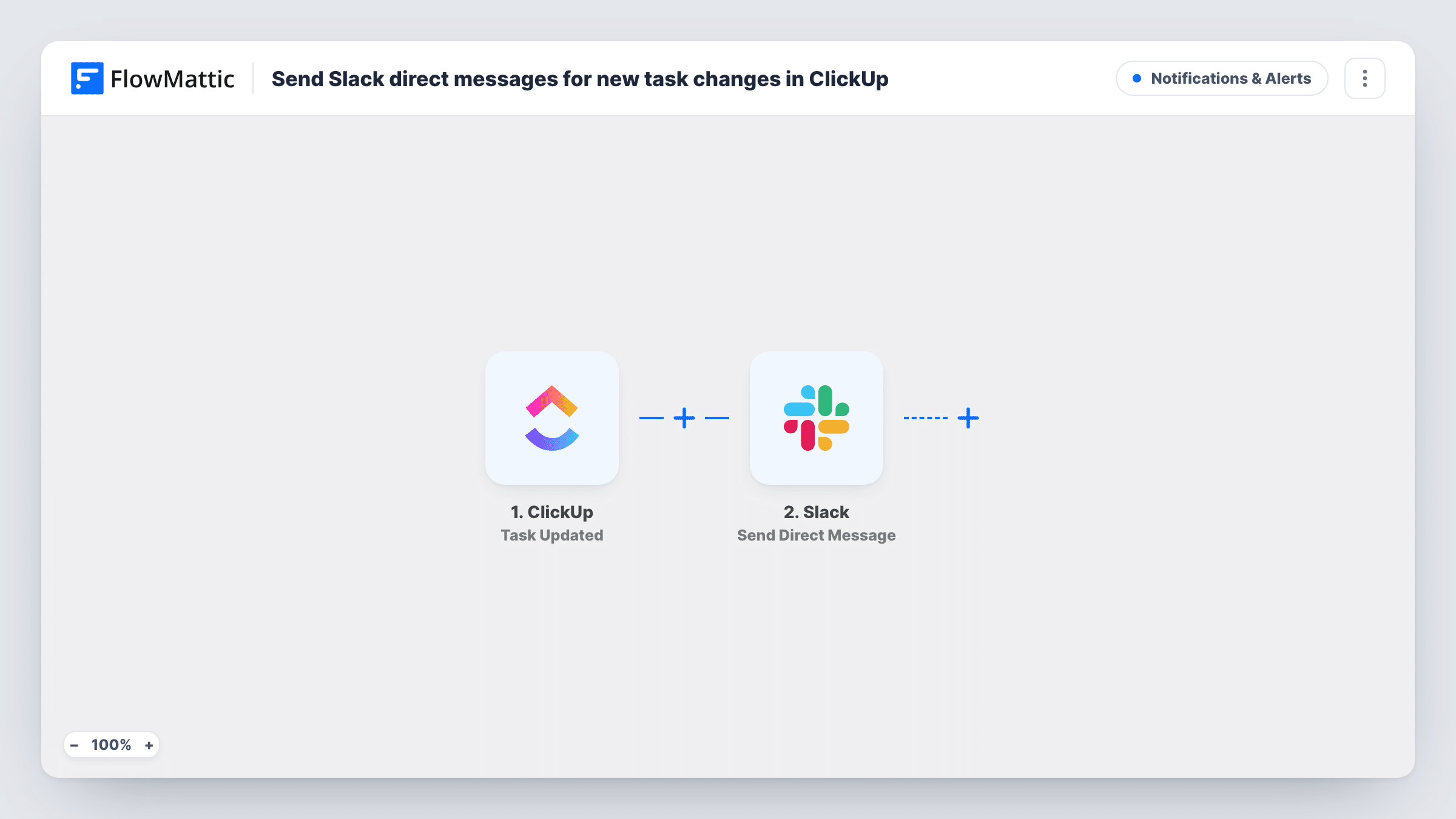
The ClickUp trigger fires when a task is updated in the location you connect. FlowMattic passes the task data to Slack, and Send Direct Message sends a message from the Slackbot to the person you pick, or to yourself. You write the text and add task details from the update.
Any update to a task counts, so a busy list can produce many messages. The recipient is whoever you choose in the Slack step; it is not taken from the task's assignee unless you set that up. Task History shows each message sent.
Manager watching a small project
A manager follows one ClickUp list. Every change to its tasks arrives as a Slack DM, so they keep up without opening ClickUp.
Client-facing account lead
An account lead wants to know when tasks on a client's list change, so they can update the client. The DMs tell them when something moves.
Personal change feed
You send the messages to yourself and get a private Slack feed of task updates in a ClickUp list you care about.
How this workflow runs
What happens at each step once the workflow is on, and what you need before you import it.
 ClickUp Task Updated
Fires when a task is updated in ClickUp. The updated task's details are available to place in the Slack message.
- Slack Send Direct Message
Sends a direct message from the Slackbot to the user you choose, or to yourself. Write the message and insert ClickUp task details such as the task name.
What you need
- FlowMatticCore
- ClickUp AccountAccount
- Slack AccountAccount
After importing, map your own data. To keep the template universal, not every step is pre-filled. Open each step in the builder and connect your accounts and fields (channels, lists, sheets, recipients) before you switch the workflow on.
Make it yours
Changes worth making after you import it.
- Add a Filter after the trigger to cut noise, for example continuing only when the task's status matches one you care about. Check the test data for the field to compare.
- Connect the trigger to a single ClickUp list rather than a whole space if you only follow one project.
- Make a small edit to a ClickUp task after import so FlowMattic captures the update data before you build the message.
Questions about this workflow
Who receives the Slack DM when a ClickUp task changes?
The user you pick in the Send Direct Message step, or yourself. It goes to the same person for every update unless you change the step.
Will every ClickUp task edit send a Slack message?
Yes, as imported. Any update the trigger sees sends one DM. A Filter after the trigger lets you limit which updates get through.
Can the Slack message say what changed in the ClickUp task?
It can include whatever the update data carries. Make a test edit and look at the captured fields to see what is available.
More Notifications & Alerts workflows
Other ready-to-import templates from the same category.





Import this workflow into your WordPress site
Download the JSON, import it from the Workflows screen and connect your accounts. Every run stays on your server, with no per-task fees.
30-day money-back guarantee Unlimited workflows and runs Self-hosted