

Send Telegram group messages for new Formium submissions
Every new Formium submission is posted as a text message to your Telegram group, so the people who act on form entries see them in the chat they already use.
 Formium
 Telegram
2 steps Setup ~5 min Used on 2.9k sites Free to import
What this workflow does
Form entries that sit in a dashboard wait until someone remembers to log in. If your team coordinates in Telegram, the quickest way to get eyes on a new entry is to put it in the group chat. This workflow does that for each Formium submission.
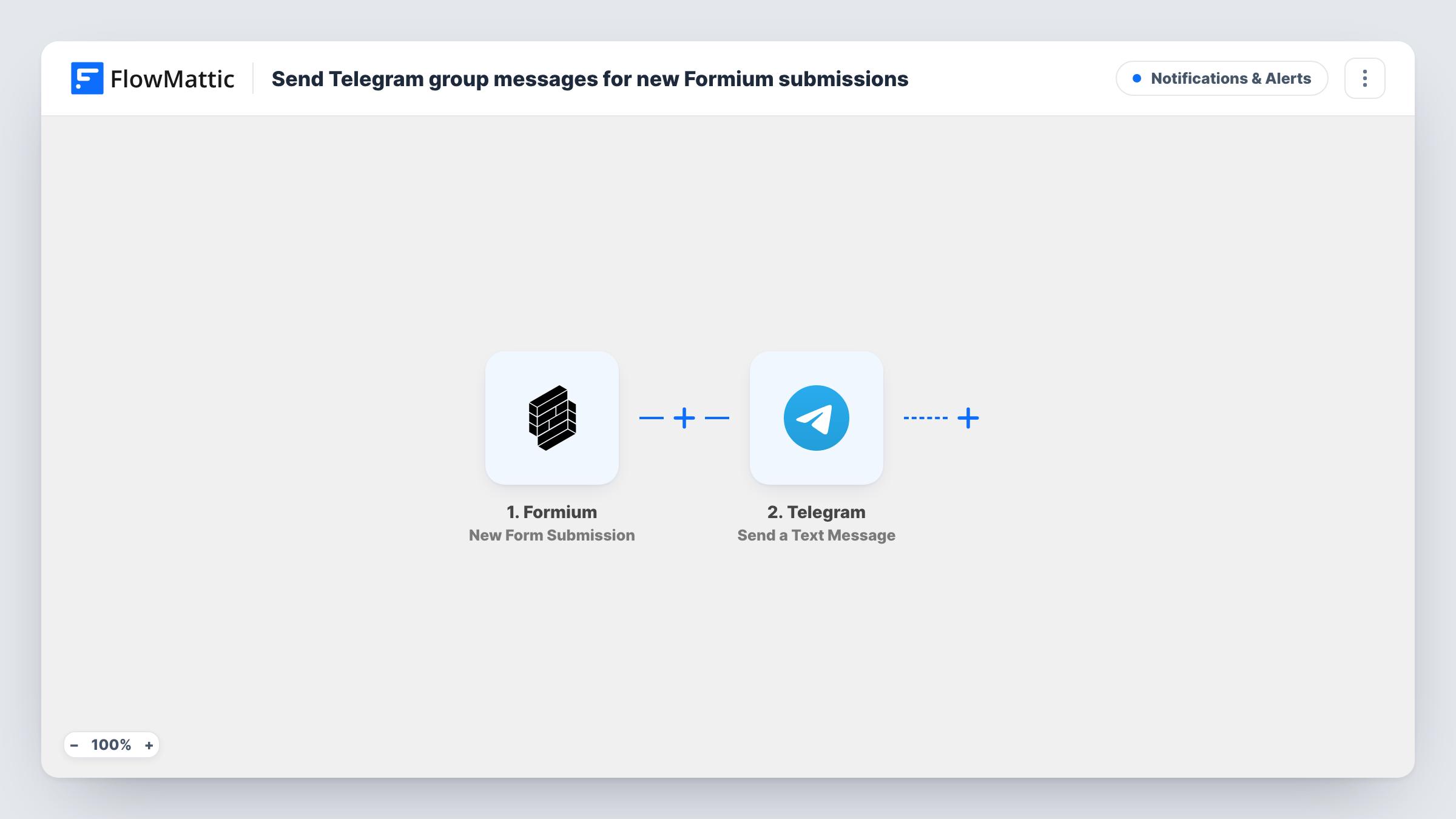
The Formium trigger fires when a new form submission is received, and the answers become fields you can use. The Telegram step then sends a text message to the group you choose. You write the message once, mapping in the answers you want people to see. The action supports markup, so you can bold a label or put the important answer first.
Every submission produces one message, since there is no condition between the steps. After import, connect Telegram, choose the group and write the message text. A test entry shows which Formium fields you can map, and Task History records what was sent each time.
Sales enquiries for a small team
A Formium enquiry form on your website posts each new lead into the sales team's Telegram group, so whoever is free can pick it up.
Event volunteers signing up
Volunteers register through a Formium form. Organisers see each name and preferred shift in their Telegram group as it arrives.
Bug reports from beta users
Testers report problems through a Formium form. Developers get each report in their Telegram group with the steps the tester described.
How this workflow runs
What happens at each step once the workflow is on, and what you need before you import it.
 Formium New Form Submission
Runs when Formium receives a new form submission. Every answer is passed on for use in the Telegram message.
- Telegram Send a Text Message
Sends a text message with the submission details to the Telegram group you choose. Write the message and map in the Formium answers; markup is supported for simple formatting.
What you need
- FlowMatticCore
- Formium AccountAccount
- Telegram AccountAccount
After importing, map your own data. To keep the template universal, not every step is pre-filled. Open each step in the builder and connect your accounts and fields (channels, lists, sheets, recipients) before you switch the workflow on.
Make it yours
Changes worth making after you import it.
- Add a Filter after the trigger if only some entries matter, for example ones where a Topic answer equals Sales.
- Put the most important answer, such as the name or the request type, on the first line of the Telegram message so it shows in notification previews.
- Use a Router with two Telegram steps if different kinds of entry belong in different groups, giving each route a condition that can't overlap with the other.
Questions about this workflow
Can the Formium alert go to a Telegram group rather than one person?
Yes, that is what this template is for. Telegram only lets a bot post in a group it belongs to, so add your bot to the group before you test.
Do all my Formium forms trigger this?
Each new submission the trigger receives produces a message. If you use several forms, run a test and add a Filter on the form if you want only one of them.
Can I format the Telegram message?
Yes. The Send a Text Message action supports markup, so you can use simple formatting such as bold labels.
Are files uploaded through Formium sent to Telegram?
Not by this template. It sends a text message only. You could map a file link into the text if Formium passes one.
More Notifications & Alerts workflows
Other ready-to-import templates from the same category.





Import this workflow into your WordPress site
Download the JSON, import it from the Workflows screen and connect your accounts. Every run stays on your server, with no per-task fees.
30-day money-back guarantee Unlimited workflows and runs Self-hosted