

Send webhook POST requests for new SureForms submissions
Every new SureForms submission is sent as a JSON POST request to the webhook URL you enter, so your own app, an internal script or another automation tool receives each entry as it comes in.
 SureForms
 Webhook Outgoing
2 steps Setup ~5 min Used on 1.9k sites Free to import
What this workflow does
Sometimes the place that needs your form data isn't an app with a ready-made integration. It might be a custom dashboard, a small script on another server, or a service that only accepts webhooks. This workflow takes each SureForms entry on your WordPress site and passes it to that endpoint, with no plugin code of your own.
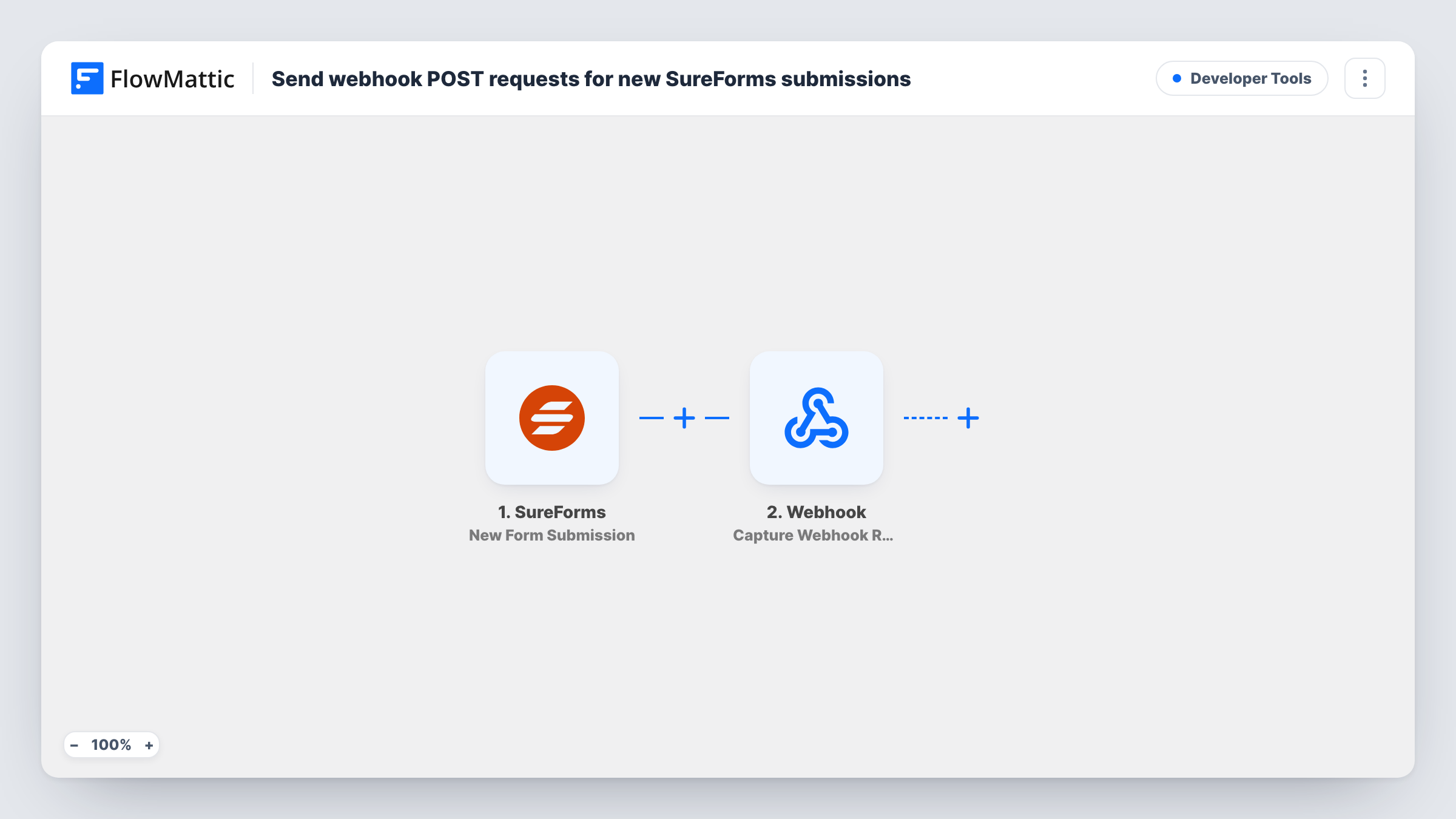
The SureForms trigger starts a run whenever a form receives a new submission. You choose the form in the trigger, and the submitted field values are passed to the next step.
The Webhook Outgoing step then sends data to a URL using the POST method in JSON format. It ships empty: after import you paste the receiving URL and map the form fields you want in the request, giving each one the key your endpoint expects.
One entry means one call to your URL. The workflow doesn't wait for the other system to do anything with the data; what happens next is up to your endpoint. Send a test entry and open Task History to see the payload FlowMattic sent and the response your endpoint returned.
Leads into an in-house CRM
An agency's own CRM accepts JSON on an endpoint, so each SureForms enquiry from the website arrives there as a new lead.
Custom processing on another server
A developer runs a script that checks quote requests against stock, and the webhook delivers each SureForms submission to it.
Handing entries to another automation tool
A team that already runs automations elsewhere starts them from SureForms entries by pointing this webhook at that tool's catch URL.
How this workflow runs
What happens at each step once the workflow is on, and what you need before you import it.
 SureForms New Form Submission
Fires each time the SureForms form you select receives a new submission. The entry's field values are passed on so you can include them in the outgoing request.
- Webhook Outgoing Submit Data to Webhook
Posts the entry as JSON to the URL you set. The template sets nothing, so add the endpoint URL and map each SureForms field to the key your receiving system expects.
What you need
- FlowMatticCore
- SureForms PluginPlugin
After importing, map your own data. To keep the template universal, not every step is pre-filled. Open each step in the builder and connect your accounts and fields (channels, lists, sheets, recipients) before you switch the workflow on.
Make it yours
Changes worth making after you import it.
- Match the keys in the request to what your endpoint reads, for example email, name and message, and send a test entry to confirm the other side accepts them.
- Put a Filter between the SureForms trigger and the webhook step if only some entries should be sent, such as those where a consent checkbox is ticked. Pick whichever SureForms field marks those entries.
- Add a Delay between the trigger and the webhook step if the receiving system processes requests in batches and needs a short gap.
Questions about this workflow
Which SureForms fields end up in the webhook request?
Only the ones you map. The Submit Data to Webhook step is empty in the template, so you choose each field and the key it is sent under.
Does the outgoing webhook use GET or POST?
POST, with the data in JSON format. If your endpoint needs another method, such as PUT or PATCH, swap in API by FlowMattic, which offers those methods.
How do I see what the endpoint answered?
Look in Task History. The run there shows the data FlowMattic sent from the SureForms entry and the response the receiving URL returned.
Can one SureForms submission go to two endpoints?
Yes. Add a second Submit Data to Webhook step after the first one and enter the other URL, mapping the same form fields.
More Developer Tools workflows
Other ready-to-import templates from the same category.







Import this workflow into your WordPress site
Download the JSON, import it from the Workflows screen and connect your accounts. Every run stays on your server, with no per-task fees.
30-day money-back guarantee Unlimited workflows and runs Self-hosted