

Send Zoho Sign contracts for new bookings in Amelia
When a customer completes an appointment booking in Amelia, Zoho Sign sends them a sign request built from your contract template, so the agreement goes out with every booking.
 WP Amelia
 Zoho Sign
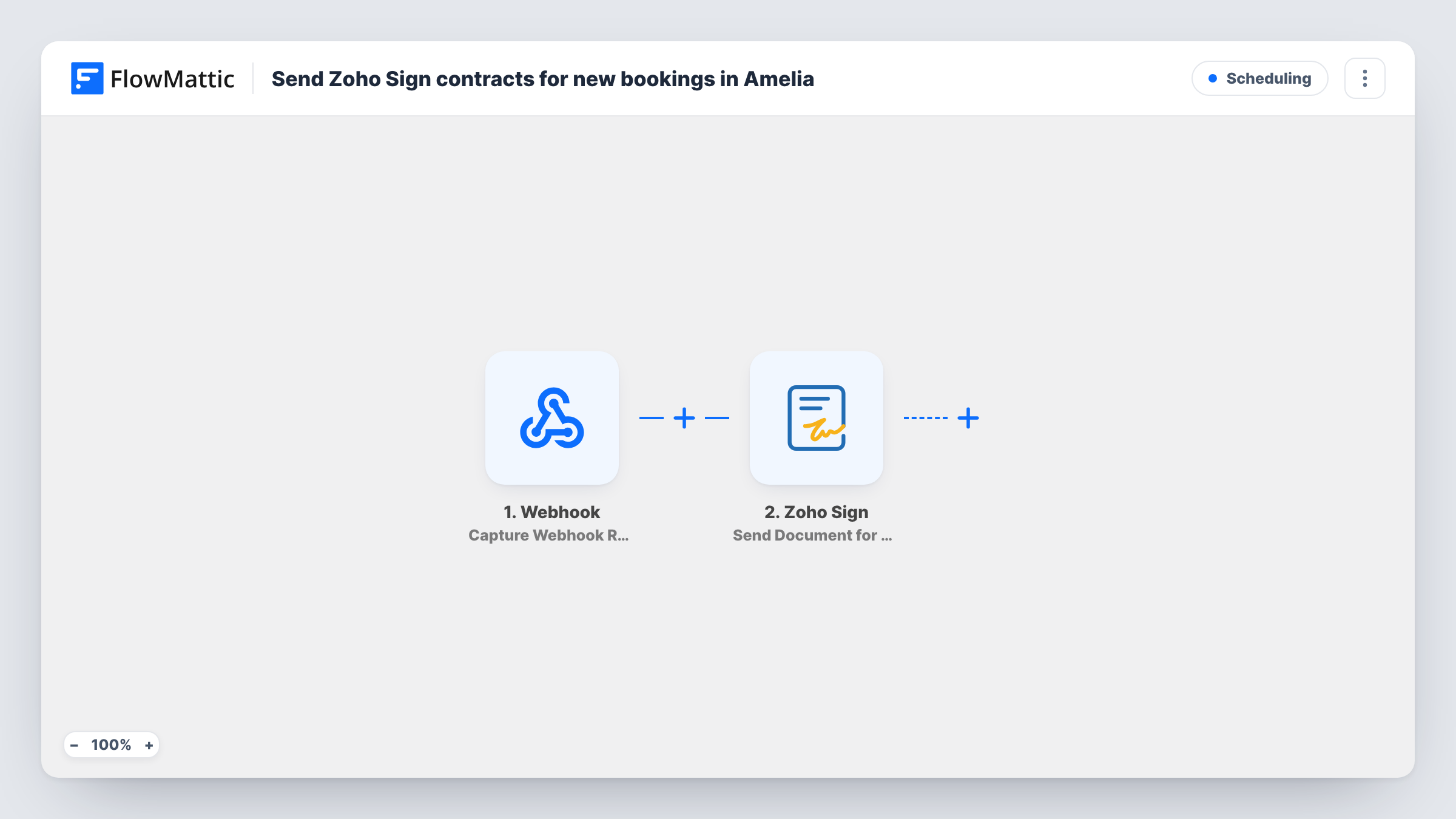
2 steps Setup ~5 min Used on 1.4k sites Free to import
What this workflow does
Many services need a signed agreement before the first session: a coaching contract, a photography release, a treatment consent form. Sending it by hand after each booking is easy to forget. This workflow sends a Zoho Sign request as soon as an appointment is booked in Amelia.
The WP Amelia trigger fires, as FlowMattic puts it, when an appointment's booking is completed. The booking's details, such as the customer's name, email, service and time, are passed on.
The Zoho Sign step then creates and sends a sign request from one of your templates. You build the contract template in Zoho Sign beforehand, with the signer role and any fields you want filled. After import you connect Zoho Sign, choose that template and map the customer's name and email as the recipient, plus booking details into the template fields if it has them.
Each completed appointment booking sends its own request, including repeat bookings by the same customer. Amelia event bookings use separate triggers and don't start this workflow. Book a test appointment and check Task History to confirm Zoho Sign accepted the request.
Coaching agreements before the first call
A business coach takes bookings through Amelia and has the coaching agreement in each client's inbox before the session starts.
Consent forms for treatments
A beauty clinic sends its treatment consent form through Zoho Sign whenever a client books an appointment, so it is signed before the visit.
Photo shoot model releases
A portrait photographer sends a model release to each person who books a shoot, with the session date mapped into the document.
How this workflow runs
What happens at each step once the workflow is on, and what you need before you import it.
 WP Amelia Appointment Booking Completed
Starts the workflow when an appointment's booking is completed in Amelia. The customer's details and the booked service and time become available to the Zoho Sign step.
- Zoho Sign Send Document from Template
Creates and sends a Zoho Sign request from your contract template. After import, connect Zoho Sign, pick the template, then map the customer's name and email as the signer.
What you need
- FlowMatticCore
- WP Amelia AccountAccount
- Zoho Sign AccountAccount
After importing, map your own data. To keep the template universal, not every step is pre-filled. Open each step in the builder and connect your accounts and fields (channels, lists, sheets, recipients) before you switch the workflow on.
Make it yours
Changes worth making after you import it.
- Map the service name and appointment date into the template's fields, if your Zoho Sign template has them, so each contract names the session it covers.
- If only some services need a contract, put a Filter between the Amelia trigger and the Zoho Sign step on the service name. The service values are yours to choose.
- To follow up on signed contracts, build a second workflow on Zoho Sign's Document Completed trigger, for example to note the signature in a Google Sheet.
Questions about this workflow
Do I need a Zoho Sign template before importing this Amelia workflow?
Yes. The step sends from a template, so create the contract in Zoho Sign first, with a signer role for the customer, and pick it in the step after import.
Does a returning Amelia customer get a new contract each time?
Yes. Every completed appointment booking sends a request, even for someone who signed before. The workflow keeps no record of earlier signatures, so it can't tell first-time and returning customers apart.
Do Amelia event bookings send a contract?
No. This workflow uses the appointment trigger. FlowMattic's WP Amelia integration has a separate Event Booking Completed trigger you could use in a second workflow.
What happens if the customer reschedules the appointment in Amelia?
Rescheduling has its own trigger in FlowMattic's WP Amelia integration, Appointment Booking Rescheduled, which you can use in a second workflow. Reschedule a test booking and check Task History to confirm this one stays quiet.
More Scheduling workflows
Other ready-to-import templates from the same category.






Import this workflow into your WordPress site
Download the JSON, import it from the Workflows screen and connect your accounts. Every run stays on your server, with no per-task fees.
30-day money-back guarantee Unlimited workflows and runs Self-hosted