

Share the new Youtube video to your users via email
When you publish a new YouTube video, FlowMattic loads every WordPress user with the Subscriber role and sends each one an email about the video.
 Youtube
 WordPress
 Iterator
 Email
Email4 steps Setup ~8 min Used on 1.9k sites Free to import
What this workflow does
Your site's registered users already chose to hear from you, but many of them don't follow your YouTube channel. This workflow tells them about each new video by email, from your own WordPress site, without exporting a list or opening a newsletter tool.
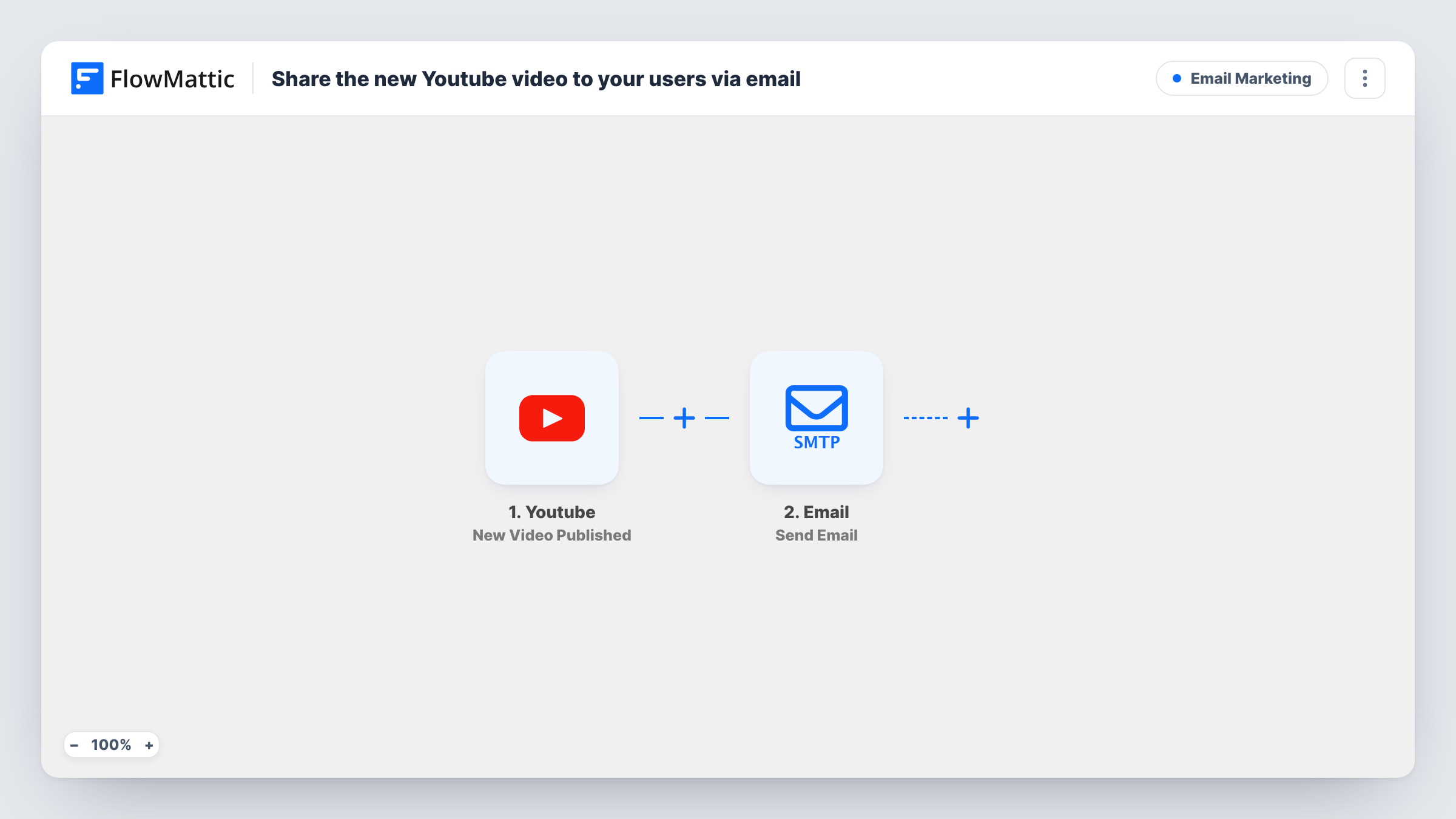
The YouTube trigger fires when a new video is published in the channel you specify. The video's details, such as its title and link, are passed on. The WordPress step Get All Users by Role then retrieves every user with the Subscriber role. That role is set in the template, and you can change it to another one.
An Iterator loops through that list of users, and the Email step runs once for each, addressed to that user's email. The subject and message are blank in the template, so write them after import and map the video's title and link into the text, plus the user's display name if you want a greeting.
Each new video sends one email to every user with the role, every time. The email goes through WordPress mail or the SMTP account you set, so think about how many users you have and what your mail service allows. Task History shows each run and every email the loop sent.
Members hear about new lessons
A cooking site emails its registered users whenever a new recipe video goes up on the channel, with the video link in the message.
Course creators reaching their students
An online tutor changes the role to the one students get, so only enrolled learners are emailed about each new tutorial video.
Community sites without a newsletter tool
A small fan community announces new videos to its WordPress subscribers straight from the site, instead of paying for a separate mailing service.
How this workflow runs
What happens at each step once the workflow is on, and what you need before you import it.
 Youtube New Video Published
Starts a run each time your chosen YouTube channel publishes a new video. The video's title, link and other details are available to the email step.
- WordPress Get All Users by Role
Retrieves every WordPress user with the Subscriber role, as set in the template. Change the role here if a different group of users should be emailed about new videos.
- Iterator Loop Through Array
Goes through the user list from the previous step one user at a time, so the Email step after it runs once for every Subscriber found.
 Email Send Email
Emails the user the loop is on, using their account email, which is already mapped. Write the subject and message after import and map in the YouTube video's title and link.
What you need
- FlowMatticCore
- Youtube AccountAccount
After importing, map your own data. To keep the template universal, not every step is pre-filled. Open each step in the builder and connect your accounts and fields (channels, lists, sheets, recipients) before you switch the workflow on.
Make it yours
Changes worth making after you import it.
- Map the user's display name from the Iterator into the greeting, so each email starts with the reader's name.
- Use an SMTP account built for sending in volume in the Email step if you have many users, and check its sending limits before turning the workflow on.
- To email only people who asked for video news, give them a role of their own, for example with a membership plugin, and set that role in the Get All Users by Role step.
- Map the video's description from the YouTube trigger into the message, if your test run includes it, so readers know what the video covers before they click.
Questions about this workflow
Which WordPress users receive the YouTube email?
Every user with the Subscriber role, as set in Get All Users by Role. Change that role after import if you want to email customers, members or another group instead.
Is the email written already?
No. Each email is addressed to the user's account email, but the subject and message are blank. Write them after import and map in the video's title and link.
Will users get an email for every video I publish?
Yes. Each new video on the channel starts a run, and the Iterator emails every user with the role each time.
Can I let WordPress users opt out of these video emails?
Not as imported. The simplest way is a separate role for users who want the emails, set in Get All Users by Role. That step returns account fields such as the email and display name, not custom user meta, so a Filter in the loop can't read an opt-out field there.
More Email Marketing workflows
Other ready-to-import templates from the same category.







Import this workflow into your WordPress site
Download the JSON, import it from the Workflows screen and connect your accounts. Every run stays on your server, with no per-task fees.
30-day money-back guarantee Unlimited workflows and runs Self-hosted