

Store Docsumo document status changes as records in Airtable
Each time a Docsumo document changes status, FlowMattic adds a record to your Airtable table, giving you a running log of documents and the status each one reached.
 Docsumo
 Airtable
2 steps Setup ~5 min Used on 3.3k sites Free to import
What this workflow does
Docsumo pulls data out of invoices, bank statements and other paperwork, and each document moves through statuses as it is processed and reviewed. If your team plans work or reports in Airtable, it helps to see those movements there instead of checking Docsumo for each file.
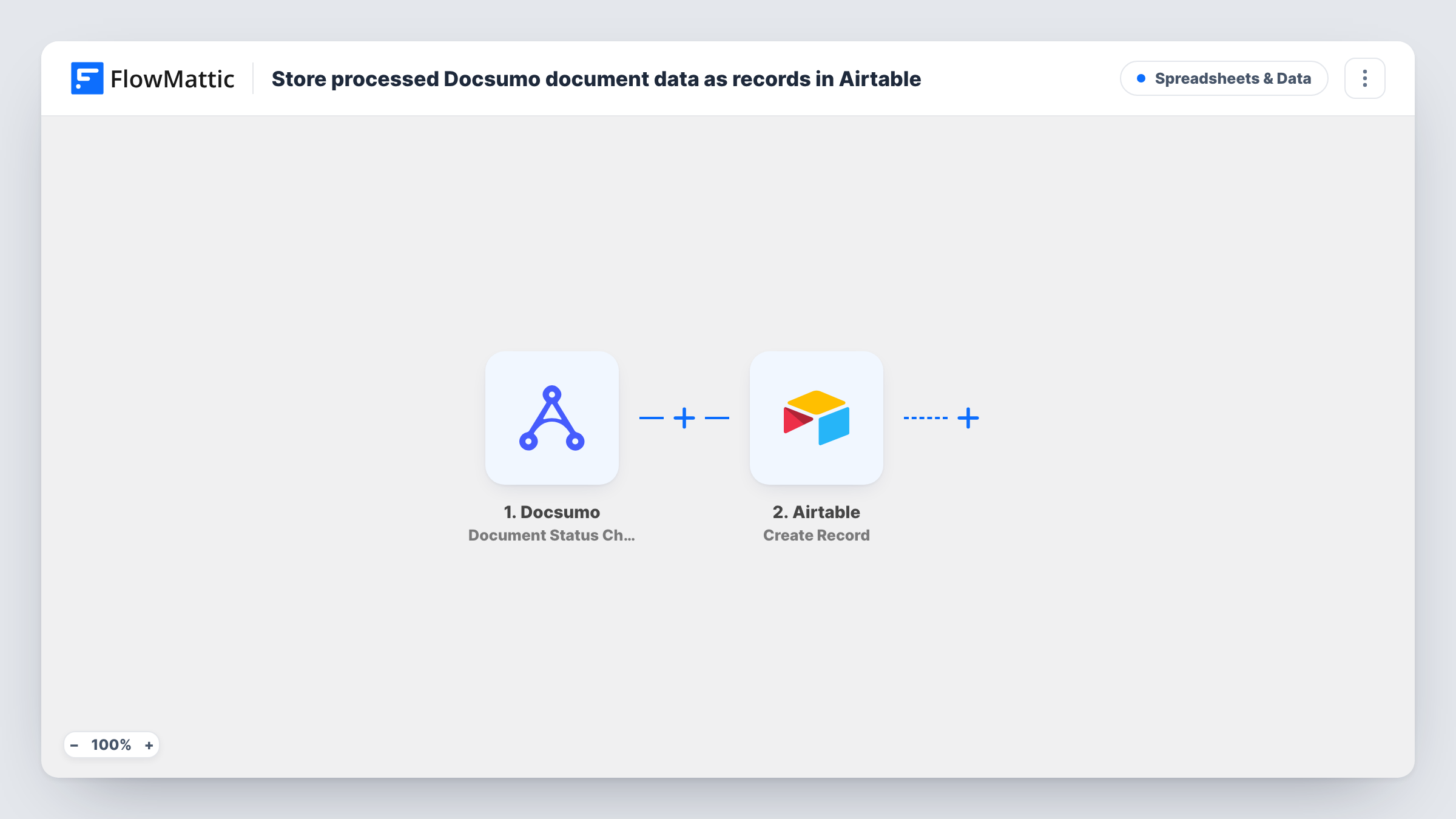
The Docsumo Document Status Change trigger fires when a document's status changes. It passes the document's details, such as its ID and new status, on to Airtable. Change one document's status in Docsumo during setup to see the exact fields. If your Docsumo webhook settings let you choose which status events to send, pick only the ones you want in the table.
The Airtable Create Record step then adds a new record. The template ships unmapped, so after import you connect Airtable, choose the base and table, and map the Docsumo fields into your columns.
Because each status change creates its own record, one document that moves through three statuses appears three times. That gives you a history of each document, which an Airtable view grouped by document can show together.
Accounts payable review board
A bookkeeping team uploads supplier invoices to Docsumo and watches an Airtable view grouped by status, so anyone can see which invoices still need a human check.
Audit trail for loan documents
A lending team keeps every status change on bank statements in Airtable, with the time it happened, to show when each file was reviewed.
Volume reports for operations
An operations lead counts processed documents per week in Airtable to plan how many reviewers are needed.
How this workflow runs
What happens at each step once the workflow is on, and what you need before you import it.
 Docsumo Document Status Change
Fires when a Docsumo document's status changes. The document details and the new status are passed on; change a test document's status to see the fields before mapping them.
- Airtable Create Record
Adds a new record to the Airtable table you choose for every status change. The import has no column mapping, so connect Airtable, pick the base and table, and map the Docsumo fields to columns.
What you need
- FlowMatticCore
- Docsumo AccountAccount
- Airtable AccountAccount
After importing, map your own data. To keep the template universal, not every step is pre-filled. Open each step in the builder and connect your accounts and fields (channels, lists, sheets, recipients) before you switch the workflow on.
Make it yours
Changes worth making after you import it.
- Add a Created time field to the Airtable table, so each record shows when the status change reached Airtable.
- Put a Filter between the Docsumo trigger and the Airtable step on the status field, so only the statuses you care about, such as a final processed one, become records.
- Group an Airtable view by the document ID column to see each document's statuses together, in the order they arrived.
- Map the Docsumo document ID into its own column, which makes it easy to link records back to the file in Docsumo.
Questions about this workflow
Does each Docsumo status change create a new Airtable record?
Yes. Create Record adds a record every time the trigger fires, so a document that changes status several times appears in several records.
Can I log only documents that finished processing?
Yes. Add a Filter between the Docsumo trigger and the Airtable step that continues only for that status. Check a test run for the exact status value Docsumo sends.
Which Docsumo data lands in Airtable?
Whatever you map. The Create Record step is empty in the template, so choose the Docsumo fields for each Airtable column after import.
More Spreadsheets & Data workflows
Other ready-to-import templates from the same category.




Import this workflow into your WordPress site
Download the JSON, import it from the Workflows screen and connect your accounts. Every run stays on your server, with no per-task fees.
30-day money-back guarantee Unlimited workflows and runs Self-hosted