

Create a HubSpot CRM contact when an iDenfy identity verification is completed
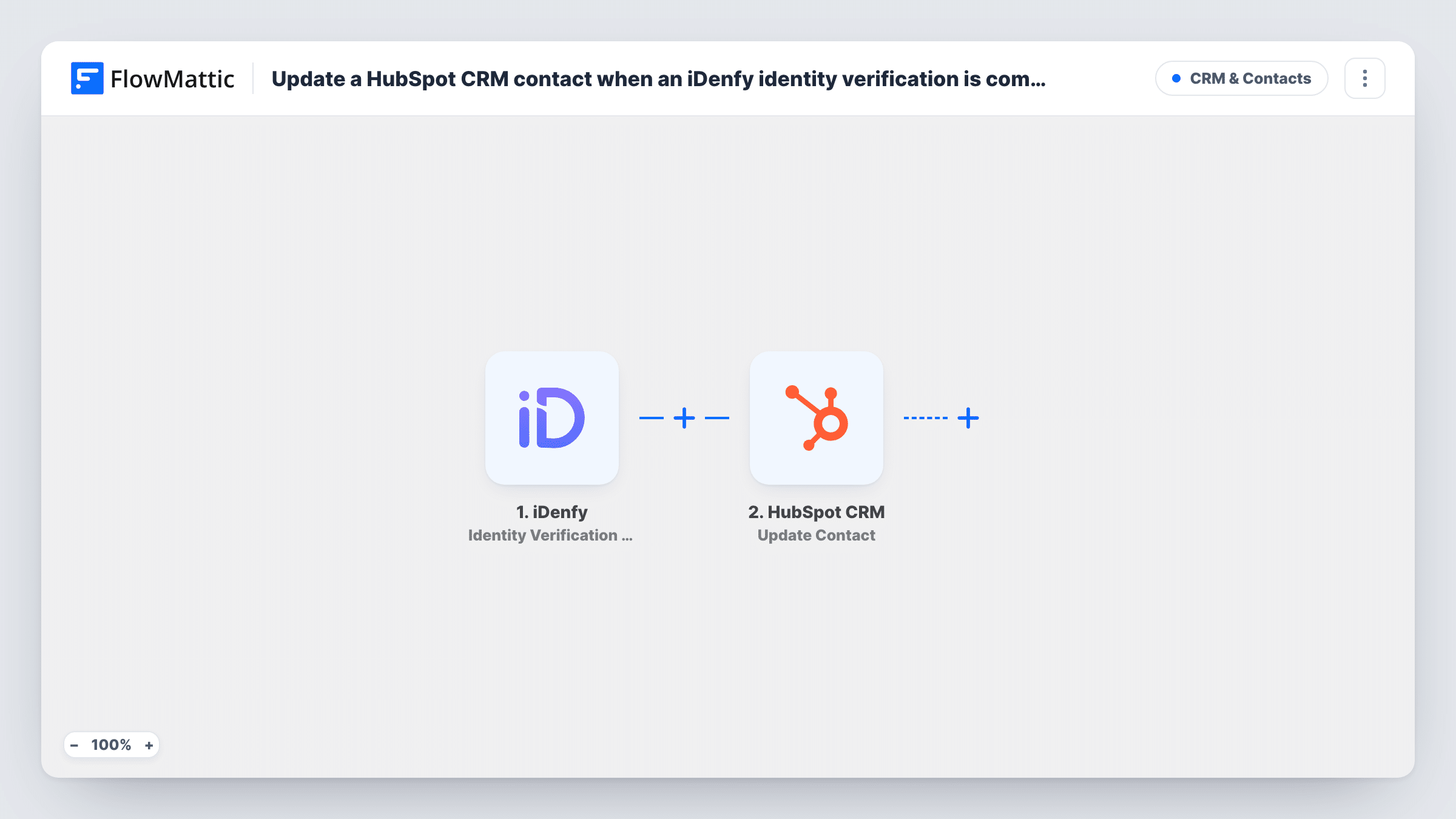
When a client completes an identity verification in iDenfy, FlowMattic creates a contact in HubSpot CRM with the person’s details, so sales and onboarding can see who has gone through KYC.
 iDenfy
 HubSpot CRM
2 steps Setup ~5 min Used on 868 sites Free to import
What this workflow does
For businesses that verify customers before they can trade, borrow or sign up, the verification is often the moment a prospect becomes a real customer. This workflow records that moment in HubSpot CRM by creating a contact for each person who finishes an iDenfy identity check.
The iDenfy trigger fires when a client completes an identity verification, and passes the verification data on, such as the person's name and the result. Completion means the person finished the check; it doesn't mean they passed, so the result is part of the data.
The HubSpot CRM step then creates a new contact. It ships unmapped: after import you connect HubSpot and map the details from iDenfy into the contact, such as first and last name and the verification result. HubSpot usually identifies contacts by email, so check a test run to see whether iDenfy sends one for your verifications.
Create Contact makes a new contact each time. If the email is already on a HubSpot contact, HubSpot may turn the new one down, and the run's entry in Task History shows that reply. If you only want verified customers in HubSpot, add a Filter on the result, as the tips explain.
KYC-approved leads for sales
A lending platform creates a HubSpot contact for each applicant who completes verification, so loan officers can follow up with people who are ready.
Onboarding tracking
A crypto exchange records verified users in HubSpot and starts its onboarding emails there once the contact appears.
Rental and marketplace checks
A car-sharing service verifies drivers with iDenfy and keeps each driver as a HubSpot contact for support and renewal reminders.
How this workflow runs
What happens at each step once the workflow is on, and what you need before you import it.
 iDenfy Identity Verification Completed
Fires when a client completes an identity verification in iDenfy, whatever the outcome. The verification data, including the result, is passed to HubSpot.
- HubSpot CRM Create Contact
Adds the verified person to HubSpot CRM as a new contact. The step ships unmapped: map the person's name, an email if iDenfy provides one, and the verification result into contact properties.
What you need
- FlowMatticCore
- iDenfy AccountAccount
- HubSpot CRM AccountAccount
After importing, map your own data. To keep the template universal, not every step is pre-filled. Open each step in the builder and connect your accounts and fields (channels, lists, sheets, recipients) before you switch the workflow on.
Make it yours
Changes worth making after you import it.
- Put a Filter between the iDenfy trigger and the HubSpot step that continues only when the verification result shows approved. Failed or denied checks then stop before a contact is made.
- Create a HubSpot contact property for the iDenfy result or verification ID and map it, so your team can see each contact's KYC status.
- If you pass your own customer email to iDenfy when you start a verification, map it into the HubSpot contact so the record matches your other systems.
Questions about this workflow
Does a failed iDenfy verification create a HubSpot contact?
As imported, yes. The trigger fires when a verification is completed, whatever the result. Add a Filter on the result between the trigger and the HubSpot step to keep failed checks out.
What happens when the iDenfy client already exists as a HubSpot contact?
The step never updates existing records. HubSpot may refuse a duplicate email address, and Task History shows its response for each run.
Which iDenfy details can go into HubSpot?
Whatever the verification data contains and you map. Complete a test verification, open the trigger data in Task History, and pick the fields you want on the contact.
More CRM & Contacts workflows
Other ready-to-import templates from the same category.





Import this workflow into your WordPress site
Download the JSON, import it from the Workflows screen and connect your accounts. Every run stays on your server, with no per-task fees.
30-day money-back guarantee Unlimited workflows and runs Self-hosted