

Update a Zoho CRM deal based on the Kixie call disposition
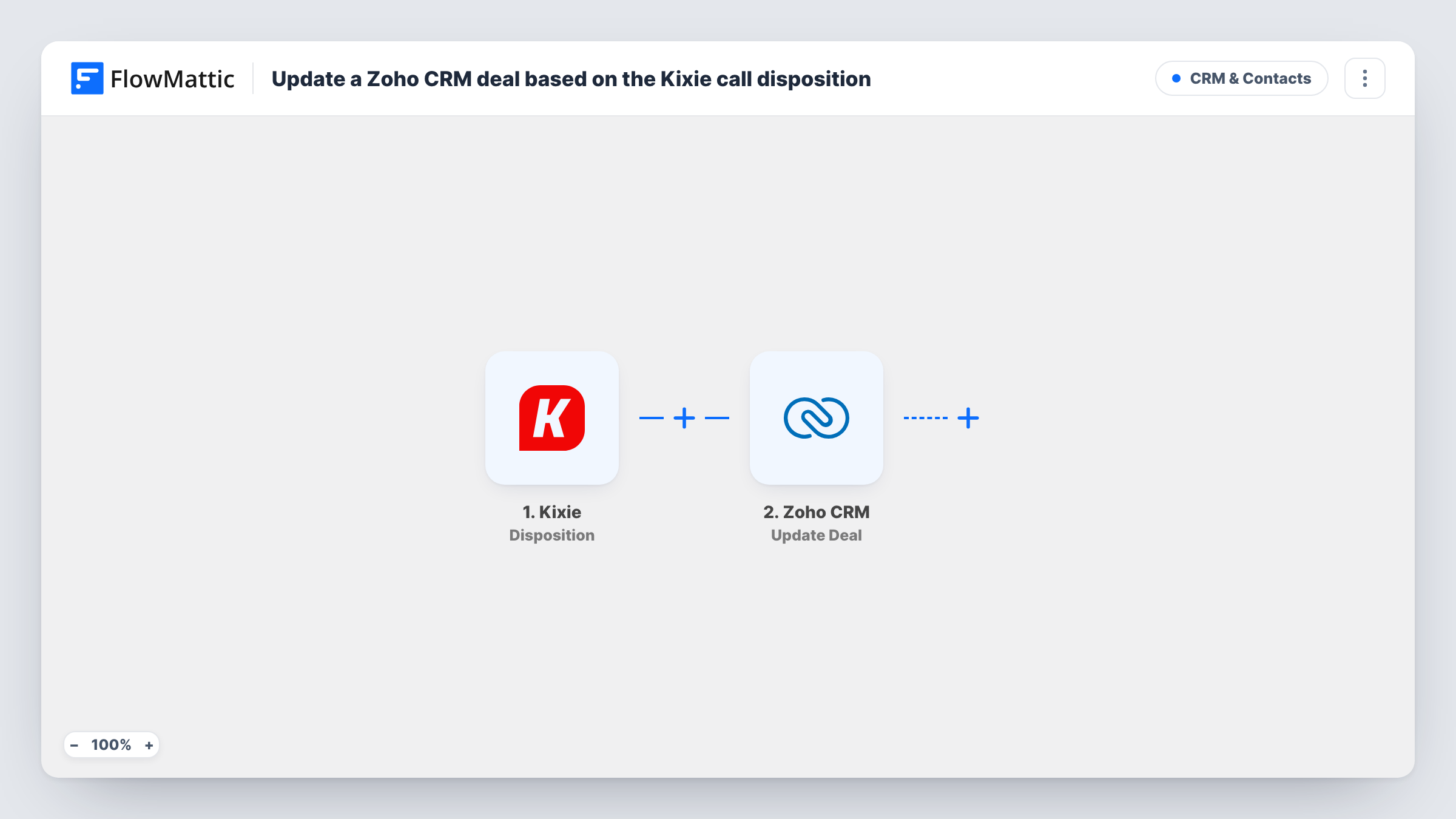
When a rep logs a call disposition in Kixie PowerCall, Zoho CRM is searched for the related deal and that deal is updated with the call outcome you map, such as a new stage.
 Kixie
Kixie
 Zoho CRM
3 steps Setup ~5 min Used on 2.3k sites Free to import
What this workflow does
After a sales call, the rep picks a disposition in Kixie, such as "Interested" or "Not now". Copying that outcome onto the deal in Zoho CRM is easy to skip. This workflow does it for every disposition, so the deal reflects the latest call.
The Kixie trigger fires when a disposition is logged in Kixie PowerCall and passes the call details on, such as the phone number and the disposition chosen. The first Zoho CRM step searches a module using criteria you set. Point it at your Deals module and build the criteria from a value the Kixie event carries, such as the phone number, so the result is a deal.
The Update Deal step then changes the deal the search found. Map the deal's ID from the search result so the right record changes, and map the disposition into the field you use for call outcomes, or into the stage. Both Zoho steps ship unmapped.
The match only works if a deal can be found from data Kixie sends. Test with a call to a number you know is on an open deal, and check Task History to see what the search returned before you rely on it.
Stage updates from call outcomes
An inside sales team maps the "Demo booked" disposition to a deal stage, so Zoho CRM shows the deal moving forward as soon as the call ends.
Last call result on every deal
Managers add a custom "Last call outcome" field to deals, and each Kixie disposition writes into it for pipeline reviews.
Lost-deal tracking
When a rep logs "Not interested", the deal's next step field is updated, so the forecast doesn't count deals that went cold.
How this workflow runs
What happens at each step once the workflow is on, and what you need before you import it.
 Kixie Disposition
Fires when a disposition is logged in Kixie PowerCall. The call details, including the disposition and phone number, are passed on for the Zoho CRM search.
- Zoho CRM Search Module Entry
Searches records in a Zoho CRM module using criteria you set. The step ships unmapped: choose the module and build the criteria from a value the Kixie event carries, such as the phone number.
- Zoho CRM Update Deal
Updates the deal that the search found. Map the deal ID from the previous step, then map the disposition into the stage or a field you keep for call outcomes.
What you need
- FlowMatticCore
- Kixie AccountAccount
- Zoho CRM AccountAccount
After importing, map your own data. To keep the template universal, not every step is pre-filled. Open each step in the builder and connect your accounts and fields (channels, lists, sheets, recipients) before you switch the workflow on.
Make it yours
Changes worth making after you import it.
- Store the customer's phone number in a field on the deal, so the search can match deals directly by the number Kixie reports.
- If only some dispositions should change the deal, put a Filter between the Kixie trigger and the Search Module Entry step on the disposition name. Use your own Kixie disposition labels.
- Map dispositions to stages with a Router between the Search Module Entry step and the Update Deal step: give each route its own Update Deal step with a fixed stage, and use disposition conditions that can't overlap.
Questions about this workflow
How does the workflow know which Zoho CRM deal to update?
The Search Module Entry step finds it, using criteria you set from the Kixie event, such as the phone number. Update Deal then uses the ID from that result.
What if the Kixie call isn't linked to any deal?
The search finds nothing, so there is no deal ID to update. Task History shows what the search returned for that call.
What if a phone number matches several Zoho CRM deals?
The search can return more than one record. Check a test run to see which result the Update Deal step maps, and narrow the criteria, for example to open deals, if needed.
More CRM & Contacts workflows
Other ready-to-import templates from the same category.





Import this workflow into your WordPress site
Download the JSON, import it from the Workflows screen and connect your accounts. Every run stays on your server, with no per-task fees.
30-day money-back guarantee Unlimited workflows and runs Self-hosted