

Create a HubSpot CRM deal when a signature is provided on a Concord document
Each time a participant e-signs a Concord document, FlowMattic creates a deal in HubSpot CRM, so signed agreements show up in your sales pipeline without manual entry.
 Concord
 HubSpot CRM
2 steps Setup ~5 min Used on 2.3k sites Free to import
What this workflow does
A signature on a contract is often the moment a sale becomes real, yet the CRM only knows about it when someone remembers to log it. This workflow turns that signature into a HubSpot deal straight away, so your pipeline and forecasts follow the paperwork.
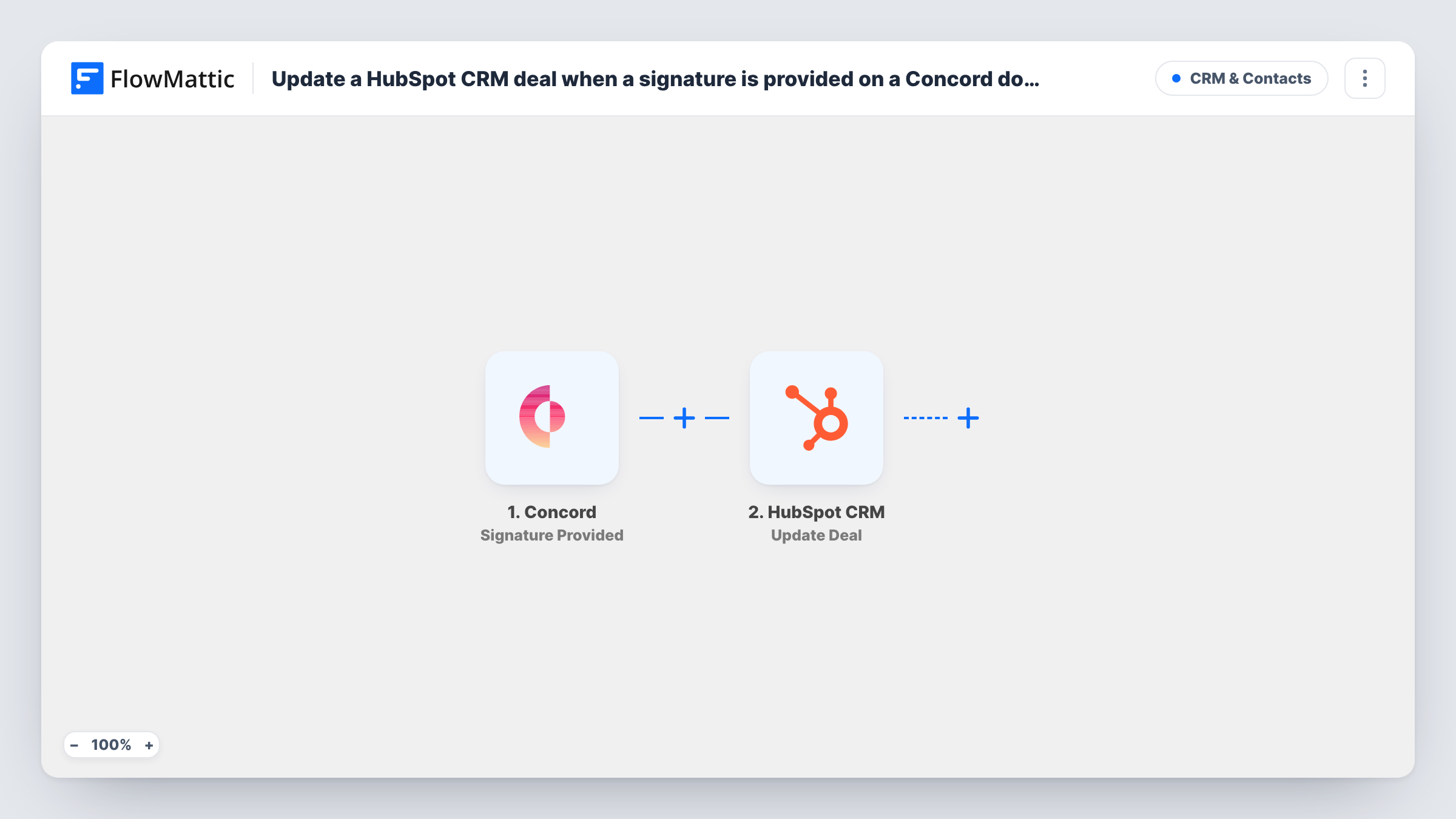
The Concord Signature Provided trigger fires when a participant e-signs a document. FlowMattic passes the document and signer details to the next step. Note that it is per signature: a contract with three signers can start three runs, one for each person who signs.
The HubSpot CRM Create Deal step then adds a new deal. It ships unmapped, so after import you connect HubSpot and map Concord data into the deal, for example the document title as the deal name. The template sets no pipeline or stage, so check where your first test deal lands in HubSpot.
Create Deal always makes a new deal; it doesn't look for one you already have. Run a test signature and open Task History to see which Concord fields arrive and what HubSpot returned.
Closed deals from signed sales contracts
An agency sends proposals for e-signature in Concord, and each client signature adds a deal in the HubSpot stage the agency uses for won work.
Renewals the finance team can see
A software reseller has customers sign renewal agreements in Concord, and the renewal shows up as a HubSpot deal for the account manager to follow.
Partner agreements in the CRM
A distributor tracks signed partner contracts as deals in a separate HubSpot pipeline, so partnerships sit next to direct sales.
How this workflow runs
What happens at each step once the workflow is on, and what you need before you import it.
 Concord Signature Provided
Fires when a participant e-signs a document in Concord. Each signature starts its own run, and the document and signer details are passed to the HubSpot step.
- HubSpot CRM Create Deal
Adds a fresh deal to HubSpot CRM on every run. The template leaves the step unmapped: connect HubSpot, then map the Concord document details into the deal name and the other deal fields you use.
What you need
- FlowMatticCore
- Concord AccountAccount
- HubSpot CRM AccountAccount
After importing, map your own data. To keep the template universal, not every step is pre-filled. Open each step in the builder and connect your accounts and fields (channels, lists, sheets, recipients) before you switch the workflow on.
Make it yours
Changes worth making after you import it.
- Swap the trigger for Concord's Document Fully Signed event if you want one deal per contract instead of one per signature.
- Put a Filter between the Concord trigger and the Create Deal step that checks the signer's email or the document title, so internal countersignatures don't add deals. The field to check is yours to pick.
- Map the Concord document title into the deal name so your team can tell which contract each deal came from.
Questions about this workflow
Will a Concord contract with several signers create several HubSpot deals?
It can. Signature Provided fires each time a participant e-signs, so each signature starts a run. For one deal per contract, swap in the Document Fully Signed trigger, or put a Filter on the signer between the Concord trigger and the Create Deal step.
Does this update an existing HubSpot deal?
No. The step is Create Deal, which adds a new deal each run. FlowMattic's HubSpot CRM integration also has Update Deal, but that needs the HubSpot deal ID, which a Concord signature doesn't carry.
Which deal stage does the new deal go into?
No stage comes preset with this Concord template. Configure the Create Deal step after import, run a test signature, and check in HubSpot that the deal sits in the stage you use for signed contracts.
Which Concord details can I put on the HubSpot deal?
Any field the Signature Provided trigger sends. Run a test signature in Concord, then pick from the trigger's data when you map the Create Deal step.
More CRM & Contacts workflows
Other ready-to-import templates from the same category.



Import this workflow into your WordPress site
Download the JSON, import it from the Workflows screen and connect your accounts. Every run stays on your server, with no per-task fees.
30-day money-back guarantee Unlimited workflows and runs Self-hosted