

Update a HubSpot CRM contact when an Iyzico subscription order succeeds
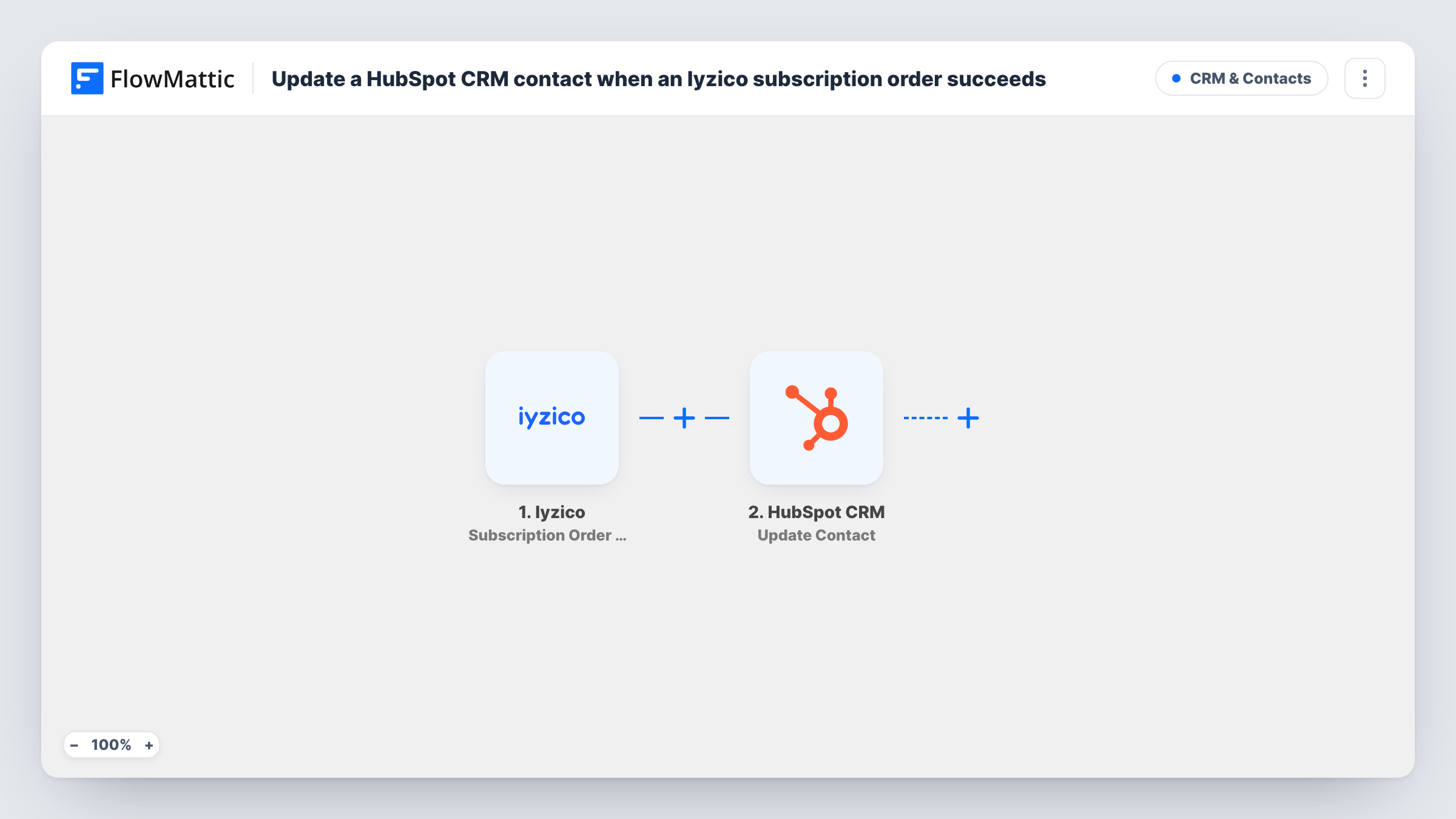
Whenever Iyzico processes an initial or recurring subscription payment, FlowMattic updates the subscriber’s existing HubSpot CRM contact, found by email address or contact ID, with the payment details you map.
 Iyzico
 HubSpot CRM
2 steps Setup ~5 min Used on 2.8k sites Free to import
What this workflow does
Subscription businesses that bill through Iyzico and sell or support from HubSpot want each contact to show that the subscription is paid up. Without a link between the two, someone has to compare payment reports with the CRM by hand. This workflow records each successful subscription payment on the subscriber's HubSpot contact.
The Iyzico Subscription Order Success trigger fires when an initial or recurring subscription payment is processed successfully. FlowMattic passes the payment data to the HubSpot CRM Update Contact step, which edits the matching contact. FlowMattic's HubSpot integration finds a contact from an email address or a HubSpot contact ID, so there is no lookup step.
Update Contact is not mapped when you import it. Connect HubSpot, map the email address from the trigger data into the contact field, and choose properties for what you want to record, such as a last payment date. Iyzico's payment data may identify the customer in different ways, so run a test payment and check Task History to confirm an email address is included before you rely on it.
Because renewals fire the trigger too, the contact is updated on every successful charge. Only existing HubSpot contacts are changed; no new contact is created.
Paid-up status for account managers
A software company shows a Last Iyzico payment date property on each HubSpot contact, so account managers can see at a glance that a renewal went through.
Renewal-based email segments
A meal-plan subscription in Turkey builds HubSpot segments from the payment property and sends loyalty offers to customers who keep renewing.
Support knows who is current
A support agent opening a contact in HubSpot sees that the latest subscription charge succeeded before discussing account access.
How this workflow runs
What happens at each step once the workflow is on, and what you need before you import it.
 Iyzico Subscription Order Success
Fires each time Iyzico successfully processes an initial or recurring subscription payment. Use a test run in Task History to check which customer details the payment data carries, including whether there is an email.
- HubSpot CRM Update Contact
Edits the subscriber's existing HubSpot contact. The step ships blank, so map the email from the Iyzico data into the contact field (or a HubSpot contact ID), and pick the properties, such as a payment date, that should change.
What you need
- FlowMatticCore
- Iyzico AccountAccount
- HubSpot CRM AccountAccount
After importing, map your own data. To keep the template universal, not every step is pre-filled. Open each step in the builder and connect your accounts and fields (channels, lists, sheets, recipients) before you switch the workflow on.
Make it yours
Changes worth making after you import it.
- Create a date property in HubSpot for the last successful Iyzico payment and map the payment date into it, if the trigger data includes one.
- Put a Filter between the Iyzico trigger and the Update Contact step that continues only when the customer email is not empty, so payments without one stop before HubSpot.
- Use FlowMattic's Iyzico Subscription Order Failure trigger in a second workflow to record unsuccessful charges on the HubSpot contact too.
Questions about this workflow
Do recurring Iyzico payments update HubSpot again?
Yes. The trigger fires for the initial payment and for each successful recurring payment, so the HubSpot contact is updated on every charge.
Does the Iyzico payment data include the customer's email?
Look at a test payment in Task History to find out. HubSpot needs an email address or a HubSpot contact ID in the step's contact field to find the contact, so confirm one of them is in the trigger data before going live.
Is a new Iyzico subscriber added to HubSpot?
No. Update Contact edits contacts that already exist in HubSpot and doesn't create one. Task History shows HubSpot's reply for each payment.
More CRM & Contacts workflows
Other ready-to-import templates from the same category.




Import this workflow into your WordPress site
Download the JSON, import it from the Workflows screen and connect your accounts. Every run stays on your server, with no per-task fees.
30-day money-back guarantee Unlimited workflows and runs Self-hosted