

Update a post in Voxel with the data received in Webhook
Send data to a FlowMattic webhook URL from any outside system, check it with a Filter, and update an existing Voxel post with it. The payload carries the post’s ID, so your directory listings change without anyone editing them in WordPress.
 Webhook
 Filter
 Voxel
3 steps Setup ~5 min Used on 517 sites Free to import
What this workflow does
Directory sites built with Voxel often hold data that lives somewhere else first: opening hours in a booking tool, prices in an inventory system, status in a back-office app. Retyping those changes into each listing is slow and gets missed. This workflow lets the other system push its changes to your site and writes them straight into the matching Voxel post.
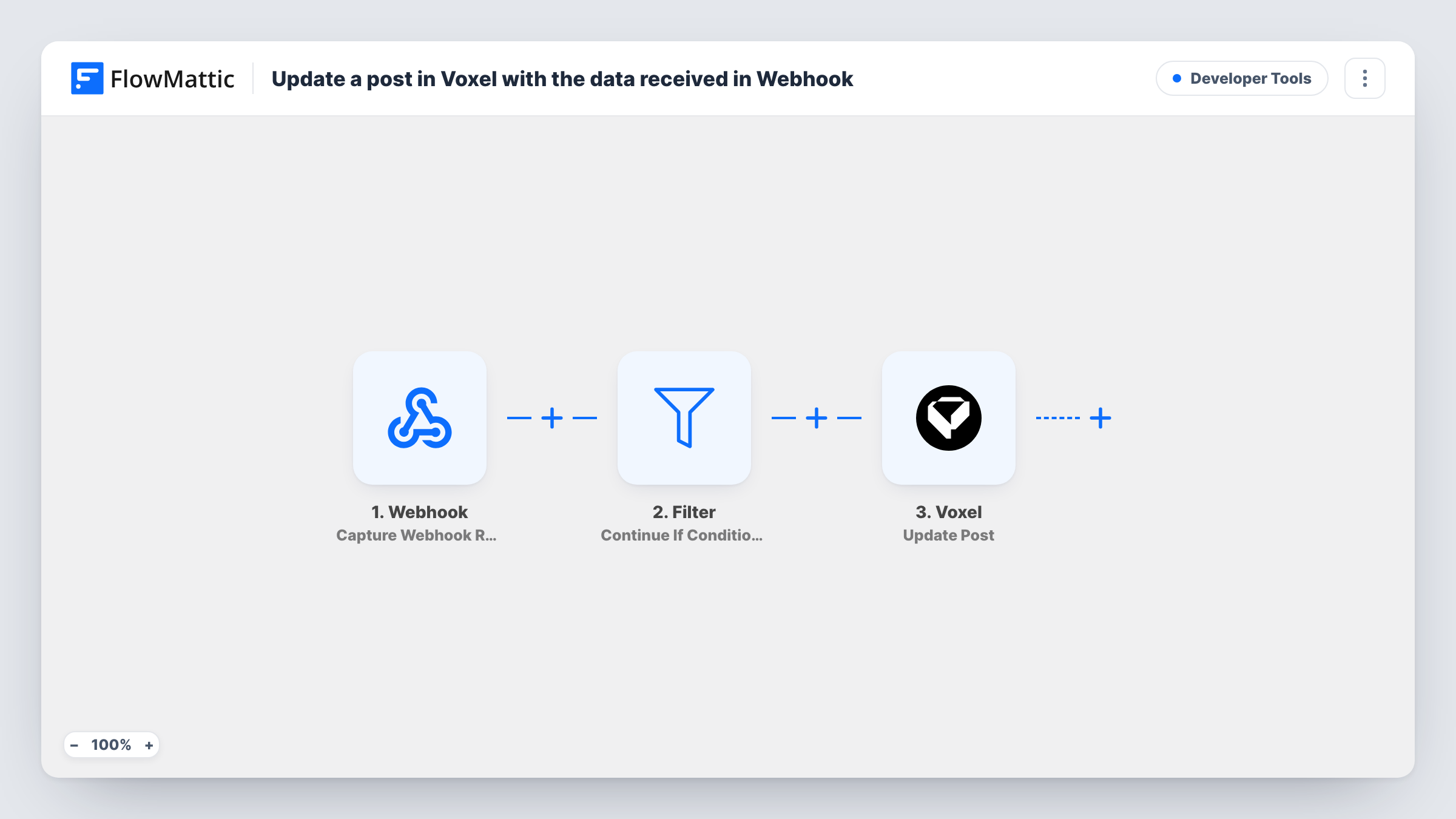
Your outside system talks to a Webhook trigger in this template. FlowMattic gives you a URL, and the data posted to it becomes available to the later steps. Next comes a Filter set to continue if its conditions are met. The template ships without conditions, so you add the rule that decides which requests may change a post. Requests that pass reach Voxel, where Update Post edits an existing post with the values you map.
Update Post changes a post that already exists, so the sender has to include that post's ID in the payload. Map that ID in the Voxel step, then test with a post you know. Each call is recorded in Task History with the data received and what the update returned.
Keep listing details in step with a back office
An internal tool posts a business's new phone number or hours to the webhook with the listing's post ID, and the Voxel post shows the new details.
Mark listings as closed from a form tool
A staff form outside WordPress sends the post ID and a closed status. The Filter checks a shared secret field before Voxel updates the post.
Push price changes from a spreadsheet script
A script reads changed rows in your price sheet and posts each one, with its post ID, to the webhook URL so the matching Voxel listing gets the new price.
How this workflow runs
What happens at each step once the workflow is on, and what you need before you import it.
 Webhook Capture Webhook Response
FlowMattic creates a webhook URL for this workflow. Each request sent to it starts a run, and the fields in its body are captured for the Filter and the Voxel step.
- Filter Continue If
Checks the incoming data against the conditions you add after import. When they are met the workflow goes on to Voxel. When they are not, the run ends here and no post is changed.
 Voxel Update Post
Updates an existing post in Voxel with the values you map from the webhook data. Map the post ID from the payload so the right listing is edited.
What you need
- FlowMatticCore
- Voxel AccountAccount
After importing, map your own data. To keep the template universal, not every step is pre-filled. Open each step in the builder and connect your accounts and fields (channels, lists, sheets, recipients) before you switch the workflow on.
Make it yours
Changes worth making after you import it.
- Add a condition to the Filter that the post ID is not empty, so requests sent without one end at the Filter instead of reaching Voxel.
- Turn on authentication in the Webhook trigger, with a key your system sends or signature verification, so only your own system can change Voxel listings through this URL.
- Send one test request with a real post ID after import. FlowMattic captures the payload's fields, and you can map them in the Voxel step.
Questions about this workflow
How does the Voxel step know which post to update?
From the post ID in the webhook payload. Update Post edits an existing post, so the sending system has to include that ID and you map it in the Voxel step.
Can this create new Voxel posts too?
Not as imported. It only updates posts that already exist. Voxel also has a Create New Post action in FlowMattic if you want a separate workflow for new listings.
What does the Filter check before the Voxel update?
As imported, the Continue If step has no conditions, and an empty Filter stops every run, so no listing changes yet. Add the conditions a valid request must meet, such as a post ID that is not empty.
Which systems can send data to the webhook?
Any service or script that can make an HTTP request to a URL. FlowMattic reads the fields in the request body and makes them available for mapping.
More Developer Tools workflows
Other ready-to-import templates from the same category.





Import this workflow into your WordPress site
Download the JSON, import it from the Workflows screen and connect your accounts. Every run stays on your server, with no per-task fees.
30-day money-back guarantee Unlimited workflows and runs Self-hosted