

Update HubSpot contacts when membership levels change in Paid Memberships Pro
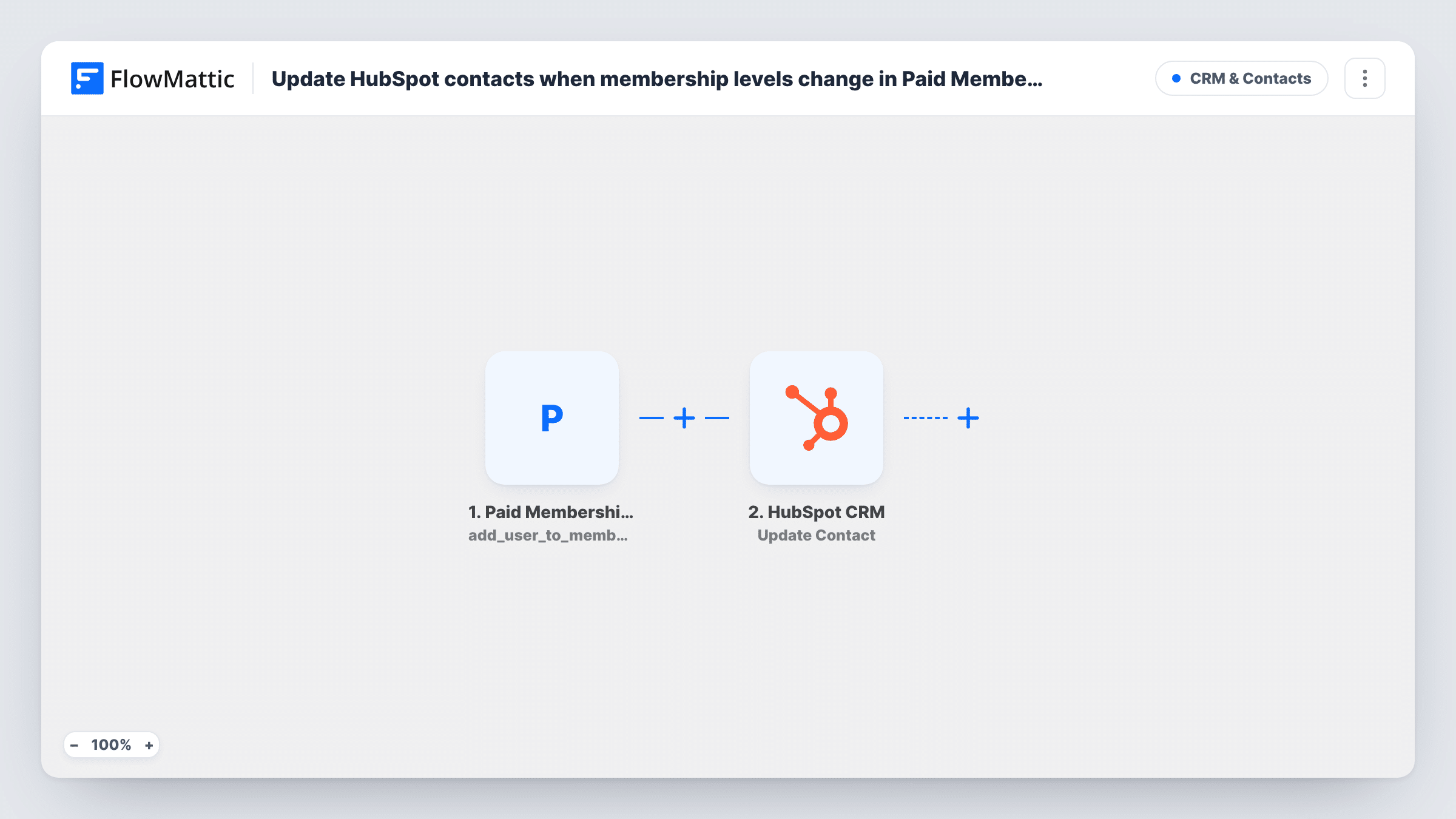
Each time a member’s level changes in Paid Memberships Pro, FlowMattic updates that member’s existing HubSpot CRM contact, matched by email or contact ID, so your CRM shows their current membership.
 Paid Memberships Pro
 HubSpot CRM
2 steps Setup ~5 min Used on 1.4k sites Free to import
What this workflow does
Membership sites that market from HubSpot need to know who is on which plan. When someone moves up to a premium level or down to a basic one in Paid Memberships Pro, your HubSpot segments and emails should follow. This workflow writes each level change onto the member's contact, so campaigns aimed at a level reach the right people.
The Paid Memberships Pro trigger, User Changes Membership Level, runs on your WordPress site whenever a user's level changes. FlowMattic then calls the HubSpot CRM Update Contact action. HubSpot contacts can be resolved by email address or contact ID, so the member's email is enough to reach the right record.
The template leaves Update Contact unmapped. Once imported, connect HubSpot, map the member's email address from the trigger data into the contact field, and pick the HubSpot property that holds the membership level, usually a custom one you create. Change a test user's level and check Task History to see what the trigger sent and what HubSpot returned.
Members who aren't HubSpot contacts yet stay out of HubSpot, because Update Contact edits existing records only.
Upgrade offers only to basic members
A course site keeps a Membership level property on each HubSpot contact, so its upgrade campaign goes only to people on the entry plan.
Welcoming new premium members
A community site starts a HubSpot email series for anyone whose level property changes to Premium, using the value this workflow writes.
Sales context for account calls
A B2B membership business shows each contact's current plan in HubSpot, so the account manager knows what the member pays for before a call.
How this workflow runs
What happens at each step once the workflow is on, and what you need before you import it.
 Paid Memberships Pro User Changes Membership Level
Starts a run whenever a user's membership level changes in Paid Memberships Pro on your WordPress site. Use a test run in Task History to see which user and level fields it sends.
- HubSpot CRM Update Contact
Changes the member's existing HubSpot contact. It ships with no mapping: place the member's email from the trigger data in the contact field (a HubSpot contact ID works too), then map the new level into the property you choose.
What you need
- FlowMatticCore
- Paid Memberships Pro PluginPlugin
- HubSpot CRM AccountAccount
After importing, map your own data. To keep the template universal, not every step is pre-filled. Open each step in the builder and connect your accounts and fields (channels, lists, sheets, recipients) before you switch the workflow on.
Make it yours
Changes worth making after you import it.
- Create a custom HubSpot property named Membership level before you map, so the Paid Memberships Pro level has a clear place to go.
- Map the level's name rather than its number, if the trigger data includes both, so HubSpot lists and emails read naturally.
- If new members should reach HubSpot too, use FlowMattic's HubSpot Create Contact action in another workflow on the User Purchases Membership trigger, since Update Contact only changes existing contacts.
Questions about this workflow
Does a new Paid Memberships Pro member get a HubSpot contact?
Not from this workflow. Update Contact only edits contacts already in HubSpot. Task History shows HubSpot's reply for each level change.
How is the member matched to their HubSpot contact?
Through the member's email, mapped into the contact field of Update Contact. FlowMattic's HubSpot integration accepts an email address or a HubSpot contact ID there, so no search step is needed. Check a test run to confirm the trigger includes the member's email.
Does an administrator changing a level count?
The trigger fires when a user's membership level changes. Change a test user's level from the WordPress dashboard and check Task History to see whether that change starts a run on your site.
More CRM & Contacts workflows
Other ready-to-import templates from the same category.




Import this workflow into your WordPress site
Download the JSON, import it from the Workflows screen and connect your accounts. Every run stays on your server, with no per-task fees.
30-day money-back guarantee Unlimited workflows and runs Self-hosted