

Update Mailchimp subscribers when membership levels change in Paid Memberships Pro
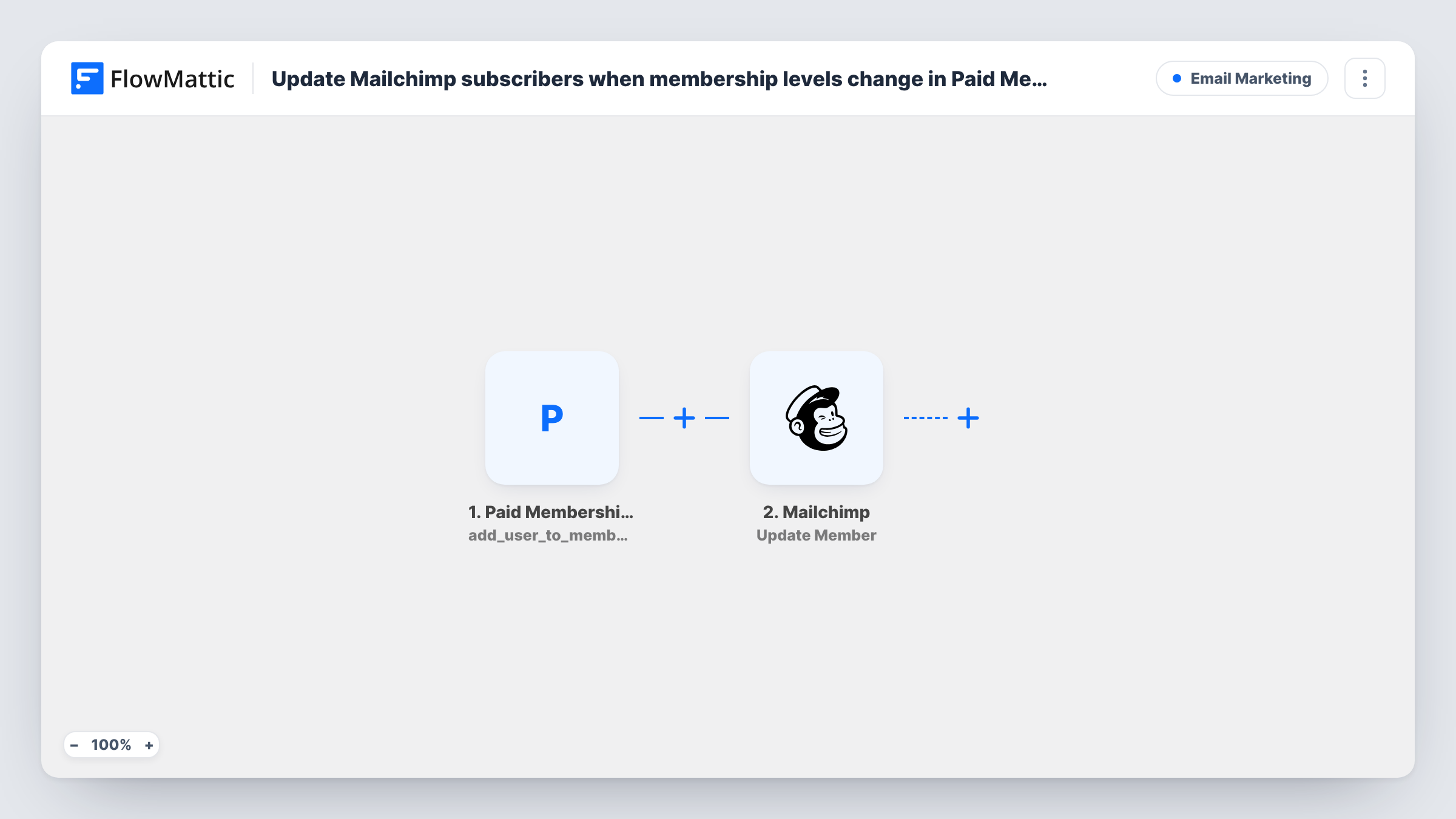
Whenever a member’s level changes in Paid Memberships Pro, FlowMattic sends them to your Mailchimp audience, adding them as a member or updating the record if they’re already there.
 Paid Memberships Pro
 Mailchimp
2 steps Setup ~5 min Used on 3.2k sites Free to import
What this workflow does
Membership sites usually email members differently by level: welcome notes for new tiers, upgrade offers for basic members, and so on. That only works if Mailchimp knows each person's current level. This workflow pushes the member to Mailchimp every time their level changes in WordPress.
The Paid Memberships Pro trigger runs when a user's membership level changes, for example on a first purchase, an upgrade, a downgrade or an admin change. In Paid Memberships Pro a cancellation can also count as a level change, so check a test cancellation to see whether it starts a run on your site.
The Mailchimp Add New Member step adds the person to your audience, or updates them if their email is already a member. It ships unmapped: after import, connect Mailchimp, pick the audience, and map the member's email. To keep the level itself in Mailchimp, map the level name into a merge field you create for it.
Each level change makes one run, so a member who upgrades twice is updated twice, never duplicated. Task History shows the data Paid Memberships Pro sent and what Mailchimp returned.
Tier-based newsletters
A fitness membership site keeps each member's level in a Mailchimp merge field, so Gold members get the advanced programme emails and Basic members get the starter series.
Upgrade offers for lower levels
A publisher segments its Mailchimp audience by level and sends upgrade promotions only to readers still on the free tier.
Admin level changes kept in sync
A school moves students between levels by hand in WordPress, and Mailchimp updates each record so course emails follow the new level.
How this workflow runs
What happens at each step once the workflow is on, and what you need before you import it.
 Paid Memberships Pro User Changes Membership Level
Runs when a user's membership level changes in Paid Memberships Pro. The user's email and the level details are passed to Mailchimp.
- Mailchimp Add New Member
Adds the member to a Mailchimp audience, or updates them if the email is already on it. After import, choose the audience and map the email plus a merge field for the level.
What you need
- FlowMatticCore
- Paid Memberships Pro PluginPlugin
- Mailchimp AccountAccount
After importing, map your own data. To keep the template universal, not every step is pre-filled. Open each step in the builder and connect your accounts and fields (channels, lists, sheets, recipients) before you switch the workflow on.
Make it yours
Changes worth making after you import it.
- Create a text merge field such as LEVEL in your Mailchimp audience, then map the Paid Memberships Pro level name into it so segments can filter by level.
- Add Mailchimp's Add Member Tag step after Add New Member and map the level name as the tag, if you prefer tags to merge fields.
- If cancelled members should not be updated, put a Filter between the Paid Memberships Pro trigger and the Mailchimp step that continues only when the new level is not empty. Confirm the field with a test cancellation.
Questions about this workflow
Does a Paid Memberships Pro upgrade create a second Mailchimp contact?
No. Add New Member updates an existing member with the same email instead of adding a duplicate, so the record changes in place.
How does Mailchimp learn the member's new level?
Only if you map it. The template ships unmapped, so map the level name or ID into a merge field or tag; otherwise Mailchimp just gets the email.
What happens when a member cancels in Paid Memberships Pro?
If your site reports the cancellation as a level change, the workflow runs and updates the member in Mailchimp. It does not unsubscribe them. Test a cancellation and check Task History to see what arrives.
Are members who joined before the import sent to Mailchimp?
Not until their level changes again. Only level changes after the workflow is on start a run.
More Email Marketing workflows
Other ready-to-import templates from the same category.






Import this workflow into your WordPress site
Download the JSON, import it from the Workflows screen and connect your accounts. Every run stays on your server, with no per-task fees.
30-day money-back guarantee Unlimited workflows and runs Self-hosted