

Update Shopify inventory when a Convictional product's inventory changes
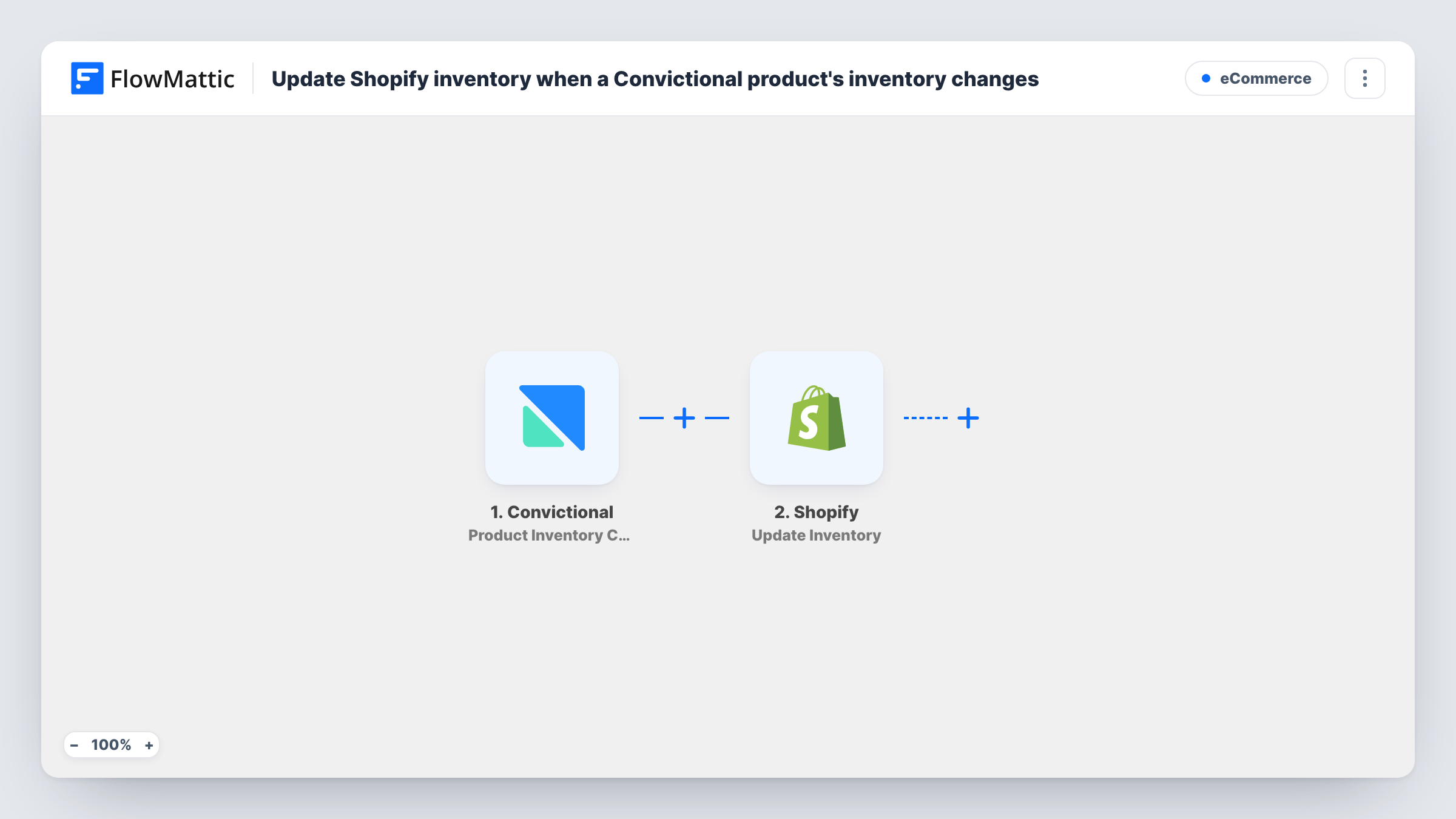
When a seller updates a product variant’s inventory in Convictional, FlowMattic finds the matching product in Shopify and updates its inventory level, so your store’s stock follows the supplier’s.
 Convictional
 Shopify
3 steps Setup ~5 min Used on 915 sites Free to import
What this workflow does
Retailers who drop-ship through Convictional depend on their sellers' stock counts. If those counts change and the Shopify store doesn't follow, customers can order items that are no longer available. This workflow passes each inventory change from Convictional to the matching product in your Shopify store.
The Convictional trigger fires when a seller updates the inventory quantity of a product variant. The event carries the variant's details and its new quantity; a test run shows exactly which fields arrive.
Next, the Shopify Search Product step looks up the product in your store by title or other criteria. It ships unmapped, so map a value both systems share, such as the product title or SKU, from the Convictional data. The final Update Inventory step then sets the inventory level for the variant it finds. Map the variant or inventory details returned by the search, and the new quantity from Convictional, into it.
Matching only works when the product exists in both places with the same identifying value. Test with one product you know is in both systems and check Task History to confirm the right variant changed before you rely on it for your whole catalogue.
Drop-ship store kept in step
A home goods retailer selling a supplier's range through Convictional sees Shopify stock drop as soon as the supplier records lower counts.
Restocks visible right away
When a seller adds new units of a sold-out variant in Convictional, the Shopify product gets the higher quantity and can be bought again.
Several sellers, one storefront
A marketplace-style Shopify shop with products from many Convictional sellers keeps every variant's stock in line without manual imports.
How this workflow runs
What happens at each step once the workflow is on, and what you need before you import it.
 Convictional Product Inventory Changed
Starts a run each time a Convictional seller changes how many units of a product variant are in stock. The variant's details and its new quantity are passed on to the Shopify steps.
- Shopify Search Product
Searches your Shopify store for the matching product. The step ships unmapped: map the value both systems share, such as the title or SKU, from the Convictional event.
- Shopify Update Inventory
Sets the inventory level for the Shopify product variant found in the previous step. Map the variant or inventory details from the search and the new quantity from Convictional.
What you need
- FlowMatticCore
- Convictional AccountAccount
- Shopify AccountAccount
After importing, map your own data. To keep the template universal, not every step is pre-filled. Open each step in the builder and connect your accounts and fields (channels, lists, sheets, recipients) before you switch the workflow on.
Make it yours
Changes worth making after you import it.
- Use SKUs that match exactly in Convictional and Shopify, so the Search Product step finds one clear product for each change.
- Put a Filter between the Search Product step and the Update Inventory step that continues only when the search returned a product, so changes for items you don't stock stop there.
- If a Shopify product has several variants, check in a test run that the search result lets you map the specific variant that changed, not just the first one.
- If your store has more than one location, check in a test run which location the Update Inventory step changes, and set it to the one that holds drop-ship stock.
Questions about this workflow
How does the workflow know which Shopify product matches the Convictional item?
Through the Search Product step. You map a shared value, such as the title or SKU, from the Convictional event into the search, and the inventory update uses what it finds.
What if the Convictional product isn't in my Shopify store?
The search finds nothing to update and Shopify may return an error at the Update Inventory step. Open Task History to see the search result and Shopify's reply.
Does this workflow sync Shopify stock back to Convictional?
No. It works one way: seller inventory changes in Convictional update Shopify.
Does Shopify order activity start this workflow?
No. Only inventory changes that a seller records in Convictional start a run.
More E-Commerce workflows
Other ready-to-import templates from the same category.








Import this workflow into your WordPress site
Download the JSON, import it from the Workflows screen and connect your accounts. Every run stays on your server, with no per-task fees.
30-day money-back guarantee Unlimited workflows and runs Self-hosted