

When a contact form is filled in JivoChat, add details to Airtable
When a visitor fills in the contact form in your JivoChat widget, FlowMattic saves the details they gave as a new record in Airtable, so chat leads end up in one table you can work from.
 JivoChat
 Airtable
2 steps Setup ~5 min Used on 968 sites Free to import
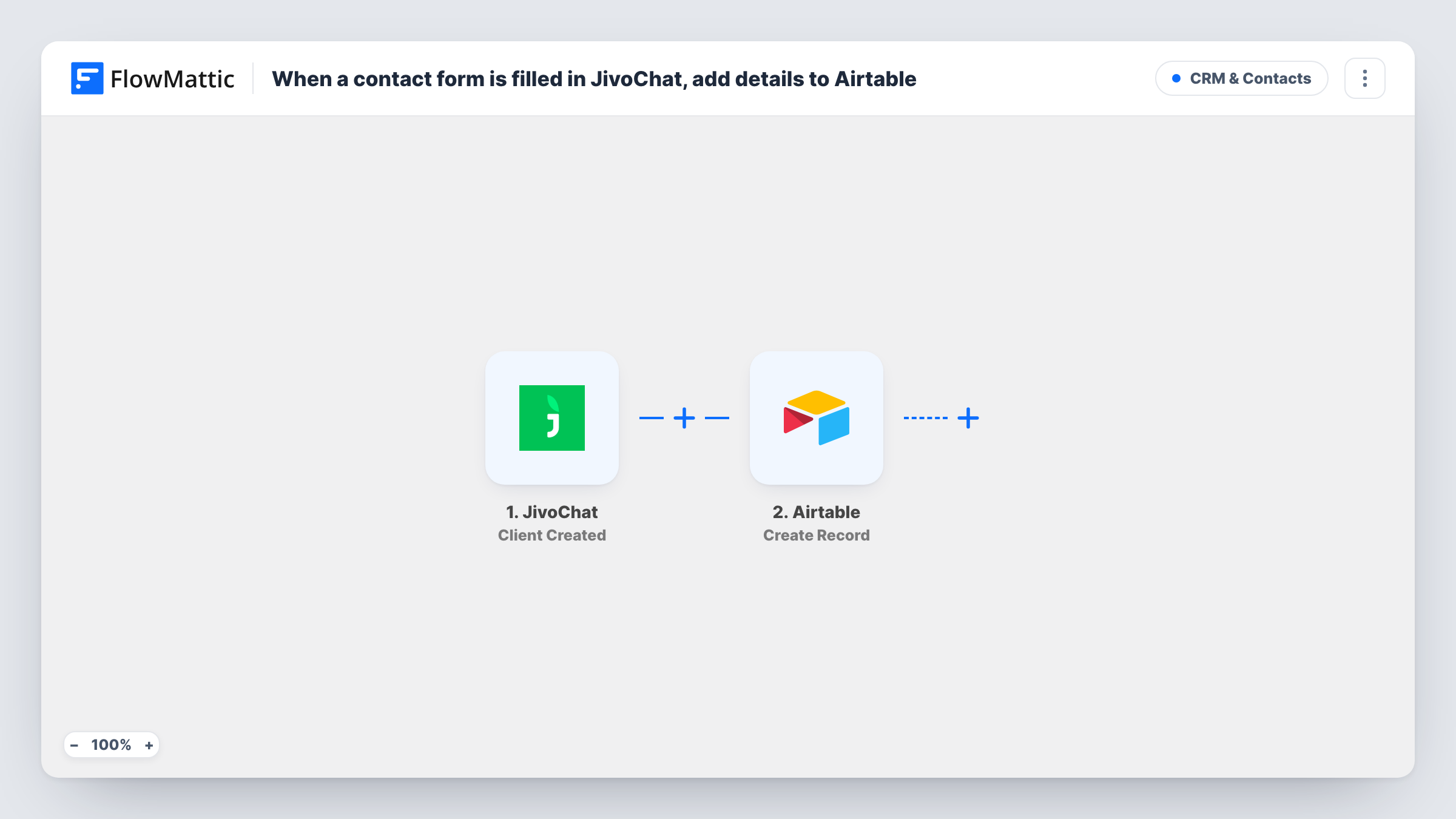
What this workflow does
Chat visitors often leave their name, email or phone in the JivoChat contact form, and those details are easy to lose once the conversation ends. This workflow copies them into Airtable, where your sales or support team can track follow-ups alongside other leads.
The JivoChat trigger is Chat Updated. FlowMattic describes it as firing when a visitor's information is updated, such as filling out a contact form in the chat. The visitor's details and chat information are passed on. Because it reacts to updates, a visitor who changes or adds details later in the same chat can start another run.
The Airtable Create Record step then adds one record to the table you choose. It ships unmapped: after import you connect Airtable, pick the base and table, and map the visitor's name, email, phone and any other values into your fields. A test chat shows which values JivoChat sends.
Each run adds a new record, and the workflow doesn't check for an existing one. If you see several records for one visitor, look the email up first and only create a record when it's new.
Sales leads from website chat
A software company's chat widget asks visitors for their email before an agent joins. Each contact form fill becomes an Airtable record the sales team assigns and follows up.
Support requests that need a callback
An appliance repair shop's visitors leave a phone number in the JivoChat form, and the Airtable table becomes the callback list for technicians.
Marketing list of chat contacts
A travel agency keeps every chat visitor's details in Airtable and later filters by destination to send targeted offers.
How this workflow runs
What happens at each step once the workflow is on, and what you need before you import it.
 JivoChat Chat Updated
Fires when a visitor's information is updated in JivoChat, such as when they fill in the contact form in the chat. Their details and chat data are passed on; a later update in the same chat can fire it again.
- Airtable Create Record
Adds a new record to the Airtable table you choose with the visitor's details. Connect Airtable after import, pick the base and table, and map the JivoChat values into your fields.
What you need
- FlowMatticCore
- JivoChat AccountAccount
- Airtable AccountAccount
After importing, map your own data. To keep the template universal, not every step is pre-filled. Open each step in the builder and connect your accounts and fields (channels, lists, sheets, recipients) before you switch the workflow on.
Make it yours
Changes worth making after you import it.
- To avoid repeat records, put Airtable's Search Record action between the JivoChat trigger and Create Record to look up the email, then a Filter between Search Record and Create Record that continues only when nothing was found.
- Put a Filter between the JivoChat trigger and the Airtable step that continues only when the visitor's email is not empty, so updates without contact details don't create empty records.
- Add a Source column in Airtable set to JivoChat, so you can tell chat leads apart from leads that arrive from your forms.
Questions about this workflow
Will one JivoChat visitor create more than one Airtable record?
It can. Chat Updated fires whenever the visitor's information changes, so a second update in the same chat runs the workflow again. A Search Record step on the email before Create Record helps you keep one record per person.
Which JivoChat details can I save in Airtable?
Whatever the Chat Updated event sends, typically the details the visitor entered and information about the chat. Start a test chat, fill in the form and look at the data FlowMattic received before you map.
Do offline messages from JivoChat reach Airtable too?
Not with this trigger. JivoChat's offline form uses FlowMattic's separate Offline Message trigger, which you can connect to Airtable in a second workflow.
More CRM & Contacts workflows
Other ready-to-import templates from the same category.







Import this workflow into your WordPress site
Download the JSON, import it from the Workflows screen and connect your accounts. Every run stays on your server, with no per-task fees.
30-day money-back guarantee Unlimited workflows and runs Self-hosted