

When a Crowdin task status changes, update the row in Google Sheets and post an update in Slack
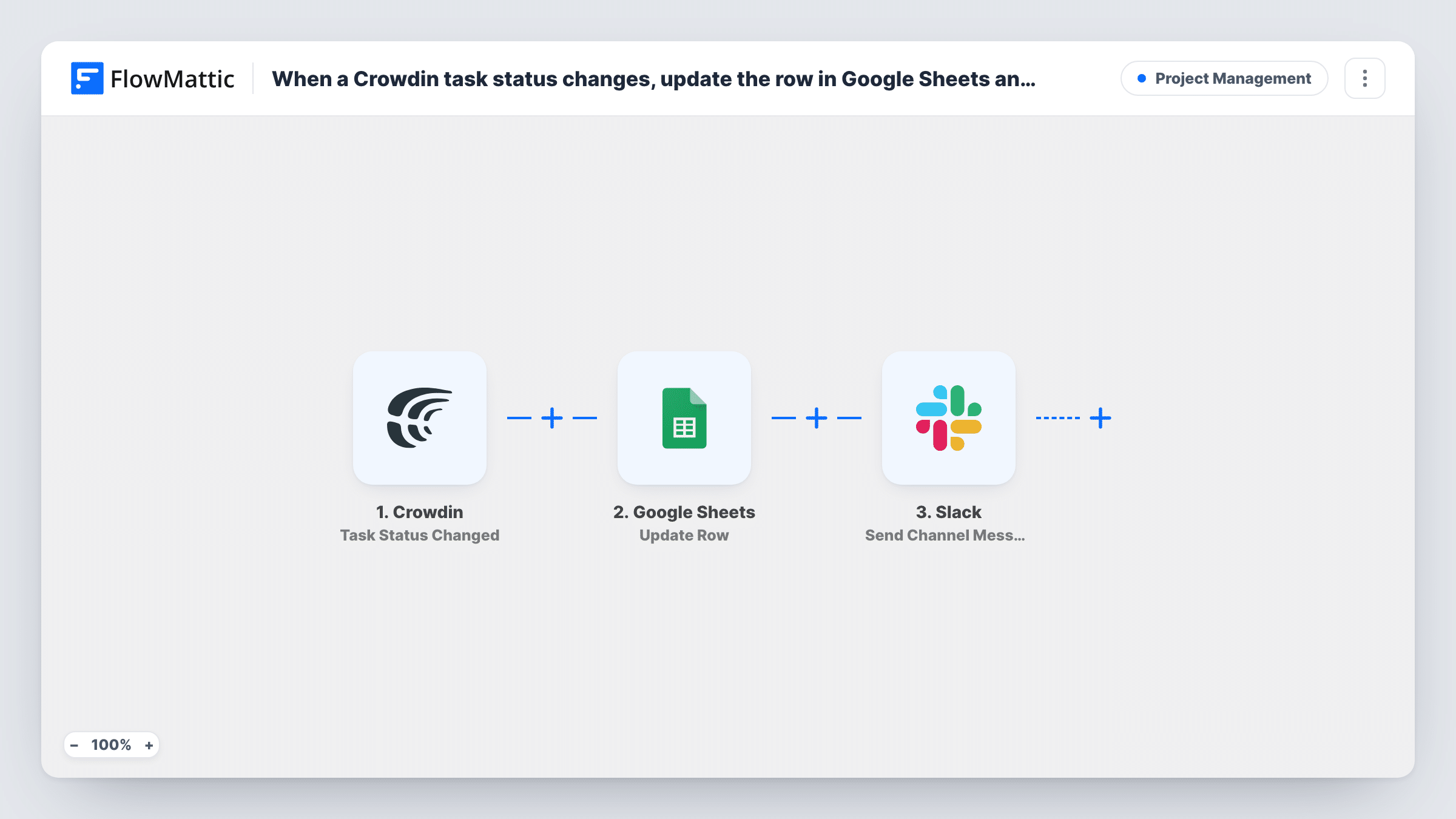
When a Crowdin task changes status, FlowMattic finds that task’s row in your Google Sheets tracker, updates it with the new status, and posts the change to a Slack channel.
 Crowdin
 Google Sheets
 Slack
Slack4 steps Setup ~8 min Used on 1.1k sites Productivity Free to import
What this workflow does
Localization managers often keep a spreadsheet of translation tasks for people who never open Crowdin: product owners, clients, freelancers' coordinators. That sheet goes stale the moment a task moves on. This workflow keeps the row for each task current and tells the team in Slack at the same time.
The Crowdin Task Status Changed trigger fires whenever a task's status changes and passes the task data on. The first Google Sheets step, Lookup Row Data, searches your tracker for the row that belongs to that task. The second Google Sheets step, Update Row, then writes the new values into the row the lookup found. For that to work, your sheet needs a column holding something Crowdin sends, such as the task ID, so each task has one row to match.
Finally, a message about the change goes to a Slack channel of your choice. Every step ships unmapped. After import you pick the spreadsheet and lookup column, map the Crowdin task ID into the search, map the row the lookup returns and the new status into Update Row, and write the Slack message.
The workflow updates rows; it doesn't add them. Add each task to the sheet when you create it in Crowdin, and test with a known task. Task History shows what the lookup found on each run.
Client-facing translation tracker
An agency shares a Google Sheet with a client that lists each Crowdin task, and the status column changes as translators and proofreaders move the work along.
Release readiness in Slack
A product team's #localization channel gets a short note each time a Crowdin task changes status, so they can see when a language is ready to ship.
Status history for vendor reviews
A localization lead keeps a dated last-updated column in the sheet to look back on how long tasks sat in each stage.
How this workflow runs
What happens at each step once the workflow is on, and what you need before you import it.
 Crowdin Task Status Changed
Fires when a Crowdin task's status changes. The task's details, such as its ID, title and new status, are passed on; check a test run for the exact values.
- Google Sheets Lookup Row Data
Searches your tracking sheet for the row that matches the Crowdin task. Pick the spreadsheet and the column that holds the task ID, then map the ID from the trigger into the search.
- Google Sheets Update Row
Updates the row the lookup found with the values you map, such as the new status and the time of the change. Map the row returned by Lookup Row Data so the right row changes.
- Slack Send Channel Message
Posts a message about the status change to a Slack channel. The template leaves the channel and text empty, so choose a channel and map the task title and new status into the message.
What you need
- FlowMatticCore
- Crowdin AccountAccount
- Google Sheets AccountAccount
- Slack AccountAccount
After importing, map your own data. To keep the template universal, not every step is pre-filled. Open each step in the builder and connect your accounts and fields (channels, lists, sheets, recipients) before you switch the workflow on.
Make it yours
Changes worth making after you import it.
- If only finished tasks matter in Slack, put a Filter between the Update Row step and the Slack step on the task status. The sheet still updates for every change; set the status value yourself.
- Add a last-updated column to the sheet and map the current date into it in Update Row, so you can see which tasks have gone quiet.
- Pair this with a second workflow on Crowdin's Task Added trigger that adds a Google Sheets row for each new task, so every task has a row to update.
Questions about this workflow
What if the Crowdin task has no row in my Google Sheet?
The lookup finds nothing to update. This workflow doesn't create rows, so add tasks to the sheet first, or build a Task Added workflow that does it.
Which column should the Google Sheets lookup search?
One that holds a value Crowdin sends with every status change and that is unique per task. The task ID is the safest choice; two tasks may share a title.
Does every Crowdin status change post to Slack?
Yes, as imported. Each change runs all four steps. Add a Filter on the status between Update Row and the Slack step if the channel should only hear about some of them.
Can the Slack message go to a private localization channel?
As shipped the step posts to regular channels. For a private one, replace it with Slack's Send Private Channel Message action and pick that channel.
More Project Management workflows
Other ready-to-import templates from the same category.






Import this workflow into your WordPress site
Download the JSON, import it from the Workflows screen and connect your accounts. Every run stays on your server, with no per-task fees.
30-day money-back guarantee Unlimited workflows and runs Self-hosted