

When a customer abandons their cart in Sellfy, send a follow-up email via Gmail
When a shopper leaves items in their Sellfy cart, this workflow sends them a follow-up email from your Gmail account, written by you and filled with the cart details Sellfy sends.
 Sellfy
 Gmail
Gmail2 steps Setup ~5 min Used on 2.1k sites Free to import
What this workflow does
Shoppers leave carts for many reasons: a distraction, a question, a price check. A short personal email from your own address gives them an easy way back. This workflow sends that email for every abandoned cart in your Sellfy store.
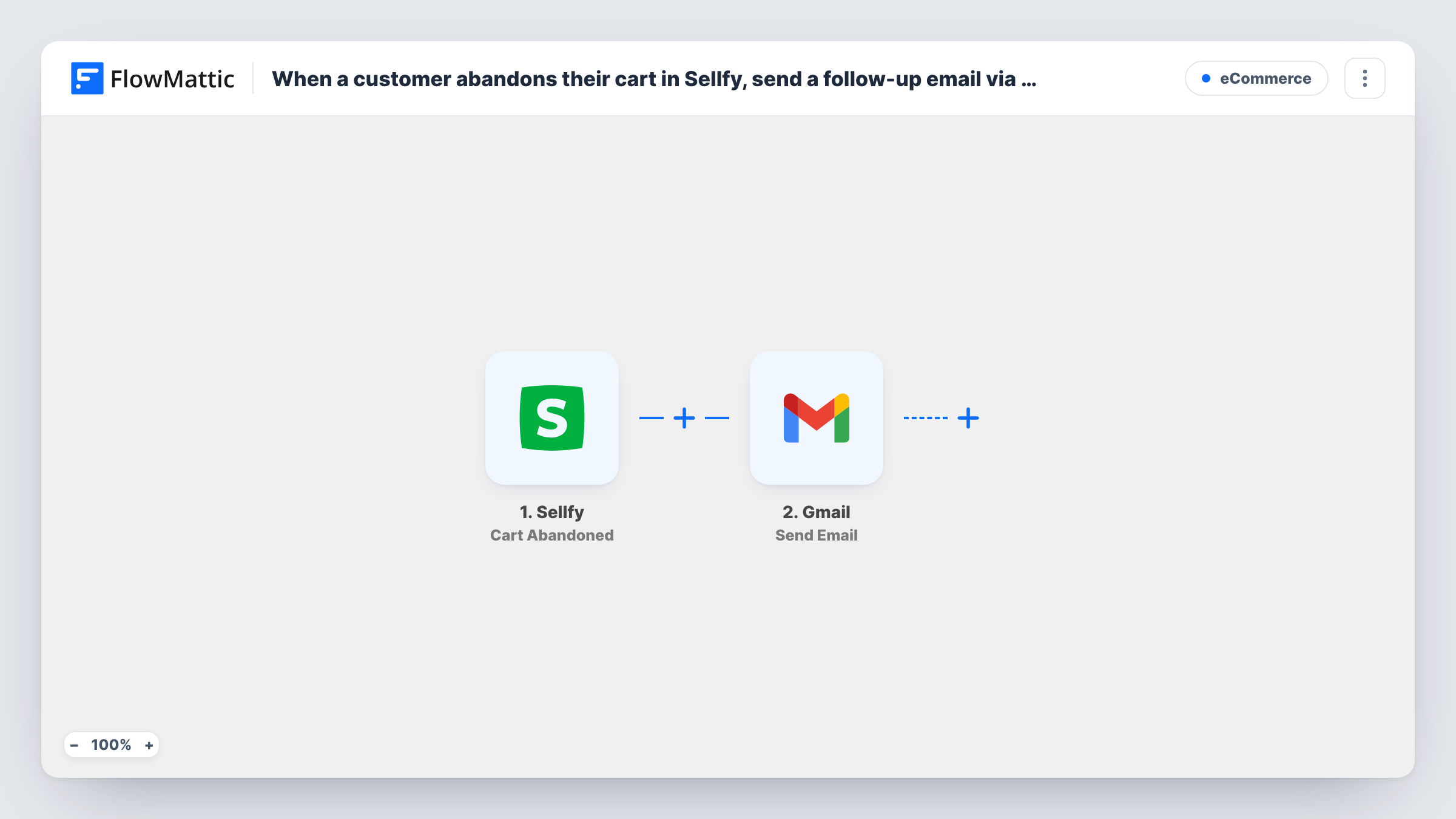
The Sellfy trigger is Cart Abandoned, which fires when a customer abandons their cart. FlowMattic passes the cart data, such as the shopper's email and the products, to Gmail. Send Email then sends your message from the Gmail account you connect, with the subject and body you write and the fields you map in.
Sellfy decides when a cart counts as abandoned, and the email goes out as soon as it fires. Each abandoned cart sends one email. Task History shows every run and Gmail's response.
Digital download store
A designer sells templates on Sellfy. When a buyer leaves a pack in the cart, they get a note from the designer's Gmail with a link back to the product.
Answering hesitation for courses
A course creator's follow-up email invites shoppers to reply with questions, so people unsure about the course can ask before buying.
Personal tone for a small brand
An indie musician sends follow-ups from their own Gmail rather than a no-reply address, so fans can reply straight to them.
How this workflow runs
What happens at each step once the workflow is on, and what you need before you import it.
 Sellfy Cart Abandoned
Fires when a customer abandons their cart in your Sellfy store. The shopper's email and the cart details are passed on for the email.
- Gmail Send Email
Sends a follow-up email from your Gmail account. Map the shopper's email as the recipient, write the subject and body, add cart details, and connect Gmail.
What you need
- FlowMatticCore
- Sellfy AccountAccount
- Gmail AccountAccount
After importing, map your own data. To keep the template universal, not every step is pre-filled. Open each step in the builder and connect your accounts and fields (channels, lists, sheets, recipients) before you switch the workflow on.
Make it yours
Changes worth making after you import it.
- Add a Delay before the Gmail step, such as a few hours, so the email arrives after the shopper has had time to finish on their own.
- Include a discount code in the email only if you have created it in Sellfy first. The workflow doesn't create one.
- Send a test abandoned cart with your own email after import to see which cart fields Sellfy sends, then map product names into the email.
Questions about this workflow
Does the shopper get the email if they buy before it's sent?
As imported, the email is sent as soon as Sellfy reports the abandoned cart. If you add a Delay, the email still goes, because nothing checks for a later Sellfy order.
Can the Sellfy follow-up come from my business email?
It comes from the Gmail or Google Workspace account you connect. Connect the account whose address you want shoppers to see.
Will a shopper who abandons several carts get several emails?
Yes. Each Cart Abandoned event sends its own email, and nothing in the template checks whether the shopper was emailed before.
More E-Commerce workflows
Other ready-to-import templates from the same category.






Import this workflow into your WordPress site
Download the JSON, import it from the Workflows screen and connect your accounts. Every run stays on your server, with no per-task fees.
30-day money-back guarantee Unlimited workflows and runs Self-hosted