

Award users some points when they place an order in WooCommerce
Each new WooCommerce order awards GamiPress points to the customer’s WordPress user account, so shoppers build up a points balance on your site without you adding them by hand.
 WooCommerce
 GamiPress
2 steps Setup ~5 min Used on 2.9k sites Free to import
What this workflow does
A points program only works if purchases actually earn points. Adding them by hand after each sale is slow and easy to forget. This workflow connects your store to your GamiPress setup so every new order gives the buyer points.
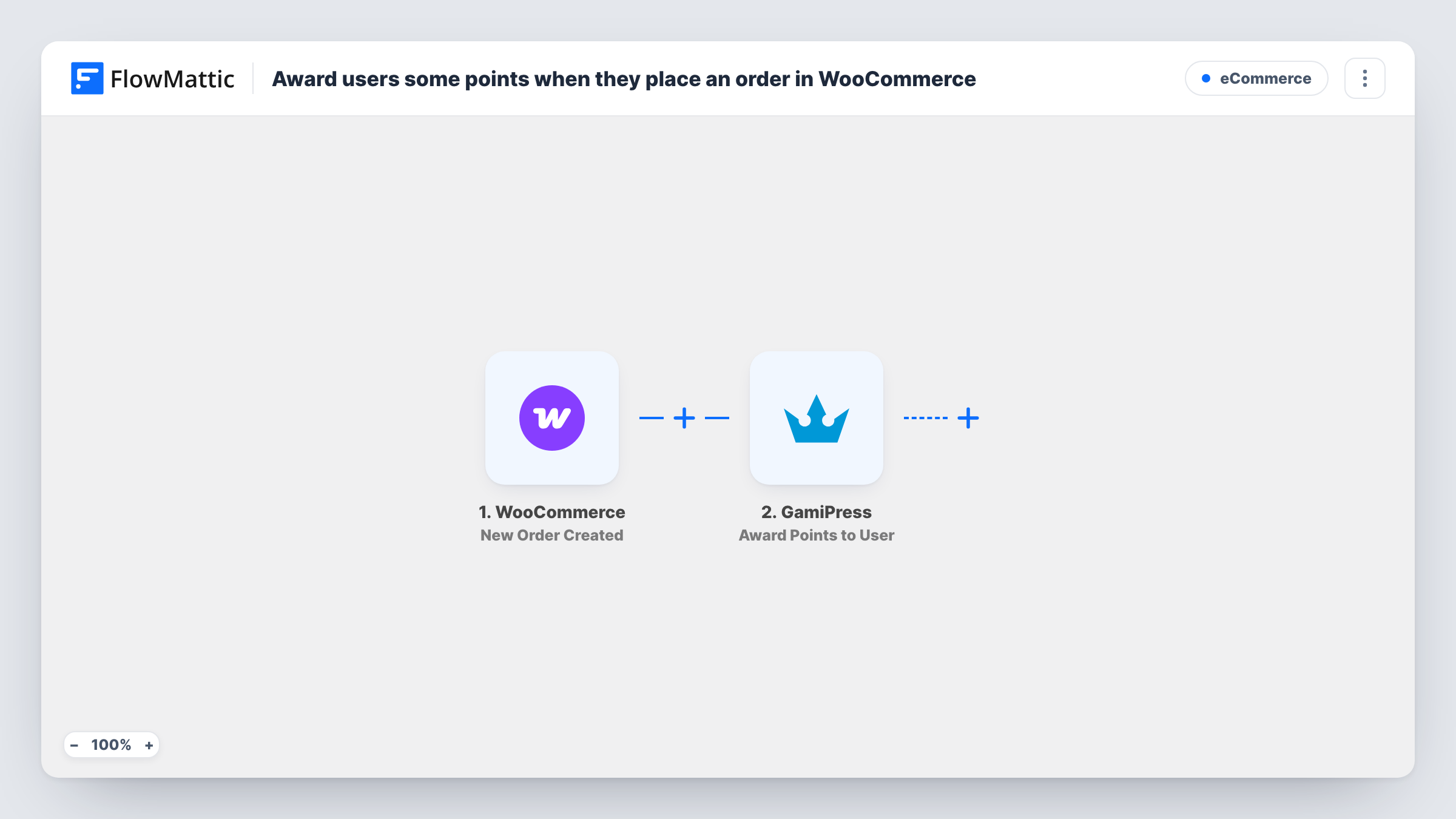
As soon as a shopper's order appears in your shop, the WooCommerce trigger starts a run. FlowMattic passes the order data, including the customer linked to it, to GamiPress. The Award Points to User action then adds points to that customer's WordPress account. You set how many points each order earns when you configure the step.
Points go to a WordPress user, so the order needs a customer account. A guest checkout has no user to award, and Task History shows the error for that run. The trigger also fires when the order is created, not when it is paid or completed, so every new order earns points as imported.
Loyalty points for a coffee shop store
Regular buyers with accounts collect GamiPress points on each bean order, and you show their balance on the My Account page with GamiPress's own display options.
Points toward a rank on a membership store
Shoppers earn points per order and your GamiPress ranks use those points, so frequent buyers move up a level as their total grows.
Gamified course or download shop
A store selling courses or digital files awards points per purchase, which learners can see next to the badges they earn elsewhere on the site.
How this workflow runs
What happens at each step once the workflow is on, and what you need before you import it.
 WooCommerce New Order Created
Starts a run for each order WooCommerce creates in your shop. The order details, including the customer account tied to it, are passed on for mapping into GamiPress.
- GamiPress Award Points to User
Awards GamiPress points to the WordPress user behind the order. Map the order's customer to the user, set the points per order, and check the result with a test order.
What you need
- FlowMatticCore
- WooCommerce PluginPlugin
- GamiPress PluginPlugin
After importing, map your own data. To keep the template universal, not every step is pre-filled. Open each step in the builder and connect your accounts and fields (channels, lists, sheets, recipients) before you switch the workflow on.
Make it yours
Changes worth making after you import it.
- Add a Filter after the trigger that continues only when the order status is processing or completed, so pending or failed orders don't earn points.
- To give more points for bigger orders, add a Filter on the order total and duplicate the workflow with a higher amount for orders above your threshold.
- Turn off guest checkout in WooCommerce, or require account creation at checkout, if you want every order to have a user who can receive points.
Questions about this workflow
Do guest checkouts in WooCommerce earn GamiPress points?
No. GamiPress awards points to a WordPress user. A guest order has no account, so the GamiPress step has nobody to award and Task History shows an error for that run.
Are GamiPress points removed if a WooCommerce order is refunded?
Not by this workflow. It only awards points. You can build a second workflow on a WooCommerce refund or status trigger with GamiPress's Revoke Points from User action.
Does a cancelled or unpaid order still award points?
As imported, yes. The trigger fires when the order is created, before you know whether it is paid. Add a Filter on order status to limit points to orders you accept.
Do I need GamiPress set up before importing?
Yes. GamiPress and WooCommerce must both be active on the same WordPress site as FlowMattic, with at least one points type created in GamiPress.
More E-Commerce workflows
Other ready-to-import templates from the same category.





Import this workflow into your WordPress site
Download the JSON, import it from the Workflows screen and connect your accounts. Every run stays on your server, with no per-task fees.
30-day money-back guarantee Unlimited workflows and runs Self-hosted