

When a form is submitted on Global Patron, log the data into Google Sheets for easy tracking
Every new Global Patron form submission is written to a new row in Google Sheets, giving you one spreadsheet where you can sort, count and share the responses.
 Global Patron
 Google Sheets
2 steps Setup ~5 min Used on 3.3k sites Free to import
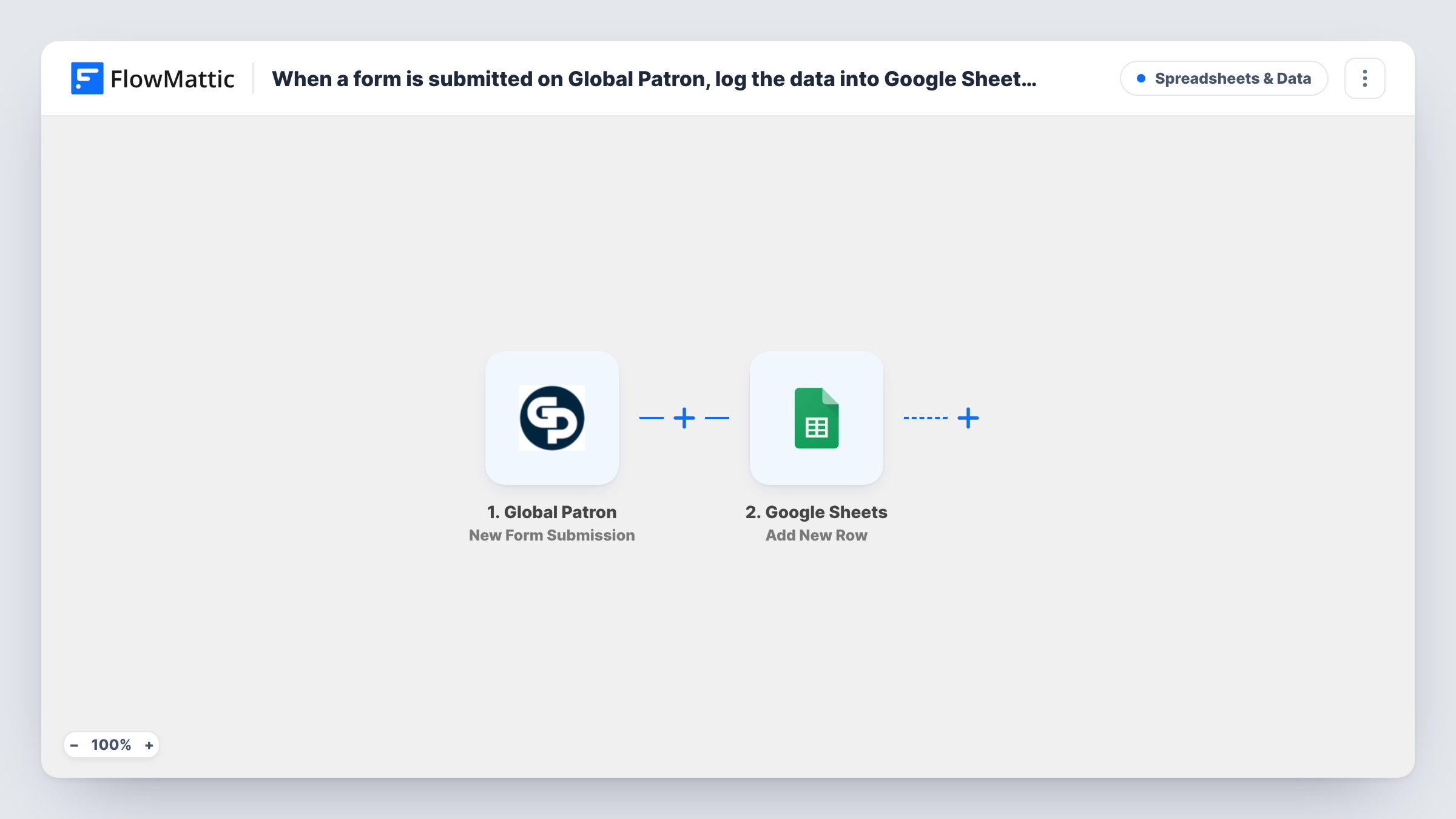
What this workflow does
Form responses are easier to work with in a spreadsheet. You can sort them, total them, and hand the sheet to a colleague who has no Global Patron login. Copying each response into a sheet by hand gets old quickly, so this workflow does it for you.
The Global Patron trigger fires when a new form is submitted. FlowMattic picks up the submitted answers and passes them to Google Sheets, where the Add New Row action writes them into the spreadsheet and sheet you select. You map each column to one of the form answers.
The workflow runs for every submission, and each one becomes its own row. Nothing is changed in Global Patron itself. If a run goes wrong, Task History shows the data that arrived and what Google Sheets returned.
Tracking event or tour enquiries
People send enquiries through a Global Patron form. Your team works through the rows in Google Sheets and adds a column to mark who has been contacted.
Weekly response counts
With every submission in one sheet, a pivot table or simple formula shows how many responses came in each week.
Sharing responses with a partner
A partner organisation needs to see the responses but not your Global Patron account. You share the Google Sheet with them instead.
How this workflow runs
What happens at each step once the workflow is on, and what you need before you import it.
 Global Patron New Form Submission
Fires when a new form is submitted in Global Patron. The answers from that submission are passed on, ready to map into spreadsheet columns.
- Google Sheets Add New Row
Adds a row to the Google Sheets spreadsheet you choose, holding the form answers you map to each column. Connect your Google account and pick the sheet when you set it up.
What you need
- FlowMatticCore
- Global Patron AccountAccount
- Google Sheets AccountAccount
After importing, map your own data. To keep the template universal, not every step is pre-filled. Open each step in the builder and connect your accounts and fields (channels, lists, sheets, recipients) before you switch the workflow on.
Make it yours
Changes worth making after you import it.
- Create the sheet's header row before you map the step. Each header then appears as a column you can match to a Global Patron answer.
- Send a test submission through the Global Patron form after import, so FlowMattic has real answers to show while you map the columns.
- If you run several Global Patron forms, add a column for the form name, if the test data includes one, so rows from different forms stay easy to tell apart.
Questions about this workflow
Will past Global Patron submissions appear in the sheet?
No. The trigger picks up forms submitted after the workflow is turned on. Earlier responses need to be exported from Global Patron separately.
Can the same Global Patron response create two rows?
Each submission runs the workflow once and adds one row. If someone submits the form twice, you get two rows.
Can I send Global Patron submissions somewhere other than Google Sheets?
Yes. Replace the Google Sheets step, or add another step after it, with any app FlowMattic connects to, such as a CRM or a Slack message.
More Spreadsheets & Data workflows
Other ready-to-import templates from the same category.




Import this workflow into your WordPress site
Download the JSON, import it from the Workflows screen and connect your accounts. Every run stays on your server, with no per-task fees.
30-day money-back guarantee Unlimited workflows and runs Self-hosted