

When a form is submitted on Zoho Forms, create a new customer in Desku.io
Each new Zoho Forms entry creates a customer record in Desku, so the person who filled in your form is already on file when your support team picks up their first ticket.
 Zoho Forms
 Desku
2 steps Setup ~5 min Used on 2.3k sites Free to import
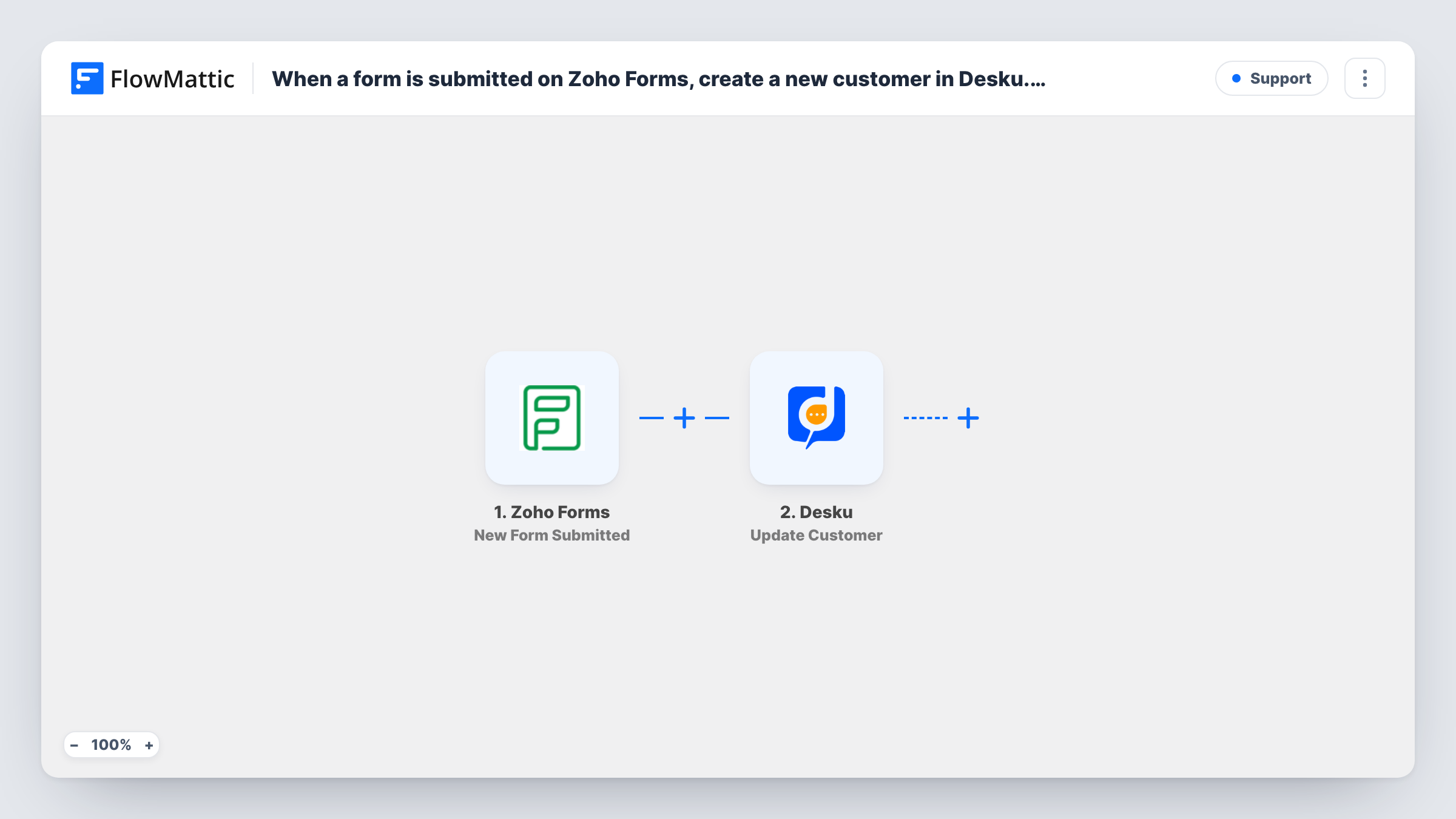
What this workflow does
Support teams work faster when they already know who is writing in. If people first reach you through a contact, onboarding or registration form, this workflow copies each respondent into Desku as a customer, so nobody has to re-type form entries into the help desk.
The Zoho Forms trigger starts a run whenever a new entry is submitted on the form you connect. FlowMattic receives the answers, such as the respondent's name, email address and any other fields your form asks for.
The Desku step then creates a new customer. It arrives without mapping, so after import you connect your Desku account and choose which Zoho Forms answers fill the customer's details. Submit a test entry and open Task History to see the data Zoho Forms sent and what Desku returned.
Every submission starts its own run, so someone who fills in the form twice reaches Desku twice. Desku decides what to do with an email it already holds; check the response in Task History if repeat respondents are common on your form.
Onboarding forms that open a support profile
A software company asks new clients to complete a Zoho Forms onboarding questionnaire, and each client appears in Desku before their first support request.
Warranty registration for product buyers
A hardware seller's warranty form in Zoho Forms adds every registered owner to Desku, so agents can see who registered when a repair question comes in.
Event attendees ready for help requests
An event organiser's sign-up form creates Desku customers for attendees, so questions about tickets or venues land against a known contact.
How this workflow runs
What happens at each step once the workflow is on, and what you need before you import it.
 Zoho Forms New Form Submitted
Starts the workflow each time someone submits a new entry on the connected Zoho Forms form. All the answers in that entry become available to map into Desku.
- Desku Create Customer
Creates a new customer in Desku from the form entry. The step ships unmapped: connect your Desku account, then map the respondent's name, email and any other answers you want on the customer record.
What you need
- FlowMatticCore
- Zoho Forms AccountAccount
- Desku.io AccountAccount
After importing, map your own data. To keep the template universal, not every step is pre-filled. Open each step in the builder and connect your accounts and fields (channels, lists, sheets, recipients) before you switch the workflow on.
Make it yours
Changes worth making after you import it.
- Map the email field from Zoho Forms into the Desku customer, since that is the detail your agents will use to recognise the person when they write in later.
- If only some respondents need a support profile, put a Filter between the Zoho Forms trigger and the Create Customer step that checks one of your form's answers, such as a 'need support' choice. Pick whichever question and answer suit your form.
- Make the email question required in Zoho Forms, so every entry carries an address before it reaches Desku.
Questions about this workflow
Does every Zoho Forms entry become a Desku customer?
Yes, as imported. Each new entry on the connected form starts a run and the Create Customer step runs for it. Add a Filter between the trigger and the Desku step if you want to leave some entries out.
What if the respondent is already a customer in Desku?
The step always asks Desku to create a customer, and Desku decides how to treat an email it already has. Test with an address that exists in Desku and read the response in Task History.
Which Zoho Forms answers reach the Desku record?
Only the ones you map. The Create Customer step arrives empty, so after import you pick which form fields fill the customer's details.
Can the same workflow also open a Desku ticket?
Yes. Add Desku's Create Ticket action after the Create Customer step and map the message or question field from the form, so the entry becomes a ticket as well.
More Support workflows
Other ready-to-import templates from the same category.






Import this workflow into your WordPress site
Download the JSON, import it from the Workflows screen and connect your accounts. Every run stays on your server, with no per-task fees.
30-day money-back guarantee Unlimited workflows and runs Self-hosted