

When a lead is updated in ArtiBot.ai, add or update the contact in Mailchimp
Whenever a lead is updated in ArtiBot.ai, FlowMattic adds that person to your Mailchimp audience, or updates their existing member record, with the details you map.
 ArtiBot.ai
 Mailchimp
2 steps Setup ~5 min Used on 1.9k sites Free to import
What this workflow does
A chatbot conversation often fills in a lead bit by bit: first an email, later a name, a phone number or an answer to a qualifying question. If you only copy leads to Mailchimp once, those later answers never reach your email list. This workflow sends the lead again each time ArtiBot.ai updates it, so Mailchimp keeps the newer details.
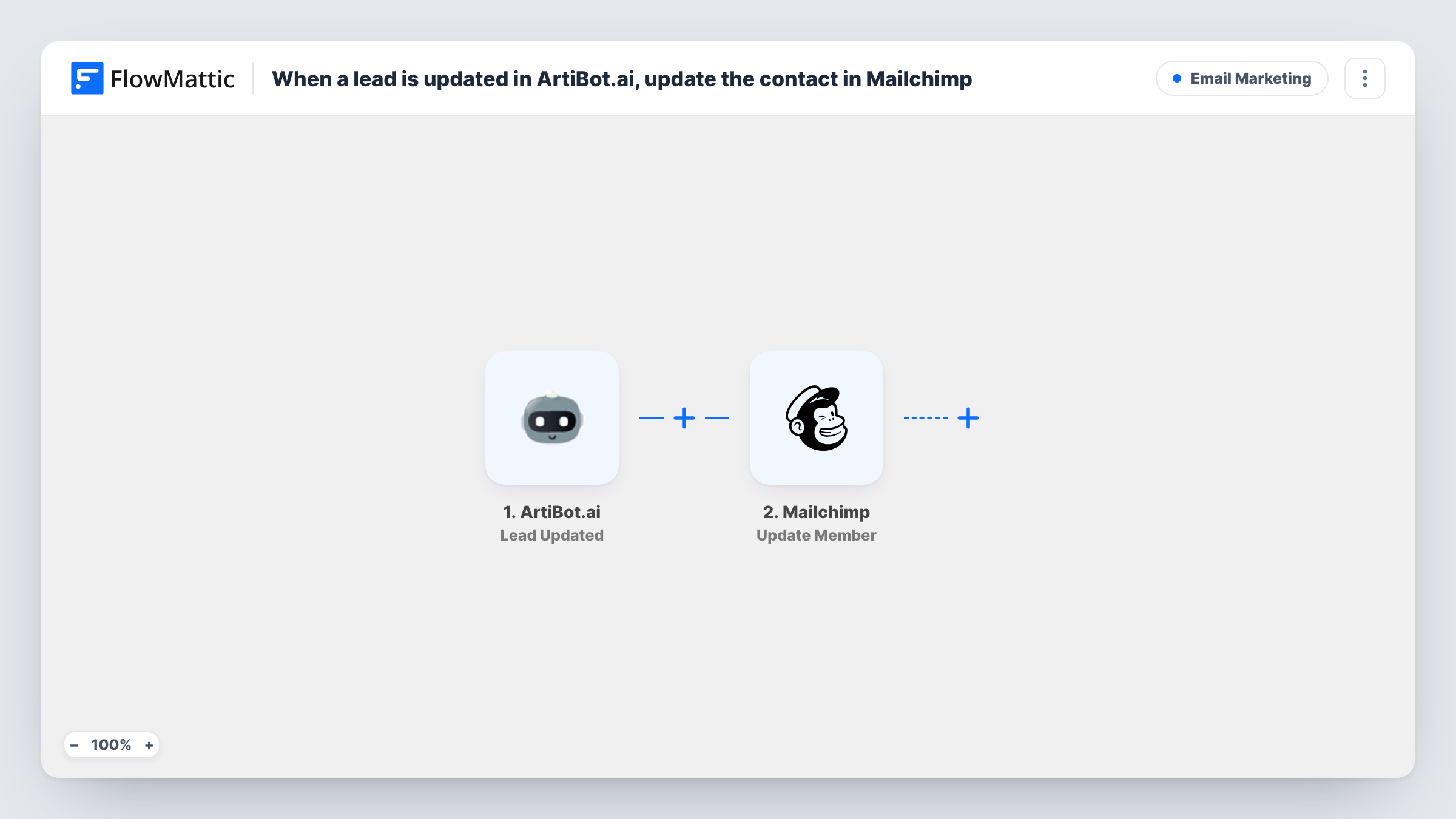
The ArtiBot.ai trigger fires when a lead is updated. The lead's details from ArtiBot.ai are passed to the Mailchimp step. Update a test lead after import to see which fields arrive.
The Mailchimp step adds a member to the audience you choose, or updates them if their email is already there. It ships unmapped: connect Mailchimp, pick the audience, and map the lead's email plus any merge fields you want filled, such as first name or phone.
Because the trigger runs on every update, one lead can start several runs. That's fine for this flow, since each run writes the latest values to the same Mailchimp member. A lead without an email address can't be added, and Task History shows Mailchimp's response for those runs.
Chat answers that keep your list current
A real estate agent's ArtiBot.ai bot asks visitors about budget after collecting their email, and the updated answer lands in a Mailchimp merge field for targeted listings.
Lead details for newsletter personalisation
A local gym's chatbot picks up a visitor's first name later in the conversation, and the Mailchimp member is updated so emails greet them by name.
Keeping two tools in step
A marketing team edits leads in ArtiBot.ai after a phone call, and the corrected details flow into Mailchimp without a separate export.
How this workflow runs
What happens at each step once the workflow is on, and what you need before you import it.
 ArtiBot.ai Lead Updated
Fires each time a lead is updated in ArtiBot.ai. The lead's current details, such as email, name and answers, are available to map into Mailchimp.
- Mailchimp Add New Member
Adds the lead to your Mailchimp audience, or updates the member if that email already exists. After import, pick the audience and map the email and any merge fields; the template leaves this empty.
What you need
- FlowMatticCore
- ArtiBot.ai AccountAccount
- Mailchimp AccountAccount
After importing, map your own data. To keep the template universal, not every step is pre-filled. Open each step in the builder and connect your accounts and fields (channels, lists, sheets, recipients) before you switch the workflow on.
Make it yours
Changes worth making after you import it.
- If you also want leads in Mailchimp the moment they are first captured, add a second workflow on ArtiBot.ai's Lead Created trigger with the same Mailchimp step.
- Add Mailchimp's Add Member Tag action after the Add New Member step to tag these members as chatbot leads, so you can segment them later.
- Create the Mailchimp merge fields you need, such as phone or budget, before mapping, so each ArtiBot.ai answer has somewhere to go.
Questions about this workflow
Will updating an ArtiBot.ai lead create a duplicate in Mailchimp?
No. Add New Member adds the person when they're new to the audience and updates them when their email is already there, so repeated updates keep one member.
Are brand-new ArtiBot.ai leads sent to Mailchimp too?
Only when ArtiBot.ai later updates them, since this workflow listens for Lead Updated. Use the Lead Created trigger in another workflow if you want new leads right away.
What subscription status do the leads get in Mailchimp?
That depends on how you set up the Add New Member step. After a test run, look the member up in Mailchimp to see the status they got, and make sure it fits the consent your chatbot collects.
More Email Marketing workflows
Other ready-to-import templates from the same category.





Import this workflow into your WordPress site
Download the JSON, import it from the Workflows screen and connect your accounts. Every run stays on your server, with no per-task fees.
30-day money-back guarantee Unlimited workflows and runs Self-hosted