

When a lead's details are updated in ScoreApp, update the corresponding subscriber in MailerLite
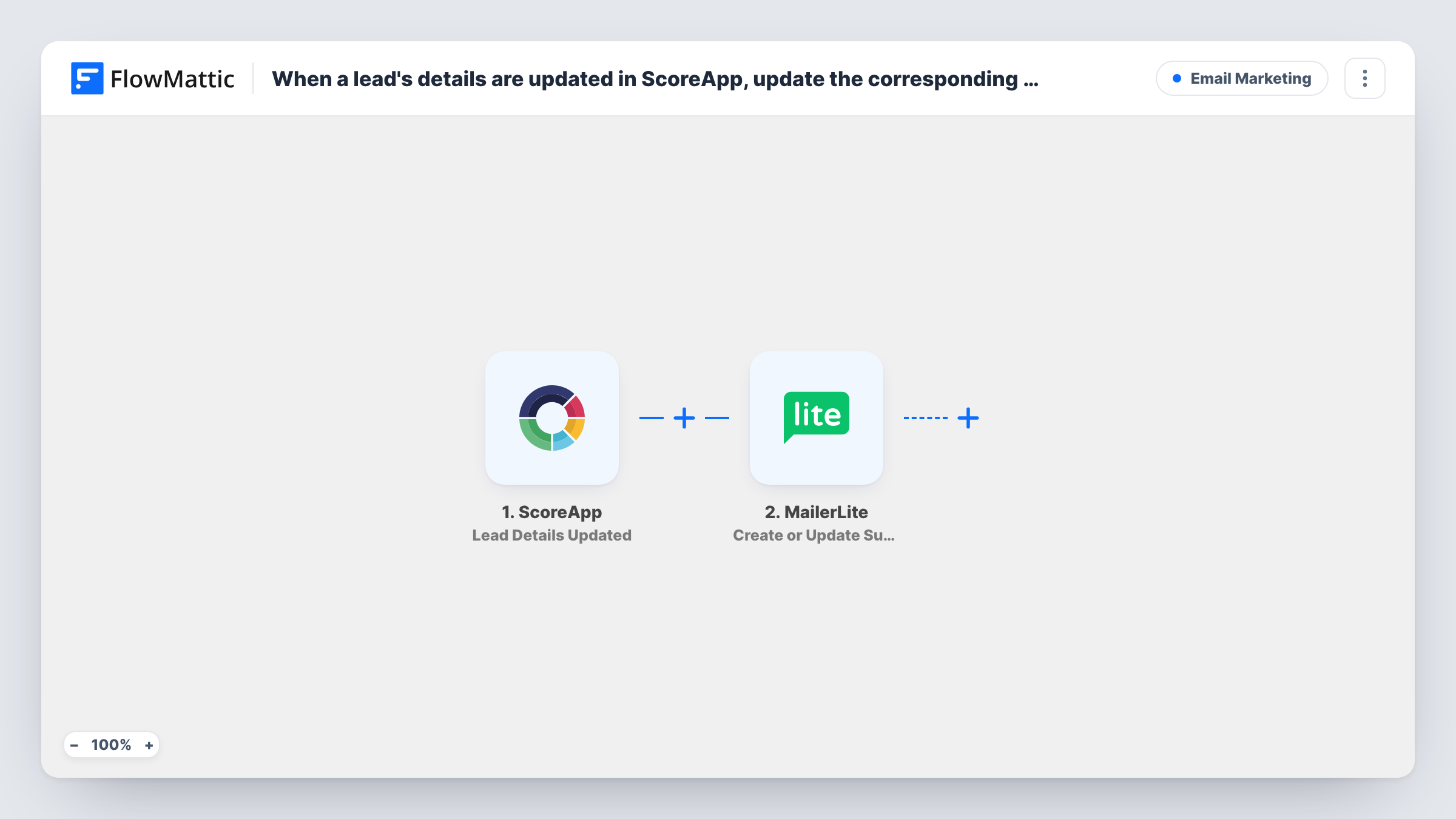
When a ScoreApp lead edits the sign-up details they gave after seeing their quiz results, this workflow sends the new details to MailerLite, which updates the matching subscriber or adds them if they aren’t there yet.
 ScoreApp
 MailerLite
2 steps Setup ~5 min Used on 3.3k sites Free to import
What this workflow does
ScoreApp collects a lead's name and email before showing quiz results. Some people go back and correct a typo or switch to a different address. If your MailerLite list was filled from the first version, your emails go to stale details until someone fixes the record by hand. This workflow passes each change across when it happens.
The ScoreApp trigger, Lead Details Updated, fires when a lead changes their sign-up details after receiving their results. FlowMattic hands the updated values to MailerLite through Create or Update Subscriber. If a subscriber with that email exists, MailerLite updates them. If not, it creates a new subscriber.
That second case matters when a lead changes their email address. MailerLite looks the subscriber up by the address it receives, so a new address becomes a new subscriber and the old one stays on your list. The FAQs cover how to handle that. Every run shows up in Task History with the data each step received.
Lead fixes a mistyped email
A lead enters gmial.com by mistake, sees the results page and corrects it. The corrected address reaches MailerLite, so your follow-up sequence has a working address to send to.
Name changes for personalised emails
A lead swaps a nickname for their full name in ScoreApp. MailerLite gets the new name, so the greeting in your next campaign uses it.
Keeping a coaching funnel list current
A coach runs a scorecard quiz as the entry point to a MailerLite nurture series. Any edits leads make to their details after the quiz flow through without anyone checking ScoreApp.
How this workflow runs
What happens at each step once the workflow is on, and what you need before you import it.
 ScoreApp Lead Details Updated
Fires when a ScoreApp lead changes the sign-up details they gave, after they have received their quiz results. The updated lead data is passed to the MailerLite step for mapping.
- MailerLite Create or Update Subscriber
Sends the lead's details to MailerLite. An existing subscriber with that email is updated; otherwise a new subscriber is created. Map the email and any name or custom fields you keep in MailerLite, then connect your account.
What you need
- FlowMatticCore
- ScoreApp AccountAccount
- MailerLite AccountAccount
After importing, map your own data. To keep the template universal, not every step is pre-filled. Open each step in the builder and connect your accounts and fields (channels, lists, sheets, recipients) before you switch the workflow on.
Make it yours
Changes worth making after you import it.
- Run a test by editing a lead's details in ScoreApp after import. That captures the trigger's fields so you can see exactly which values arrive and map them in the MailerLite step.
- Pair this with a second workflow on ScoreApp's Lead Signed Up trigger, so leads reach MailerLite when they first sign up and not only when they later change something.
- If a changed address leaves the old subscriber behind, check Task History for the values the trigger carried and tidy the old record in MailerLite. The template has no step that removes it.
Questions about this workflow
Does this add ScoreApp leads to MailerLite when they first take the quiz?
No. It only runs on Lead Details Updated, which fires when someone changes their details after seeing results. Use a separate workflow on Lead Signed Up for first sign-ups.
What if the lead isn't in MailerLite yet?
Create or Update Subscriber adds them as a new subscriber. You don't need the person on your list beforehand.
What happens when a ScoreApp lead changes their email address?
MailerLite matches subscribers by email, so the new address is created as a separate subscriber and the old one stays as it was. Whether the trigger also carries the previous address is something to confirm in a test run before you plan any cleanup around it.
Can I put updated leads into a MailerLite group?
Yes, after import. Add MailerLite's Add Subscriber to a Group action after the existing step. By then the subscriber exists, because the step before it creates or updates them.
More Email Marketing workflows
Other ready-to-import templates from the same category.





Import this workflow into your WordPress site
Download the JSON, import it from the Workflows screen and connect your accounts. Every run stays on your server, with no per-task fees.
30-day money-back guarantee Unlimited workflows and runs Self-hosted