

When a member is updated in Patreon, update the corresponding user profile in WordPress
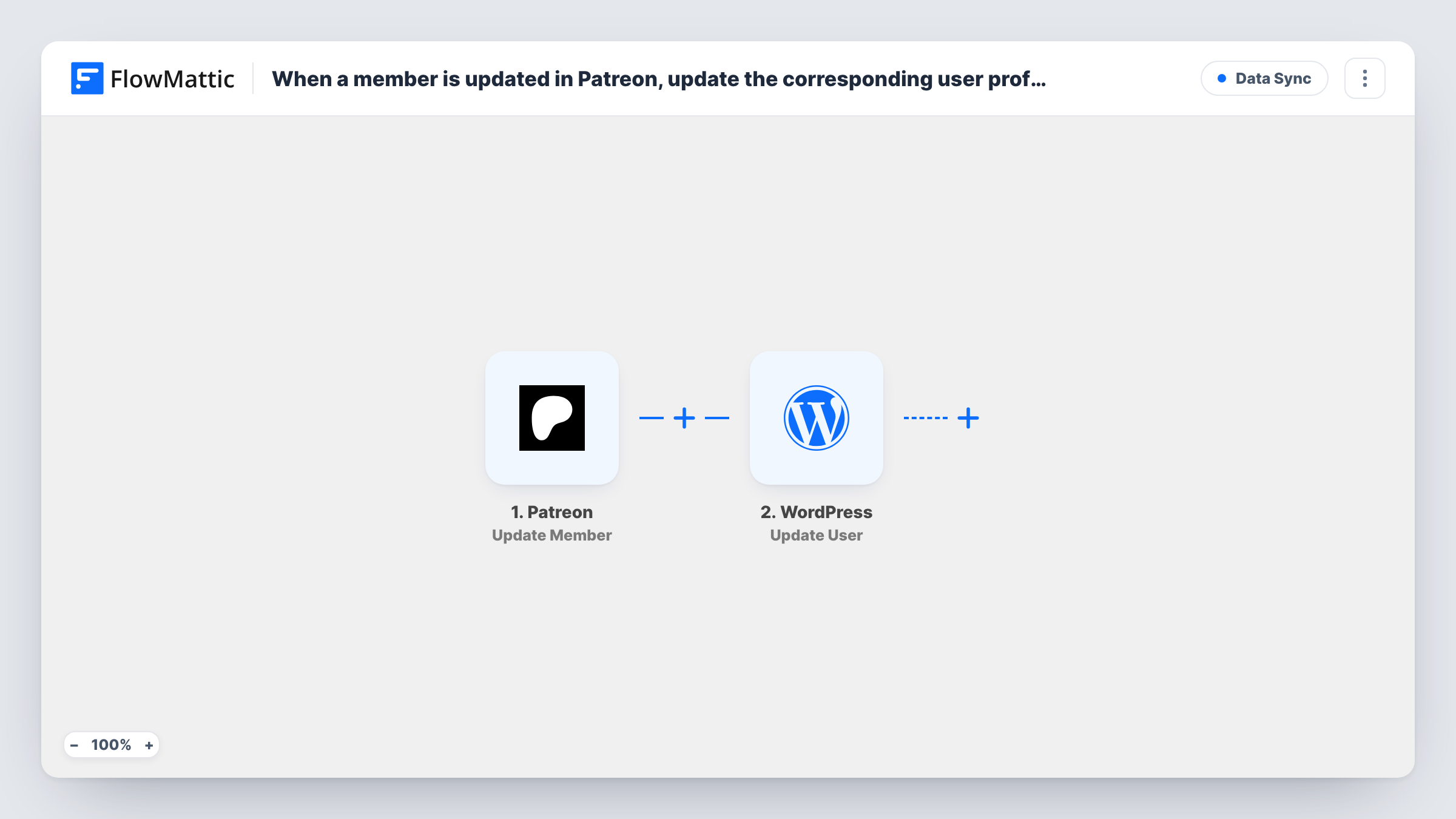
When a Patreon member is updated, FlowMattic finds the WordPress user with the same email and updates that user’s profile with the details you map, keeping your site accounts in step with Patreon.
 Patreon
 WordPress
3 steps Setup ~5 min Used on 1.2k sites Free to import
What this workflow does
Creators who run a members area on WordPress alongside Patreon end up with two records for the same person. When a patron changes their name or membership on Patreon, the WordPress account stays as it was unless someone edits it. This workflow carries those updates across.
The Patreon trigger fires when a member is updated and passes on the member's data. Run a test update to see which fields arrive, such as the email, name and membership details.
Next, a WordPress step searches your site for the account that uses the patron's email. It ships unmapped, so map the Patreon member's email into it. The Update User step already takes the user ID from that lookup; after import you map the profile details you want to change, such as the first and last name, the email or a role. In FlowMattic's Update User step, fields you leave empty keep their current value, and a role you map is added without removing roles the user already has.
If no WordPress account uses the patron's email, the lookup returns a "user not found" result and there is no user to update; Task History shows it. Every Patreon member update starts a run, so the same profile may be written several times as a patron's membership changes.
Members area that mirrors Patreon names
A podcaster's site shows each patron's name in the community area, and a name change on Patreon carries over to the WordPress profile.
Role for patrons on the website
An illustrator maps a fixed patron role into Update User, so updated members get access to the site's patron-only posts.
Email changes kept in sync
A creator whose patrons log in with their email updates the WordPress address when a member's Patreon record changes, after testing which email field arrives.
How this workflow runs
What happens at each step once the workflow is on, and what you need before you import it.
 Patreon Update Member
Fires when a member is updated on Patreon. The member's details are passed on; check a test run for the email and the other fields you plan to copy to WordPress.
- WordPress Get User by Email
Looks up the WordPress user whose email matches the Patreon member. The step ships unmapped: map the member's email into it. If no account matches, it returns a user not found result.
- WordPress Update User
Updates the WordPress user found in the previous step; the user ID is already mapped. Map the profile fields to change, such as name, email or role. Empty fields leave the current value as it is.
What you need
- FlowMatticCore
- Patreon AccountAccount
After importing, map your own data. To keep the template universal, not every step is pre-filled. Open each step in the builder and connect your accounts and fields (channels, lists, sheets, recipients) before you switch the workflow on.
Make it yours
Changes worth making after you import it.
- Put a Filter between the Get User by Email step and the Update User step that continues only when the lookup returned a user ID, so patrons without a site account stop there.
- Map only the fields you want Patreon to control. Anything you leave empty in Update User stays as the user set it on your site.
- Remember that a mapped role is added, not swapped. If patrons should lose a role when they leave a tier, handle that in a separate workflow.
Questions about this workflow
What happens if the patron has no WordPress account?
The Get User by Email step finds no match and returns a user not found message, so there is no user for Update User to change. This workflow doesn't create accounts.
Will blank Patreon fields wipe out a WordPress profile?
No. FlowMattic's Update User step only changes the email, first name, last name and role when the mapped value isn't empty, so blank values leave the profile alone.
Can this change a user's role based on their Patreon tier?
It can add the role you map, but it doesn't remove roles the user already has. Test with a known patron and check the user's roles in WordPress afterwards.
Which Patreon changes start this workflow?
Any update to a member, as Patreon reports it to FlowMattic's Update Member trigger. Patreon's other triggers, such as Create Member or Update Pledge, need their own workflow.
More Data Sync workflows
Other ready-to-import templates from the same category.






Import this workflow into your WordPress site
Download the JSON, import it from the Workflows screen and connect your accounts. Every run stays on your server, with no per-task fees.
30-day money-back guarantee Unlimited workflows and runs Self-hosted