

When a member's subscription is deactivated, remove their role in a private Discord channel
When a Memberful subscription is suspended, expires or goes inactive, FlowMattic finds the member on your Discord server and removes the role that opens your private channel.
 Memberful
 Discord
3 steps Setup ~5 min Used on 1.1k sites Free to import
What this workflow does
A members-only Discord channel only stays members-only if access ends when payment does. Removing roles by hand means checking Memberful for lapsed subscriptions and hunting for each person on the server. This workflow does the removal as soon as Memberful reports the change.
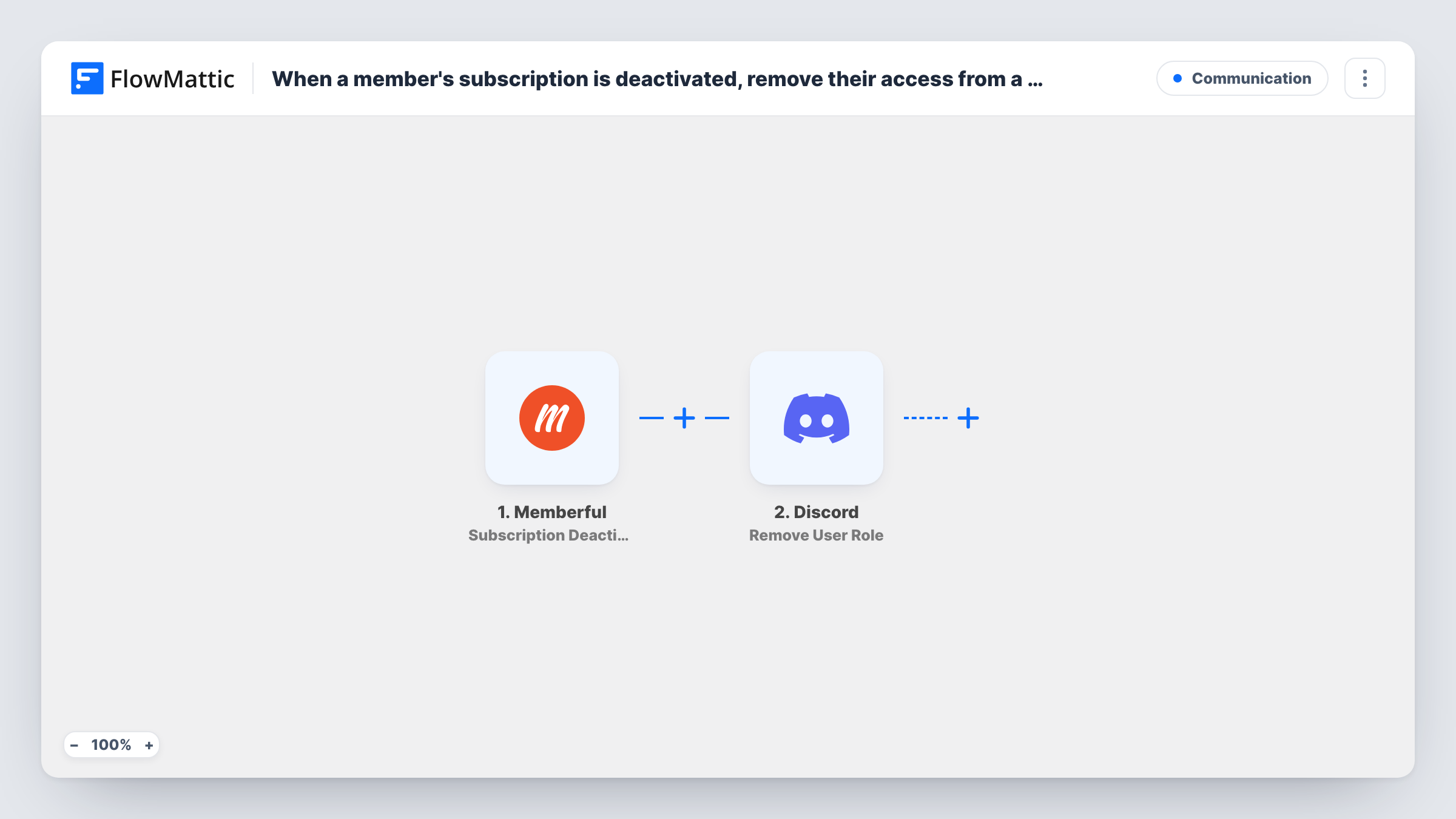
The Memberful Subscription Deactivated trigger runs when a member's subscription is suspended, expires or becomes inactive. Memberful's data about the member and their subscription is handed to the Discord steps.
Step two uses Discord Find User, which looks up an existing user on your server by name. This is the step to set up with care. A Memberful account holds the member's own name, which often isn't their Discord name, so the most reliable setup is a Memberful custom field where members enter their Discord username, mapped into this search. Step three then removes the role you choose from the user the search found.
Both Discord steps ship unmapped. After import, connect your bot, map the name into Find User, then pick the role and map the found user into Remove User Role. Your bot needs permission to manage that role on the server. Test with a member whose Discord name you know, and check Task History to see who the search returned.
Paid community for a newsletter
A writer's paying subscribers get a Discord role for a private discussion channel. When a subscription expires, that role is removed and the channel disappears from their view.
Course alumni with a support channel
A coaching programme sells a monthly Memberful plan that includes Discord office hours. Suspended subscriptions lose the office-hours role.
Podcast backer perks
A podcast's Memberful backers chat with the hosts in a backers-only channel. When a backer's plan lapses, the role behind that channel goes too.
How this workflow runs
What happens at each step once the workflow is on, and what you need before you import it.
 Memberful Subscription Deactivated
Starts the workflow when a Memberful subscription is suspended, expires or becomes inactive. The member's details from Memberful are passed to the Discord steps.
- Discord Find User
Searches your Discord server for an existing user by name. The step ships unmapped: map the Memberful value that holds the member's Discord name, ideally a custom field where they entered their username.
- Discord Remove User Role
Removes the role you choose from the Discord user that Find User returned. After import, pick the role that gives access to your private channel and map the user from step two.
What you need
- FlowMatticCore
- Memberful AccountAccount
- Discord AccountAccount
After importing, map your own data. To keep the template universal, not every step is pre-filled. Open each step in the builder and connect your accounts and fields (channels, lists, sheets, recipients) before you switch the workflow on.
Make it yours
Changes worth making after you import it.
- Ask members for their Discord username in a Memberful custom field, so the Find User step searches with a value that matches the server.
- Build a second workflow on Memberful's Subscription Reactivated trigger with Discord's Add Role action, so members who come back get the role again.
- Make sure your bot's own role sits above the paid role in Discord's role list, since a bot can generally only manage roles below its own.
- Put a Filter between the Find User step and the Remove User Role step that continues only when Find User returned a user. Members the search can't find then stop before the role step.
Questions about this workflow
How does the workflow know which Discord user belongs to the Memberful member?
It searches Discord by name with the Find User step, using whatever Memberful value you map. That only works when the value matches the member's Discord name, which is why a custom field for the Discord username is the safer choice.
Does the Discord member get removed from the server?
No. Only the role you pick is removed. They stay on the server and keep any other roles, and lose access to channels that require the removed role.
Which Memberful events start the workflow?
FlowMattic describes Subscription Deactivated as running when a subscription is suspended, expires or becomes inactive. Deleting a subscription is a separate Memberful trigger, so build another workflow on Subscription Deleted if you need that case.
What if the member has already left the Discord server?
Find User won't find them, so there is no user to remove the role from. Check Task History for that run to see what Discord returned.
More Communication workflows
Other ready-to-import templates from the same category.






Import this workflow into your WordPress site
Download the JSON, import it from the Workflows screen and connect your accounts. Every run stays on your server, with no per-task fees.
30-day money-back guarantee Unlimited workflows and runs Self-hosted