

When a new affiliate is created in FluentAffiliate, add them as a contact in FluentCRM
When a new affiliate is created in FluentAffiliate, this workflow adds them to FluentCRM as a contact, or updates their contact if they’re already there, so you can email your affiliates from your CRM.
 FluentAffiliate
 FluentCRM
2 steps Setup ~5 min Used on 1.9k sites Free to import
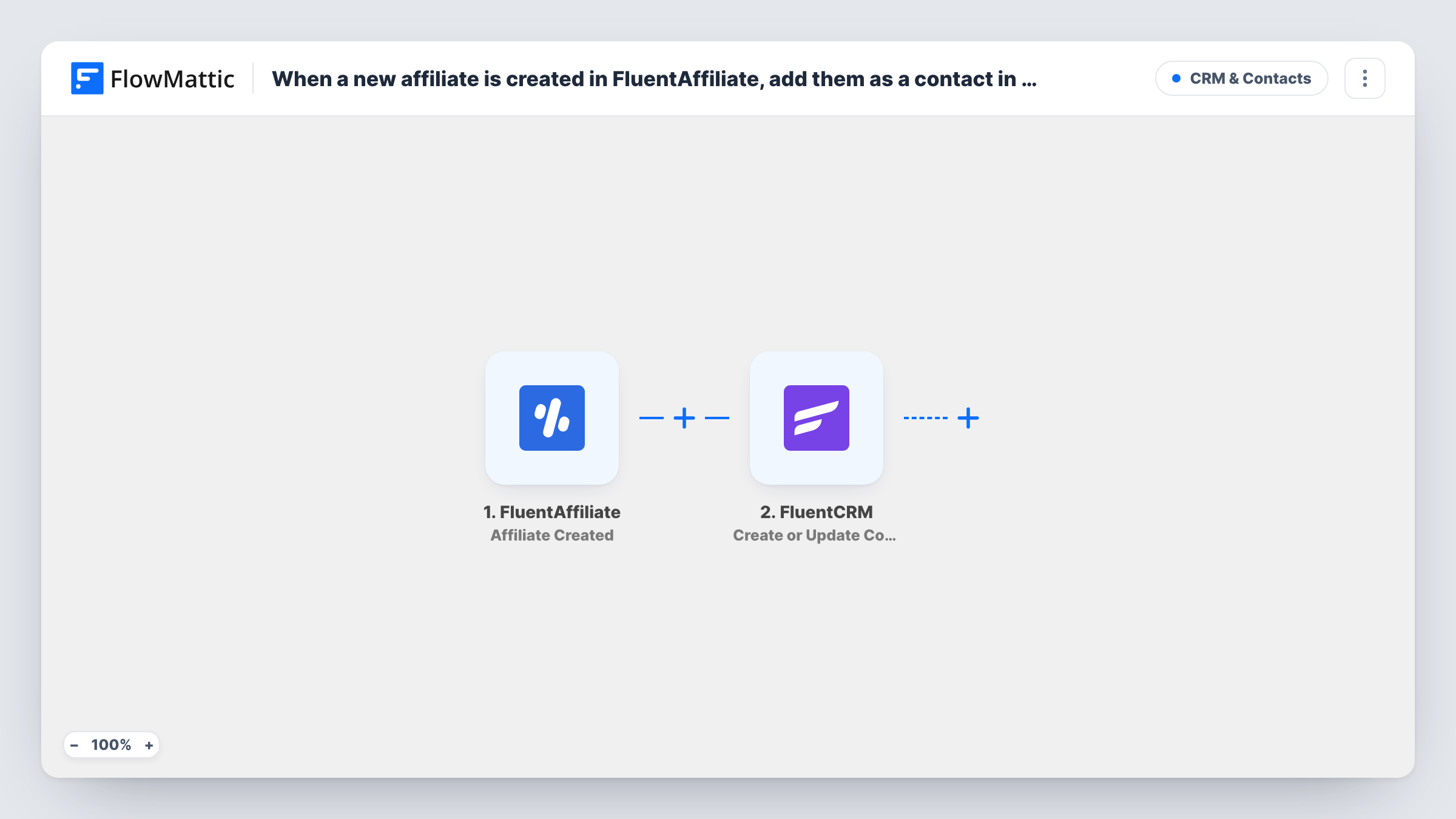
What this workflow does
Affiliates need onboarding: how your program works, where to find links and creatives, when payouts happen. FluentAffiliate tracks their referrals, but your emails go out from FluentCRM. Copying each affiliate across by hand is easy to forget, and then a new partner never hears from you. This workflow adds them for you.
The FluentAffiliate trigger is Affiliate Created, which fires when a new affiliate is created. FlowMattic passes the affiliate's details to FluentCRM, whose Create or Update Contact action matches on email address. A new address becomes a contact; an existing customer or subscriber who joins the program has their contact updated instead of duplicated.
Both plugins run on your WordPress site, so the data moves between them without leaving your server. The trigger fires when the affiliate record is made, whatever status it starts with, so pending applicants are added as well.
Onboarding emails for new partners
Each new affiliate lands in FluentCRM, where you send them your welcome email with program rules and links to creatives.
Customers who become affiliates
A buyer who joins your program is already a FluentCRM contact. The workflow updates that contact with the affiliate details rather than creating a second record.
Program announcements
With every affiliate in FluentCRM, you can send news about commission changes or a new product to all of them at once.
How this workflow runs
What happens at each step once the workflow is on, and what you need before you import it.
 FluentAffiliate Affiliate Created
Fires when a new affiliate is created in FluentAffiliate. The affiliate's details, including the email address, become available to map into FluentCRM.
- FluentCRM Create or Update Contact
Adds the affiliate to FluentCRM, matching by email: an existing contact is updated and a new email creates a contact. Map the affiliate's email and name into the step.
What you need
- FlowMatticCore
- FluentAffiliate PluginPlugin
- FluentCRM PluginPlugin
After importing, map your own data. To keep the template universal, not every step is pre-filled. Open each step in the builder and connect your accounts and fields (channels, lists, sheets, recipients) before you switch the workflow on.
Make it yours
Changes worth making after you import it.
- Want only approved affiliates in your CRM? Swap the trigger for FluentAffiliate Affiliate Status Changed to Active.
- Open the Create or Update Contact step after import and check what it offers for tags or lists, so affiliates are easy to segment from customers.
- Create a test affiliate after import so FlowMattic captures the data, then map the fields before turning the workflow on.
Questions about this workflow
Are pending FluentAffiliate applicants added to FluentCRM too?
Yes. Affiliate Created fires when the affiliate record is made, whatever its status. Use the Affiliate Status Changed to Active trigger if you only want approved affiliates.
What if the affiliate is already a FluentCRM contact?
Create or Update Contact matches on email, so the existing contact is updated rather than a second one being created.
Are existing FluentAffiliate affiliates added when I import this?
No. Only affiliates created after the workflow is turned on start a run. Add earlier affiliates to FluentCRM another way.
More CRM & Contacts workflows
Other ready-to-import templates from the same category.




Import this workflow into your WordPress site
Download the JSON, import it from the Workflows screen and connect your accounts. Every run stays on your server, with no per-task fees.
30-day money-back guarantee Unlimited workflows and runs Self-hosted