

When a new appointment is created in SuperSaaS, create a task in Todoist
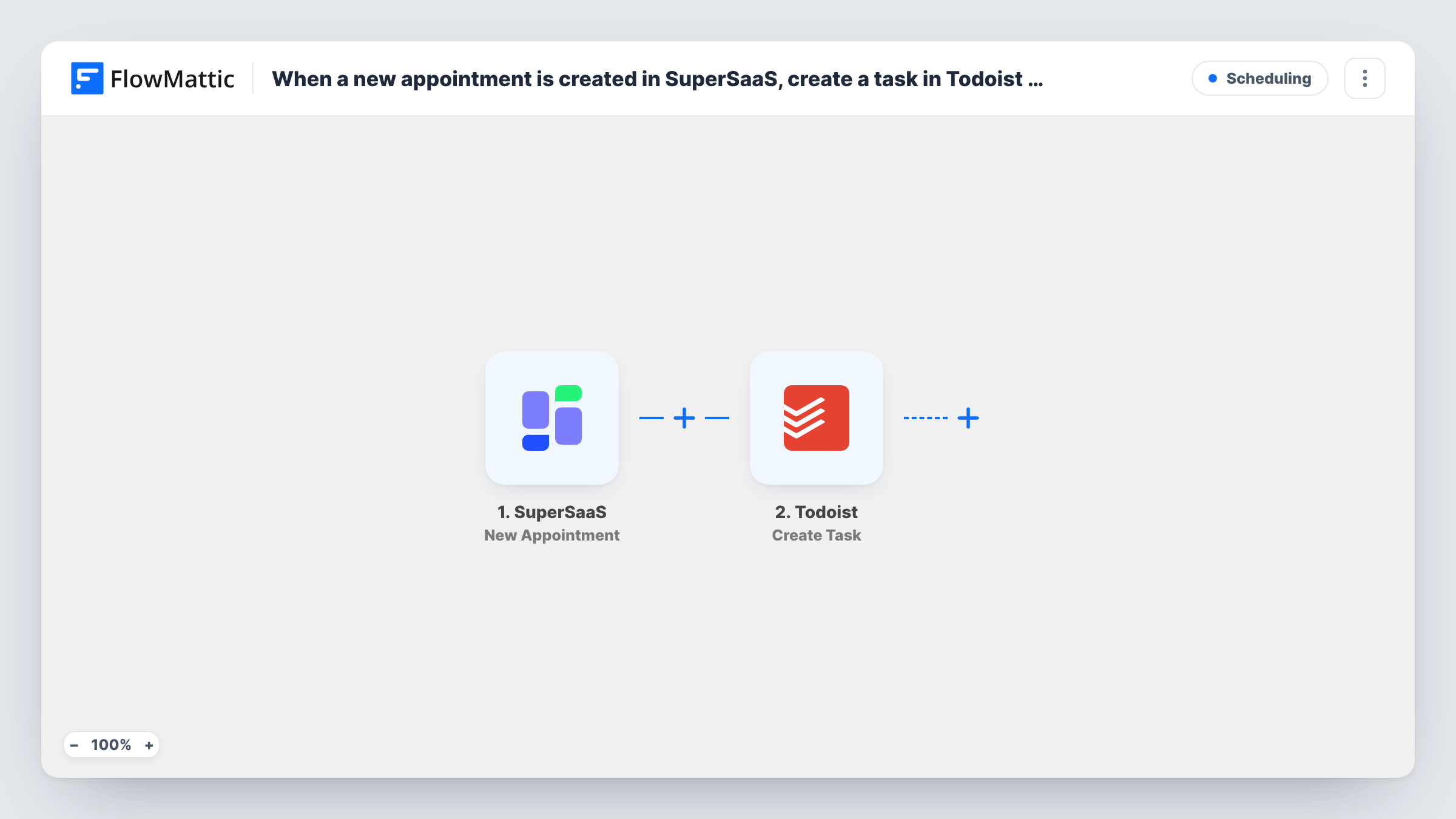
Each new appointment booked in SuperSaaS creates a task in Todoist, so preparation work for the booking sits in your task list next to everything else you have to do.
 SuperSaaS
 Todoist
2 steps Setup ~5 min Used on 1.9k sites Free to import
What this workflow does
A booking in SuperSaaS often comes with work before the appointment: prepare materials, confirm details, set up a room. If that work lives only in your head or in the booking calendar, it is easy to miss. This workflow turns every new SuperSaaS appointment into a Todoist task, so it shows up in the list you check each day.
The SuperSaaS New Appointment trigger fires when an appointment is created. The booking details, such as the client's name, the start time and the resource or service booked, are passed on.
Next, a fresh task is added in Todoist. It ships unmapped, so after import you connect Todoist and build the task from the booking: for example a task name like "Prepare for" plus the client name, with the appointment time and notes in the description. Run a test booking to see where the task lands and how it reads.
Only new appointments start a run. Changes and cancellations come through SuperSaaS's separate Change Appointment trigger, so a cancelled booking leaves its Todoist task in place until you close it.
Prep list for a photography studio
A photographer gets a Todoist task for every session booked in SuperSaaS, reminding them to charge batteries and plan the shot list for that client.
Room setup for a training centre
A training centre's coordinator sees each new course booking as a task, so rooms and handouts are ready before the attendee arrives.
Follow-up calls for a consultant
A financial adviser turns each SuperSaaS consultation into a task to gather the client's documents before the meeting.
How this workflow runs
What happens at each step once the workflow is on, and what you need before you import it.
 SuperSaaS New Appointment
Starts the workflow when a new appointment is created in SuperSaaS. The booking's details, such as client name, time and what was booked, are passed to Todoist.
- Todoist Create Task
Creates a new Todoist task for the booking. Nothing is mapped in the template, so write the task name and map the client and appointment time into it, then run a test booking.
What you need
- FlowMatticCore
- SuperSaaS AccountAccount
- Todoist AccountAccount
After importing, map your own data. To keep the template universal, not every step is pre-filled. Open each step in the builder and connect your accounts and fields (channels, lists, sheets, recipients) before you switch the workflow on.
Make it yours
Changes worth making after you import it.
- Put the appointment start time in the task name or description so you can see at a glance when the preparation has to be finished.
- Build a second workflow on SuperSaaS's Change Appointment trigger if you also want a task when a booking moves or is cancelled.
- If only some services need preparation, put a Filter between the SuperSaaS trigger and the Todoist step on the field that names the resource or service. Run a test booking to find that field.
Questions about this workflow
Is the Todoist task removed if a SuperSaaS appointment is cancelled?
No. This workflow only reacts to new appointments. Cancellations come through a different SuperSaaS trigger, so close the task yourself or build a separate workflow.
Which Todoist project do the appointment tasks go into?
You decide that when you set up the Create Task step after import, since the template leaves it empty. A test booking shows where the task lands.
Can every SuperSaaS booking create its task for a teammate?
Todoist assigns tasks inside shared projects. Put the task in a project you share with the teammate and check the Create Task step for an assignee option after import.
What booking details can I put in the Todoist task?
Any field the SuperSaaS New Appointment trigger sends. Make a test booking first, then pick values such as the client name, start time and notes.
More Scheduling workflows
Other ready-to-import templates from the same category.






Import this workflow into your WordPress site
Download the JSON, import it from the Workflows screen and connect your accounts. Every run stays on your server, with no per-task fees.
30-day money-back guarantee Unlimited workflows and runs Self-hosted